E T T I N S
I
M
N
E N
S
S
E R V I C E
G
F O
U
I N
F O
M O D E :
S T A T E :
[ C U R R
[ C U R R
[ C U R R
[ C U R R
[ S T A T E A D D T L I N F O ]
V A L U E ]
V A L U E ]
P₂ =
P₃ =
P
I
=
P₁ =
V A L U E ]
V A L U E ]
A U T M A T I C
O
P P E S T O D
→
≡
≡
≡
≡
20
2.8 Process 1 (P
1
), 2 (P
2
), 3 (P
3
) and INDEPENDENT (P
I
)
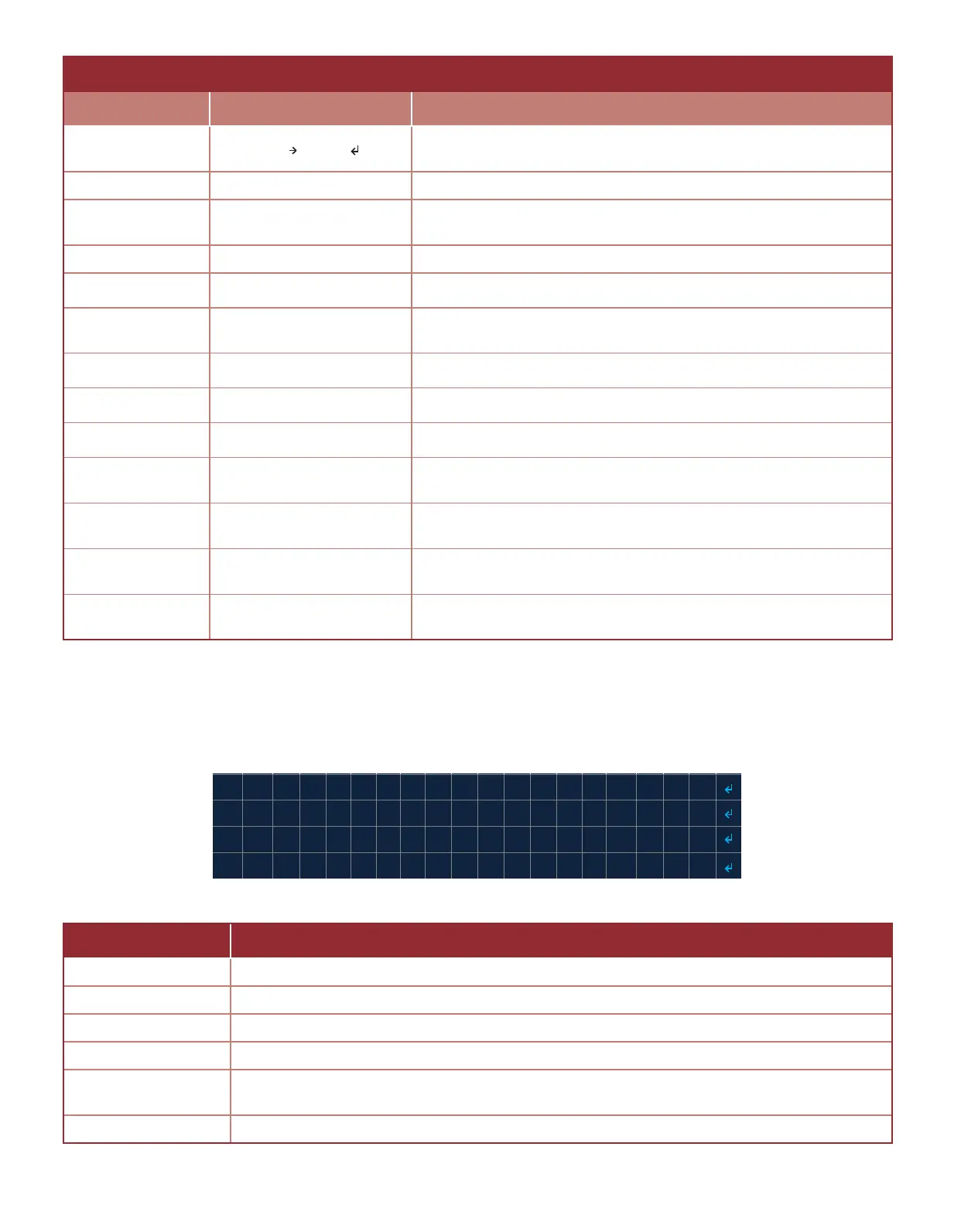
There are four process menus (Image 2.8.1), one for each process: 1 (P
1
), 2 (P
2
), 3 (P
3
), and the INDEPENDENT (P
I
)
process. Each process has the sengs: SOURCE, LOGIC, HIGH LEVEL, LOW LEVEL, CEILING, and FLOOR (Table 2.8.1).
Table 2.7.2 · State addional informaon - MANUAL mode
Table 2.8.1 · Process 1 (P
1
) ,2 (P
2
), 3 (P
3
) and INDEPENDENT (P
I
)sengs
Image 2.8.1 · Process 1 (P
1
) ,2 (P
2
), 3 (P
3
) and INDEPENDENT (P
I
)
STATE DESCRIPTION
SOURCE Selects which inputs is used as the process current value or process variable.
LOGIC Selects the logic applied to the high and low levels and the output of the process.
HIGH LEVEL Selects the process upper threshold value.
LOW LEVEL Selects the shutdown lower threshold value.
CEILING
Sets the limit of how high the process HIGH LEVEL can be set from the process quick
set menu.
FLOOR Sets the limit of how low the process LOW LEVEL can be set from the process quick set menu.
MANUAL MODE
OPERATION STATE SYSTEM MENU DISPLAY DESCRIPTION
STOPPED HOLD OK+ 2 STRT
Aconable menu item: Hold the OK+→ key for at least a second to
start ignion
START-UP CHECKING SYSTEM... Indicates system is checking the input PS3 (PROOF OF CLOSURE)
PRE-PURGE mm:ss
Displays pre-purge me before transioning to the IGNITE state
(minutes : seconds)
IGNITE mm:ss Displays the remaining ignion me (minutes : seconds)
PILOT ON DDDDDDDDDD:hh:mm:ss Displays elapsed me the Pilot is on (days: hour: minutes : seconds)
IDLE DDDDDDDDDD:hh:mm:ss
Displays elapsed me the system is idle (days: hour: minutes :
seconds)
ACTIVE PRCS 1 DDDDDDDDDD:hh:mm:ss Displays elapsed me for Process 1 (days: hour: minutes : seconds)
ACTIVE PRCS 2 DDDDDDDDDD:hh:mm:ss Displays elapsed me for Process 2 (days: hour: minutes : seconds)
ACTIVE PRCS 3 DDDDDDDDDD:hh:mm:ss Displays elapsed me for Process 3 (days: hour: minutes : seconds)
ACTIVE PRCS 1,2 DDDDDDDDDD:hh:mm:ss
Displays elapsed me for Process 1 & 2 (days: hour: minutes :
seconds)
ACTIVE PRCS 1,3 DDDDDDDDDD:hh:mm:ss
Displays elapsed me for Process 1 & 3 (days: hour: minutes :
seconds)
ACTIVE PRCS 2,3 DDDDDDDDDD:hh:mm:ss
Displays elapsed me for Process 2 & 3 (days: hour: minutes :
seconds)
ACTIVE PRCS ALL DDDDDDDDDD:hh:mm:ss
Displays elapsed me for Process 1 & 2 & 3 (days: hour: minutes :
seconds)



 To Next Page