E T T I N S
I
M
N
E N
S
S
E R V I C E
G
F O
U
I N
F O
M O D E =
S T A T E =
[ C U R R
[ C U R R
[ C U R R
[ C U R R
[ S T A T E A D D T L I N F O ]
V A L U E ]
V A L U E ]
D I A G N O S T I C S
P₂ =
P₃ =
P
I
=
P₁ =
V A L U E ]
V A L U E ]
A U T M A T I C
O
→
≡
≡
≡
C L = ± X X X X X
H I G H
L
E X X X >
L O W E X X >
C O M M I T
= < ±
L = < ± X
X
X X
L
S E
V
E
T
V L E
T I N G
F L X X X = ±
X
X X
S
→
E T T I N S
I
M
N
E N
S
S
E R V I C E
G
F O
U
I N
F O
M O D E :
S T A T E :
[ C U R R
[ C U R R
[ C U R R
[ C U R R
[ S T A T E A D D T L I N F O ]
V A L U E ]
V A L U E ]
P₂ =
P₃ =
P
I
=
P₁ =
V A L U E ]
V A L U E ]
A U T M A T I C
O
P P E S T O D
→
≡
≡
≡
≡
21
Process Quick Set Menu
The PROCESS QUICK SET menus allow the user to set the HIGH LEVEL and LOW LEVEL of the selected process. The
PROCESS QUICK SET menu will appear aer selecng a process on the system menu (Image 2.8.2).
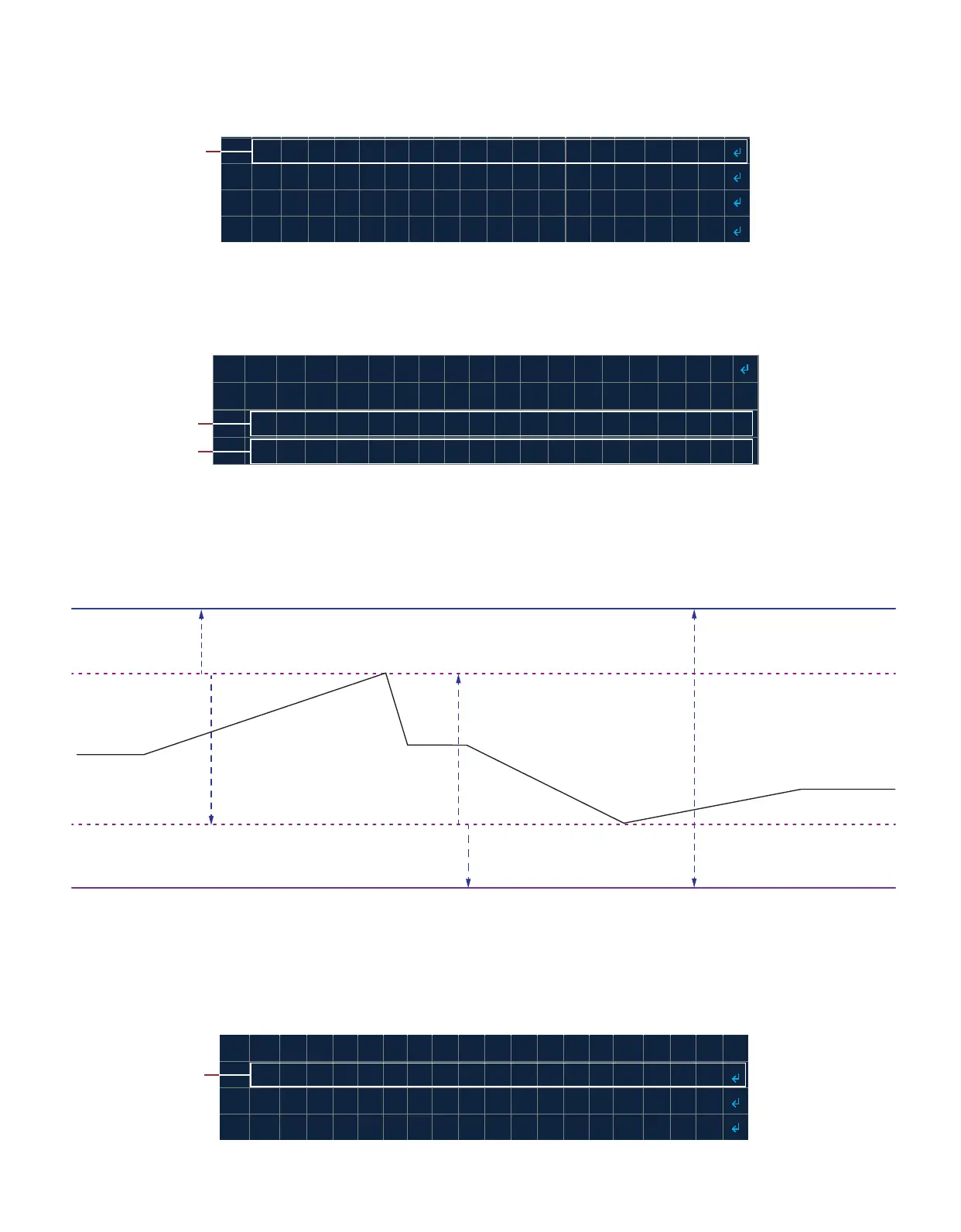
The second line on the PROCESS QUICK SET menu displays the set value for the process high level ceiling “CL=” and the
low-level oor value “FL=” so that the user is aware of the allowable limits. Line 3 and 4 allows the user to enter the
HIGH LEVEL and LOW LEVEL sengs for the process.
Note: The user can set the HIGH LEVEL and LOW LEVEL as follows (Image 2.8.4):
• The HIGH LEVEL can be set up to the CEILING value to just above the LOW LEVEL (CL >= HIGH LEVEL > LOW LEVEL).
• The LOW LEVEL can be set down to the FLOOR value to just below the HIGH LEVEL (FL <= LOW LEVEL < HIGH LEVEL).
2.9 Diagnosc Info & Diagnosc Mode
The DIAGNOSTIC INFO menu (Image 2.9.1) allows the user to view the real me status of the inputs and outputs
(Table 2.9.1). This allows the user to compare the system’s internal state to the actual state of the system and
troubleshoot quickly.
Image 2.9.1 · DIAGNOSTIC INFO
Select DIAGNOSTIC
INFO
Image 2.8.2 · Select a process
Select a process
Image 2.8.3 · Set the process HIGH and LOW levels
Set the HIGH LEVEL
Set the LOW LEVEL
Image 2.8.4 · Process HIGH and LOW LEVEL sengs
FLOOR
LOW LEVEL
PROCESS CURRENT
VALUE
HIGH LEVEL
HIGH LEVEL can be adjusted
UP to CEILING value
HIGH LEVEL can be adjusted
DOWN to (LOW LEVEL + 1) value
LOW LEVEL can be adjusted UP
to (HIGH LEVEL - 1) value
LOW LEVEL can be adjusted
DOWN to FLOOR value
CEILING must be strictly greater
then FLOOR (CEILING > FLOOR)



 To Next Page