≡
F L A M A D E = F
A M B T
G
M F
D I A N
A L A R M =
I T C M O
E
E
O
S
A
P =
C T I V
S E S E N G R
E D
E
→
7 1
◦
+
22
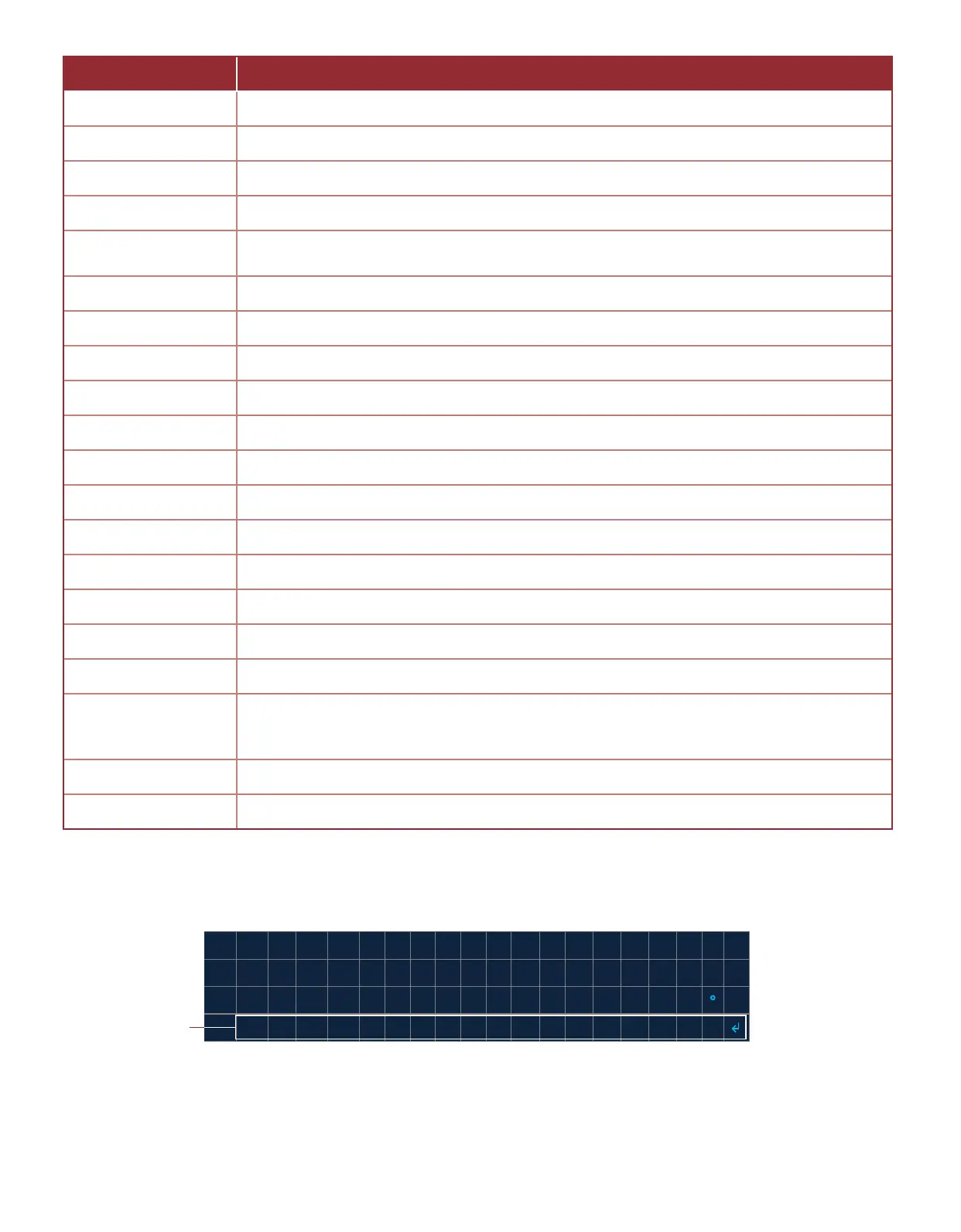
Entering the DIAGNOSTIC MODE menu (Image 2.9.2) from the DIAGNOSTIC INFO menu congures the system so that
the outputs are all set to the INACTIVE state.
Table 2.9.1 · DIAGNOSTIC INFO menu items
Image 2.9.2 · Select DIAGNOSTIC MODE
Select DIAGNOSTIC
MODE
MENU ITEM DESCRIPTION
BATTERY Shows the current voltage reading across the BATTERY-IN and GND terminals
SOLAR Shows the current voltage reading across the SOLAR and GND terminals
TC 1 Shows the current temperature reading from thermocouple 1
TC 2 Shows the current temperature reading from thermocouple 2
TC BMS
Shows the current temperature reading from the BMS Module’s dual-element
thermocouple input
XDCR Shows the current reading of the transducer input
PILOT VLV Shows the current state of the PILOT VALVE output
PRCS 1 VLV Shows the current state of the PROCESS 1 VALVE output
PRCS 2 VLV Shows the current state of the PROCESS 2 VALVE output
PRCS 3 VLV Shows the current state of the PROCESS 3 VALVE output
PS1 Shows the current state of the PS1 input
PS2 Shows the current state of the PS2 input
PROOF CLOS Shows the current state of the PROOF OF CLOSURE input
PERMISSIVE Shows the current state of the PERMISSIVE input
PILOT STAT Shows the current state of the PILOT STATUS output
I PRCS VLV Shows the current state of the INDEPENDENT PROCESS VALVE output
ALARM Shows the current state of the ALARM output
FLAME SENSE GRADE
Shows a weighted perceived “strength” of the ame sensing feedback loop. This is only
intended to be a tool in determining potenal weak connecon in the ame sense circuit
chassis return.
AMB TEMP Shows the current ambient temperature as sensed by the ARControl main board
DIAGNOSTIC MODE Sets the system to the diagnosc state which allows the user to manually toggle the outputs



 To Next Page