E T T I N S
I
M
N
E N
S
S
E R V I C E
G
F O
U
I N
F O
M O D E =
S T A T E =
[ C U R R
[ C U R R
[ C U R R
[ C U R R
[ S T A T E A D D T L I N F O ]
V A L U E ]
V A L U E ]
D I A G N O S T I C S
P₂ =
P₃ =
P
I
=
P₁ =
V A L U E ]
V A L U E ]
A U T M A T I C
O
→
≡
E T T I N S
I
M
N
E N
S
S
E R V I C E
G
F O
U
I N
F O
→
M O D E =
S T A T E :
[ C U R R
[ C U R R
[ C U R R
[ C U R R
[ S T A T E A D D T L I N F O ]
V A L U E ]
V A L U E ]
D I A G N O S T I C S
P₂ =
P₃ =
P
I
=
P₁ =
V A L U E ]
V A L U E ]
A N U A L
M
≡
E T T I N S
I
M
N
E N
S
S
E R V I C E
G
F O
U
I N
F O
M O D E =
S T A T E =
[ C U R R
[ C U R R
[ C U R R
[ C U R R
[ S T A T E A D D T L I N F O ]
V A L U E ]
V A L U E ]
D I A G N O S T I C S
P₂ =
P₃ =
P
I
=
P₁ =
V A L U E ]
V A L U E ]
A U T M A T I C
O
P P E S T O D
→
≡
≡
≡
≡
≡
≡
≡
15
2.5 System Modes
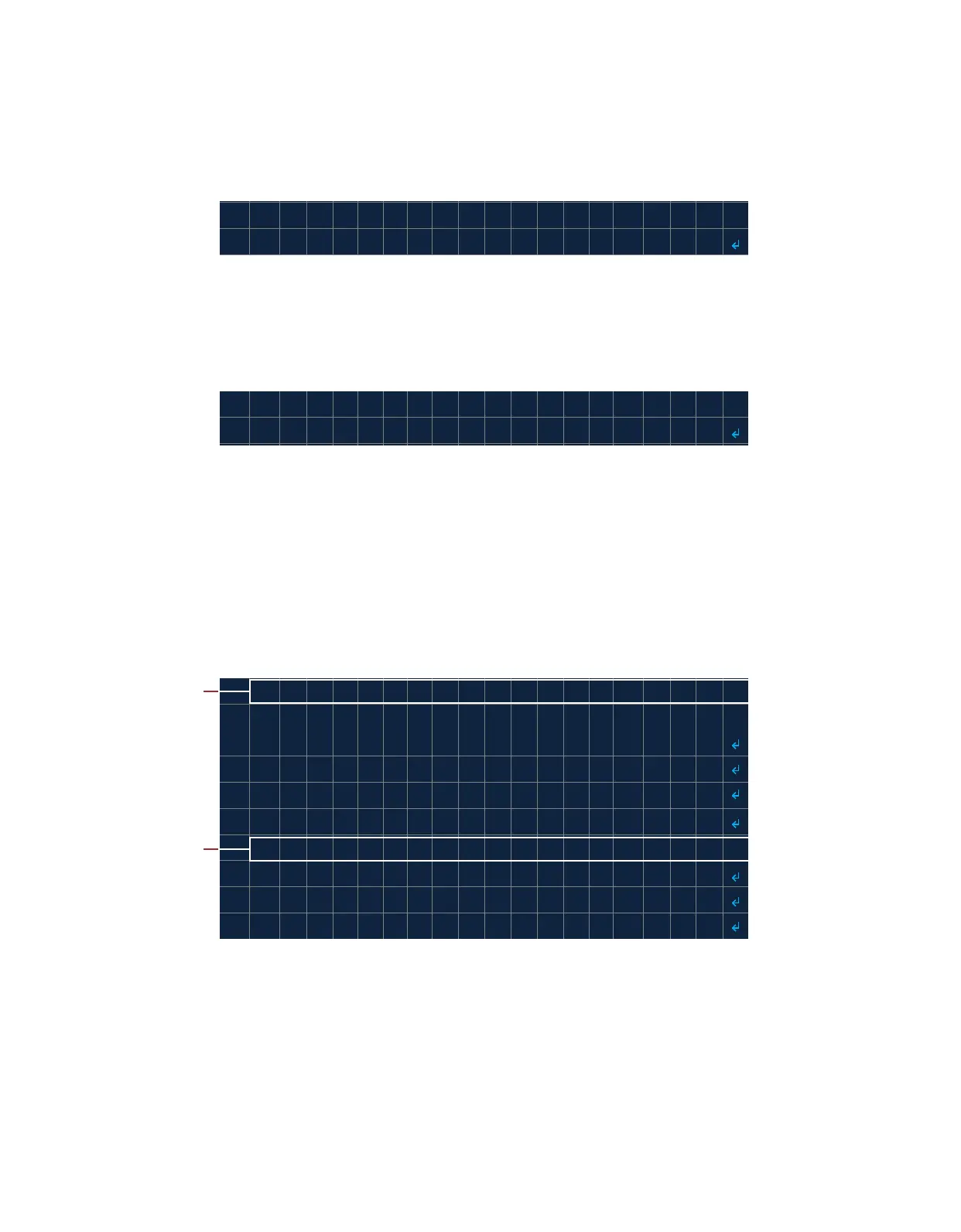
The system has two operaon modes, AUTOMATIC and MANUAL, to choose from. In AUTOMATIC mode (Image 2.5.1)
ignion is iniated by the user. Once the pilot is lit, the system will automacally start controlling the process and
aempt to relight the pilot if ame is lost. ON DEMAND mode is also available which only lights the pilot when ame is
required by a process. AUTOMATIC mode is the default system operaon mode.
In MANUAL mode (Image 2.5.2) the duraon of ignion is manually controlled by the user. Once the pilot is lit, the
user must iniate the process control. The system will not aempt to automacally relight if ame is lost. ON DEMAND
mode is not available in MANUAL mode operaon.
2.6 System States
Each system mode has mulple operaon states (Table 2.6.1 & 2.6.2) and alarm states (Table 2.6.3). The current
operaon state is displayed on the System Menu (Image 2.6.1). Upon power-up in AUTOMATIC mode, the system
inializes in the STOPPED state.
Note: An INDEPENDENT process runs independently of all other system states including alarm and shutdown states.
The INDEPENDENT process is only inacve in DIAGNOSTIC mode.
Image 2.5.1 · AUTOMATIC mode
Image 2.5.2 · MANUAL mode
Image 2.6.1 · Default operaon mode and state
Default state
Default mode



 To Next Page