STOP
OK
BACK
ARCONTROLBMS.COM
E T T I N S
I
M
N
E N
S
S
E R V I C E
G
F O
U
I N
F O
M O D E :
S T A T E :
[ C U R R
[ C U R R
[ C U R R
[ C U R R
[ S T A T E A D D T L I N F O ]
V A L U E ]
V A L U E ]
D I A G N O S T I C S
P
I
=
P₁ =
V A L U E ]
V A L U E ]
A U T M A T I C
O
→
≡
≡
≡
≡
25
3.2 Sengs Menu
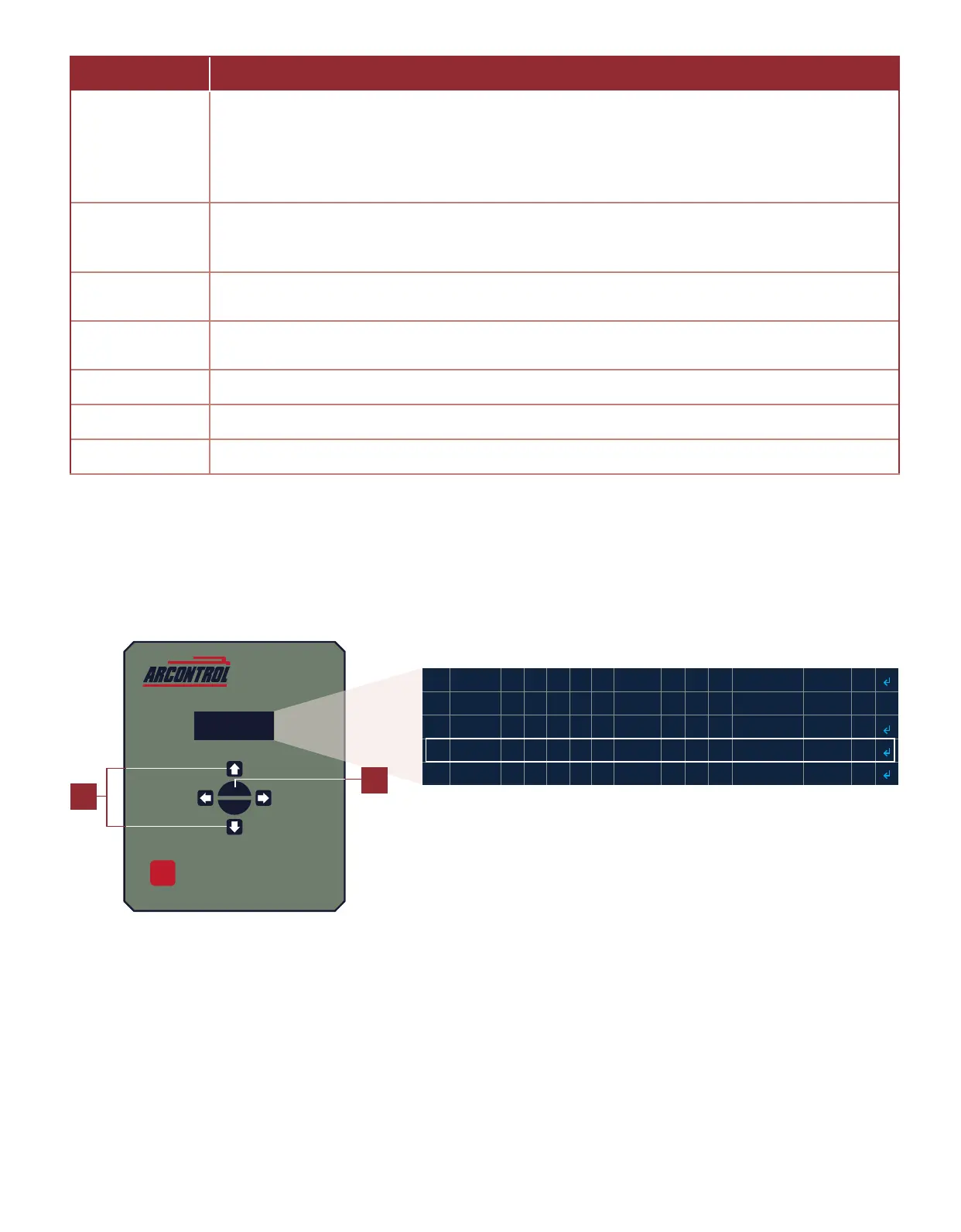
To change the sengs you must enter the Sengs Menu. Follow these steps to enter the Sengs Menu:
1. Use the UP or DOWN key and select SETTINGS MENU (Image 3.2.1).
2. Press the OK key.
Image 3.2.1 · Select SETTINGS MENU
1
2
Table 3.1.1 · SETTINGS MENU system sengs (connued)
MENU ITEM DESCRIPTION
IO SETTINGS
The IO SETTINGS menu has six sengs: ALARM mode, XDCR TYPE (transducer type), DIN mode,
PS1 mode, PS2 mode, and PS3 mode. The ALARM, PERMSVE, PS1, PS2, and PoC MODE selects if
the input is normally open or normally closed when inacve. The system is able to interface with
numerous transducer types, oering great system exibility, which are selectable under XDCR
TYPE.
USER PASSCODE
The USER PASSCODE menu is used to sets the passcode to be used to access Sengs and
Diagnoscs Menus. It is also used to enable or disable the use of a passcode to restrict access to
Sengs and Diagnoscs Menus.
DISPLAY
The DISPLAY menu is used to set the amount of me that the display will remain on aer the last
menu interacon.
SET DATE & TIME
The SET DATE & TIME menu is used to set the date (month, day and year) and the me (hour,
minute, AM or PM) .
CLEAR DATA LOGS The CLEAR DATA LOGS menu has used to clear the data logs.
SET SITE NAME The SET SITE NAME menu is used to set the name of the site.
FACTORY RESET The FACTORY DEFAULT menu is used to set all sengs to their factory defaults.



 To Next Page