Hold OK → to start
Hold OK and →
No flame detected &
IgnionTime expired
or
OK and → released
Hold OK and → &
Pre-Purge Timer expired
Flame not
detected
All processes
inacve
Any process
acve
INDEPENDENT process
condion not met
INDEPENDENT process
condion met
Alarm
cleared
Alarm
cleared
INDEPENDENT
INACTIVE
INDEPENDENT
ACTIVE
Flame
detected
Press OK
IGNITE
START-UP
PRE-PURGE
STOPPED
OPEN
LOW
BATTERY
BMS FAULT
SHUTDOWN
3
SHUTDOWN
2
SHUTDOWN
1
PILOT
FAILURE
POC
FAILURE
LOW BATTERY
VOLTAGE
PERMISSIVE
OPEN
SHUTDOWN 3
ACTIVE
BMS FAULTSHUTDOWN 1
ACTIVE
SHUTDOWN 2
ACTIVE
STOP
pressed
Powered ON
or reset
BURNING
STATES
(SUPER STATES)
IDLE
PILOT ON
INDEPENDENT PROCESS
80
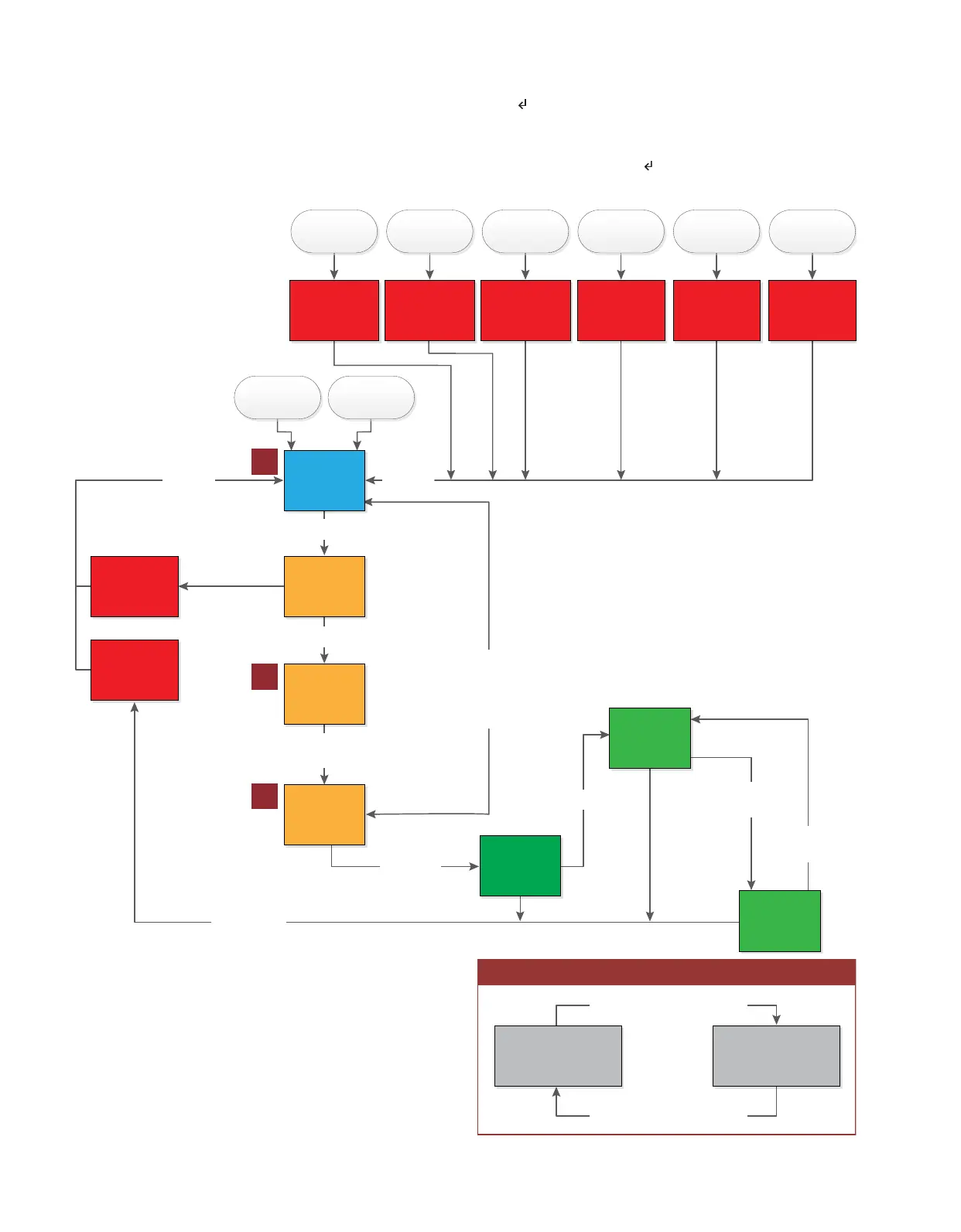
Upon power-up in MANUAL mode (Image 4.2.2), the system starts in the STOPPED state (A). If the system is in any
state except for an alarm state, the system can transion to the STOPPED state by pressing the STOP buon. To exit the
STOPPED state the user must navigate to the HOLD OK+→ 2 STRT menu entry and hold the OK and → keys. While
holding the OK and → keys the system will transion through the PRE-PURGE state (B) into the IGNITE state (C). The
system will remain in the IGNITE state for up to 60 seconds while the user is holding the OK and → keys or unl pilot
ame is detected. Once ame is detected the display will prompt START PROCESSES . At this me the user can begin
the processes by pressing OK.
Image 4.2.2 · MANUAL mode ow diagram
A
B
C



 To Next Page