+
+
English
22 EN
Use the “+” (30) and “-” (31) keys to adjust
the clock.
The time increases (or decreases) one minute
each time the key is pressed.
If one of the keys ( 30 or 31) is pressed and held down
for more than 10 seconds, the minutes setting stops and
the hours setting increases (or decreases).
During the time setting phase, the seconds remain at "00".
To display the messages in a different language from that
set, after entering into Programming mode, position the
cursor on the desired language by pressing the
“+” (30)
and “-” (31) keys and then pressing the “PRG” key
(29). The machine will restart with the messages provided
in the selected language.
The display (16) provides a choice of the following
languages.:
Italian, English, French, German, Dutch, Spanish,
Portuguese, Japanese and Russian.
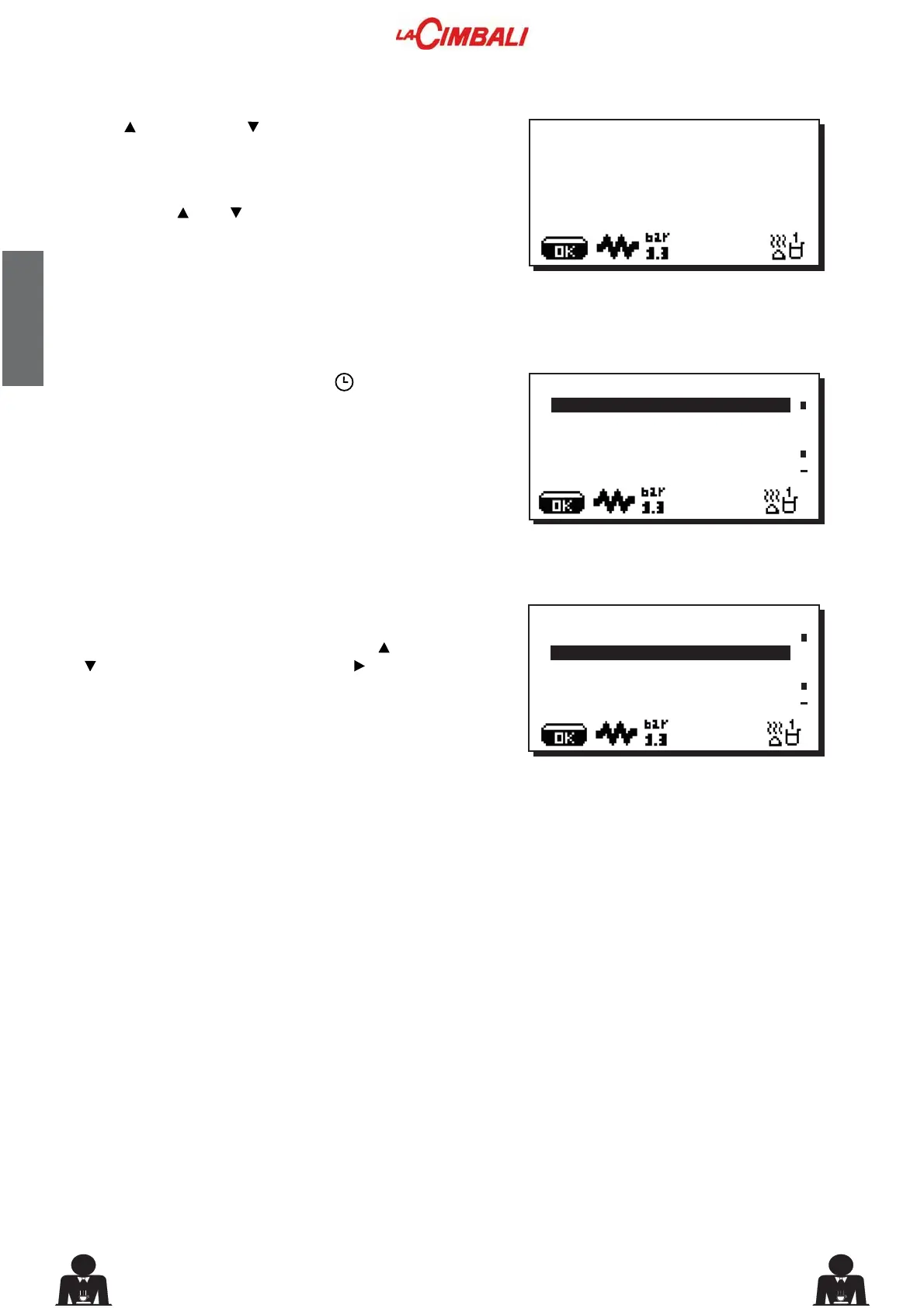
To access "Customer parameters" press
key (34WKH
following message will appear on the display:
12 March 2014
wednesday 15:18:12
À
CUSTOMER PARAMETERS
SERVICE TIME
ITALIANO
ENGLISH
FRANCAIS
DEUTSCH
À
CUSTOMER PARAMETERS
SERVICE TIME
ITALIANO
ENGLISH
FRANCAIS
DEUTSCH
Language selection
19. Clock adjustment
20. Customer parameters menu



 To Next Page