+
+
2
12
English
25 EN
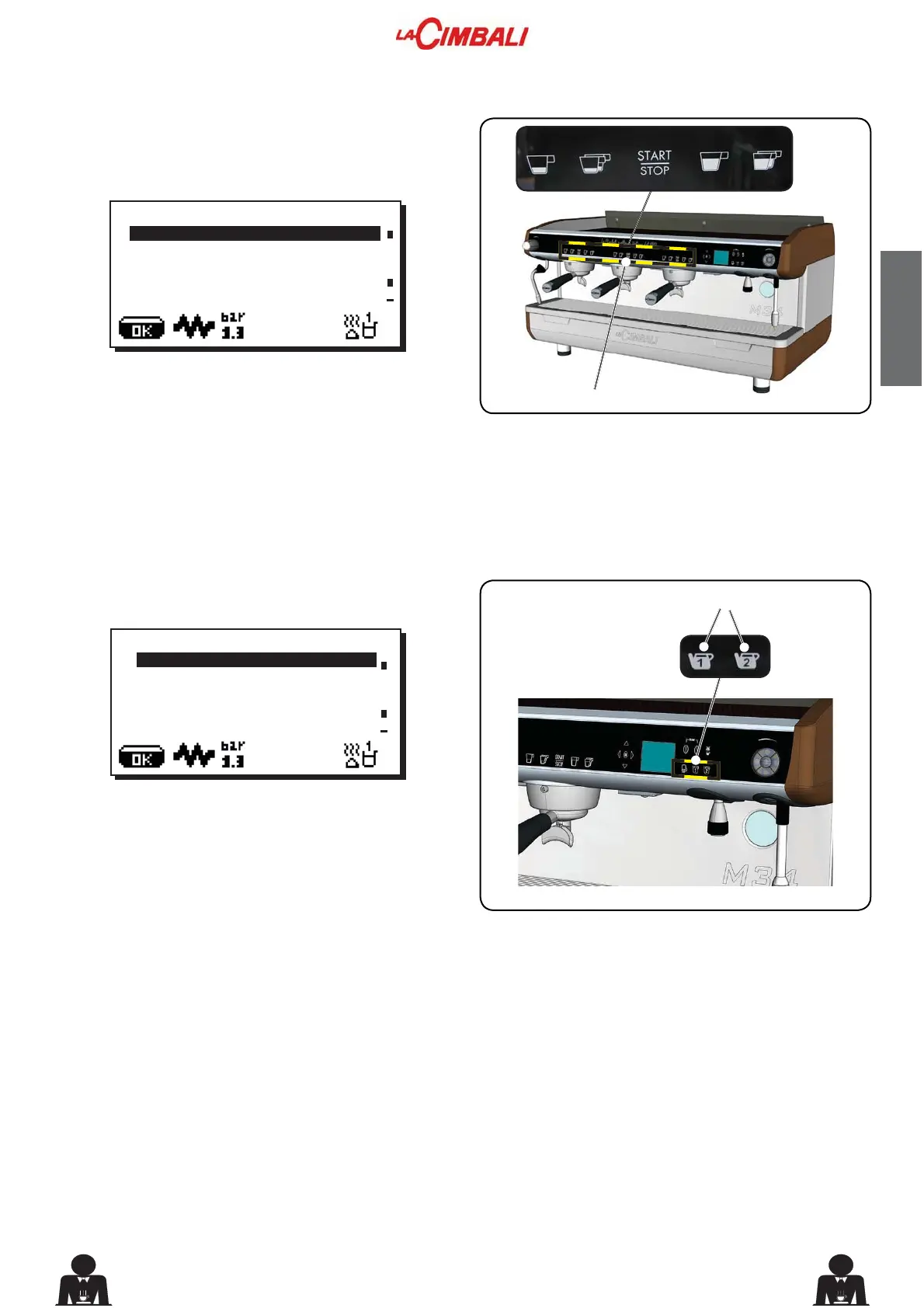
Press one of the coffee dispensing keys on the selection
panel (2WKHUHODWLYHOHGZLOOUHPDLQRQQRWÀDVKLQJ7KH
following message will appear on the display:
Each dispensing unit is controlled by a panel that permits
programing the amount of desired dispensing for each
button.
7KHIROORZLQJFRIIHHVHOHFWLRQSDUDPHWHUVFDQEHPRGL¿HG
ZDWHUGRVH (volumetric dosage pulses)
Press the hot water dispensing key (13). The following
message will appear on the display:
The following hot water selection parameters can be
PRGL¿HG
ZDWHUGLVSHQVLQJWLPH (dispensing time in seconds.).
ÀKEY MENU
Type 1 coffee
Water dose 110
ÀKEY MENU
Type water
dispens. time 20.0
23. Key menu - Coffee selection
24. Key menu - Hot water selection



 To Next Page