+
13
TS4 TS2
TS1
TS3
English
26 EN
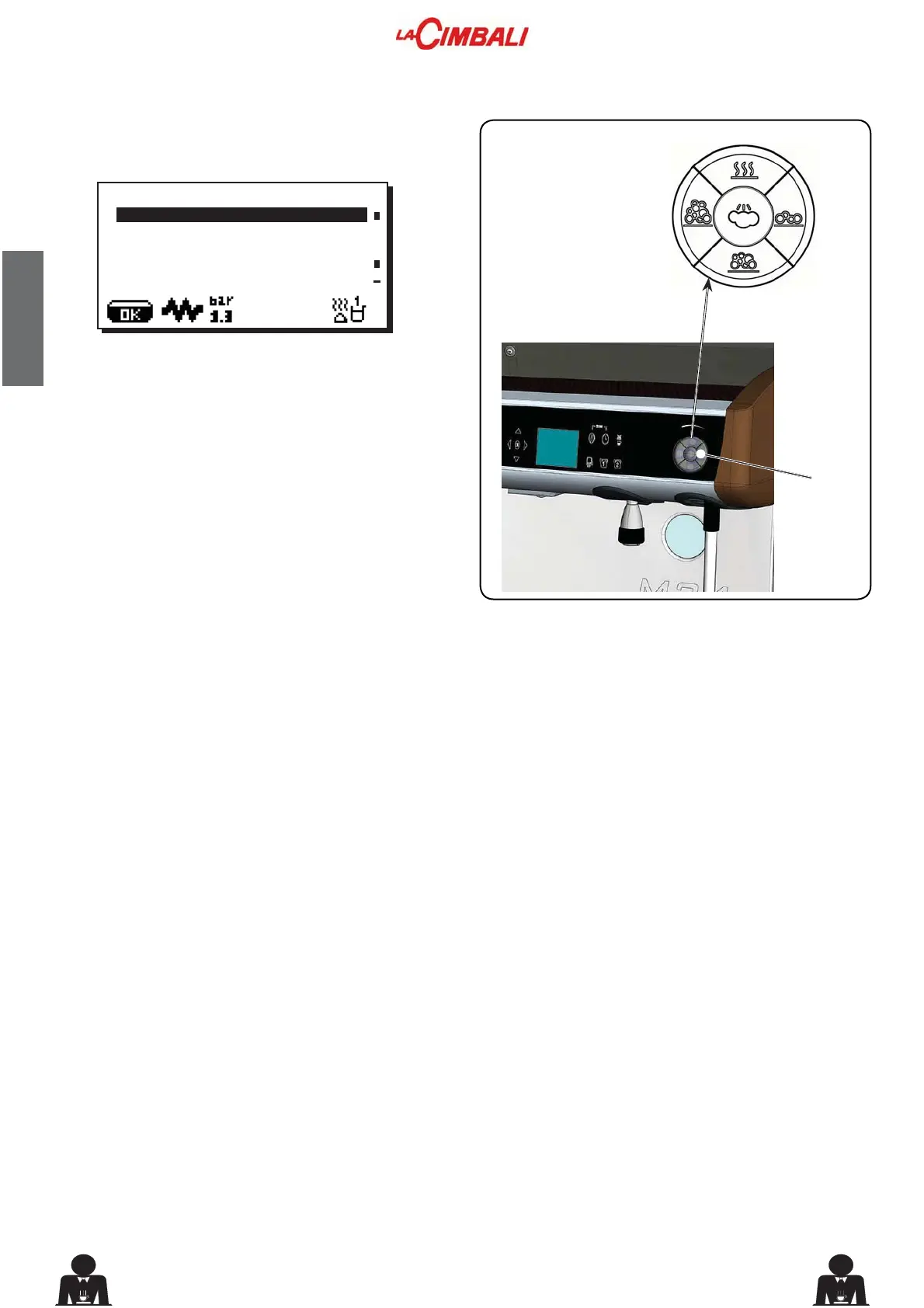
Press one of the Turbosteam (13) selector keys (TS1 ÷
TS4). The following will appear on the display:
7KHIROORZLQJSDUDPHWHUVFDQEHPRGL¿HG
7VWRSVWHDP (“xxx°C” temperature for hot milk or frothed
milk).
Setting options:
"0" setting:
• manual steam stop
Any number between "40°C ÷ 85°C" (104°F ÷ 185°F)
• automatic steam stop
"OFF" setting:
• steam stop disabled
HPXOVLRQOHYHO (a different emulsion level can be chosen
for frothed milk: the value can be set between “0 ÷ 100”,
where 0 indicates no emulsion and 100 indicates continuous
emulsion).
ÀKEY MENU
type steam and air
T stop steam 060°C
emulsion level 050
25. Key menu - Steam and air selection



 To Next Page