9-13
Cisco TelePresence System 3200
OL-14521-01
Chapter 9 Routing Power and Signal Cables
Power Requirements for the Cisco TelePresence 3200
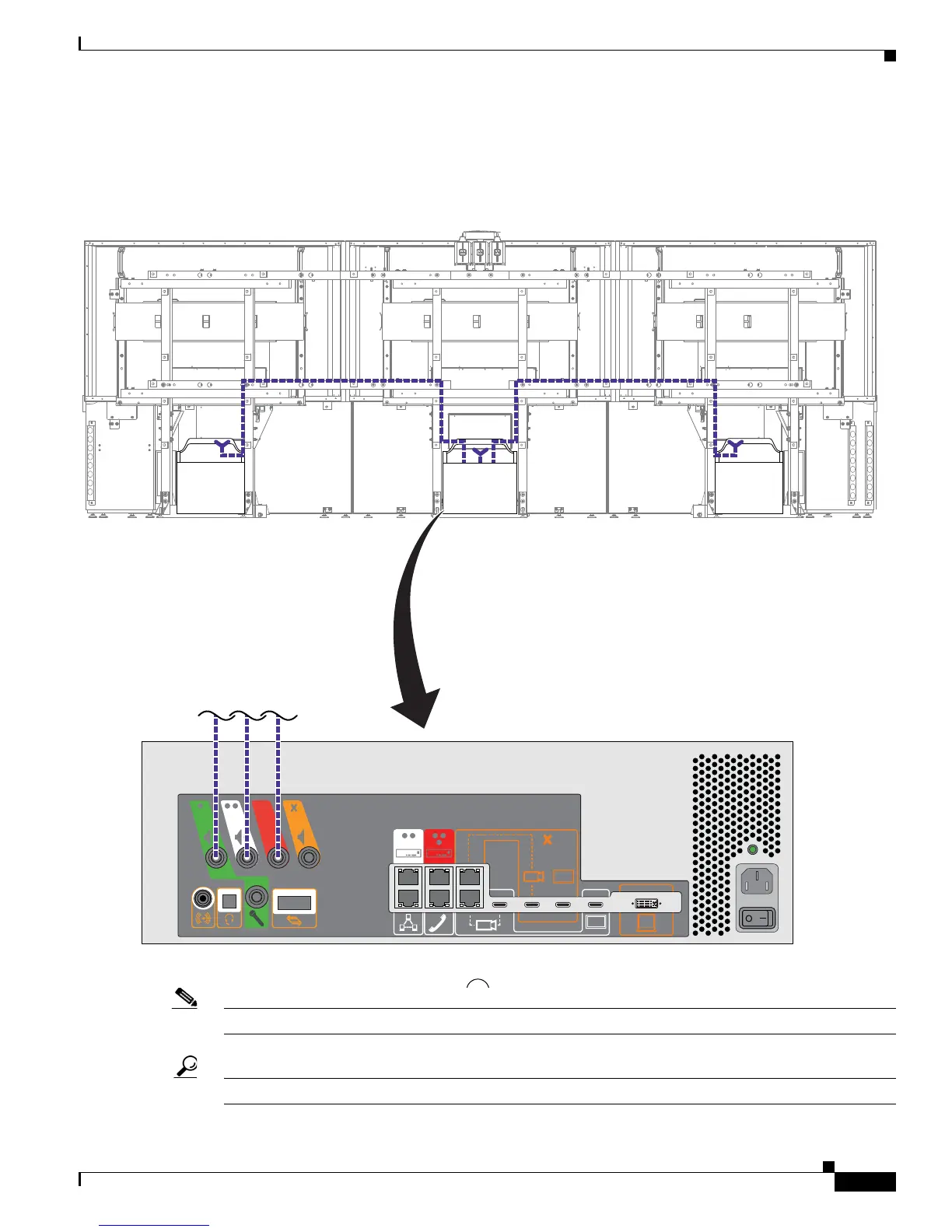
Step 10 Attach and route the cables for the speakers.
Figure 9-10 Cabling the Speakers
Note Figure 9-10 displays the rear view of the Cisco TelePresence System 3200. Left and right are reversed.
Tip Before plugging cables into the Codec, label each one. For example, Left Speaker, Center Speaker.










 To Next Page