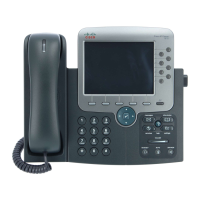
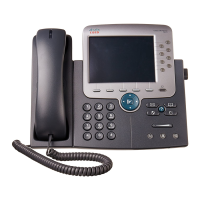
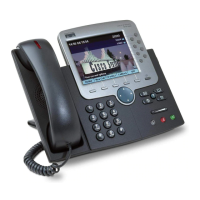
An Overview of Your Phone
Cisco IP Phone 7970 13
Switching Among Calls
Your phone can support multiple calls on each line, depending on how your system administrator has
configured your phone. These tips can help you switch among calls on one or more lines. If the call
you want to switch to is not automatically highlighted, press the call appearance on your touchscreen
or scroll to it.
Tips
• Only one call can be active at any given time; other calls will be placed on hold automatically.
• When you have multiple calls on one line, calls with the highest precedence and longest duration
display at the top of the call list.
• Calls of a similar type are grouped together in the call list. For example, any calls that you have
interacted with are grouped together near the top. All selected calls are grouped together next.
Finally, any calls that you have not yet answered or otherwise interacted with are grouped near
the bottom of the list.
If you want to... Then...
Show current calls on a
specific line
Press (a blinking line button). The call activity area displays
current call information for that line. Note that when you switch
from one line to another, any connected calls on the first line are
automatically placed on hold.
Switch between calls on one
line
Highlight the call you are switching to and press Resume.
Switch between calls on
different lines
Press the appropriate (blinking line button) for the line (and call)
you are switching to. If necessary, highlight the call and press
Resume.
Switch from a connected call
to answer a ringing call
Press Answer or (a flashing line button). Doing so answers the
new call and places the first call on hold automatically.
Display an overview of calls Press while a call is active to return to the phone’s main
background screen, hiding the active call information. This gives you
an overview of the first call on each of your lines.


 To Next Page