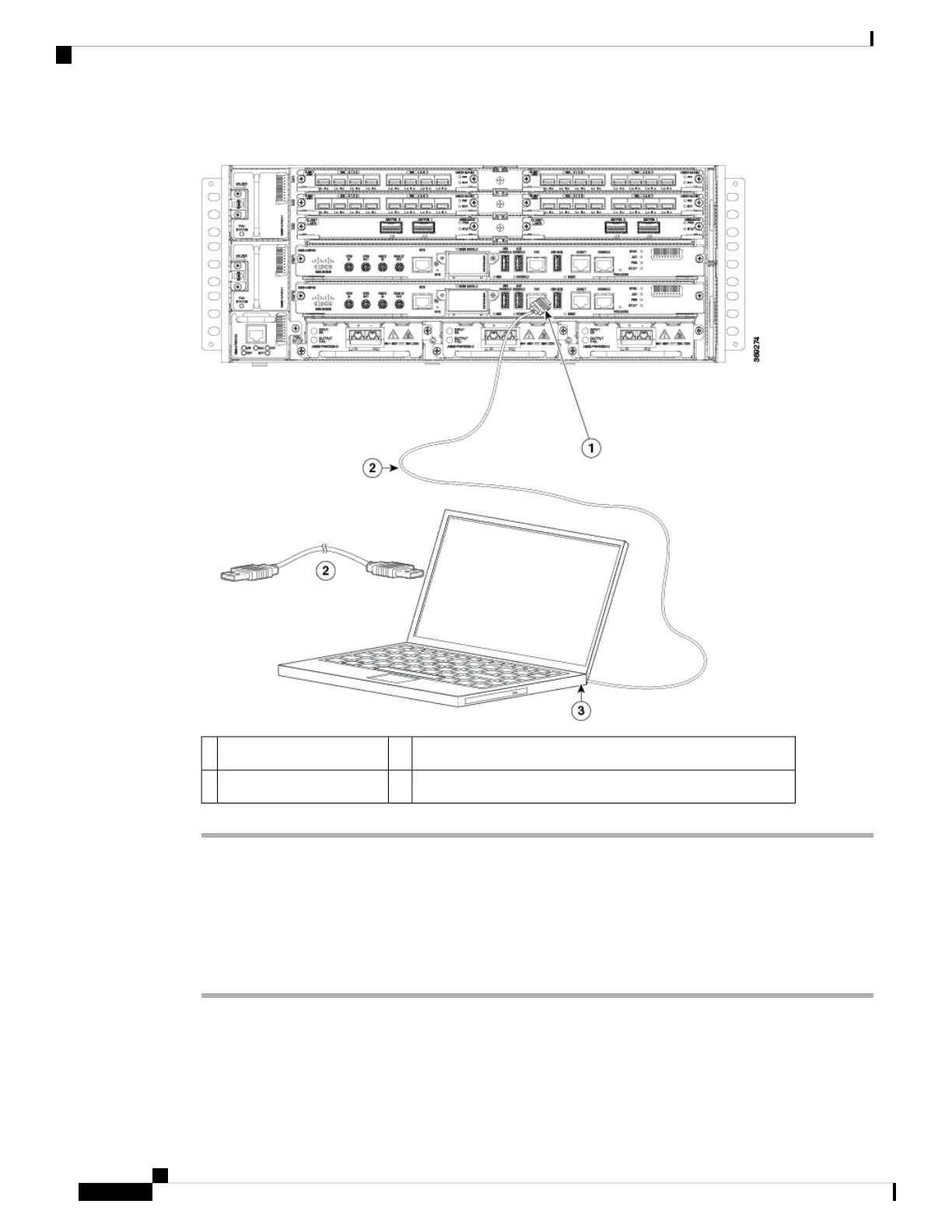
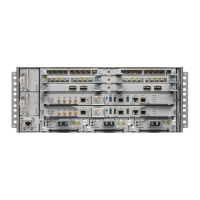
Figure 48: Connecting the USB Console Cable to the Cisco NCS 560-4 Router
USB 5-pin mini USB Type-B to USB Type-A console cable2USB Type-A console port1
——USB Type-A3
Connecting to the Console Port using Mac OS X
This procedure describes how to connect a Mac OS X system USB port to the console using the built in OS
X Terminal utility.
Procedure
Step 1 Use the Finder to go to Applications → Utilities → Terminal.
Step 2 Connect the OS X USB port to the router.
Step 3 Enter the following commands to find the OS X USB port number:
Cisco NCS 560-4 Router Hardware Installation Guide
94
Installing the Cisco NCS 560-4 Router
Connecting to the Console Port using Mac OS X



 To Next Page