10 Clare Controls IP Network Camera User Guide
Access to the network camera
Accessing by web browsers
Accessing the network camera through a web browser lets you view the camera feed
and configure the cameras settings.
To access the camera by web browsers:
1. Open the web browser.
2. In the address field, enter the IP address of the network camera (e.g.,
192.168.1.250), and then press Enter.
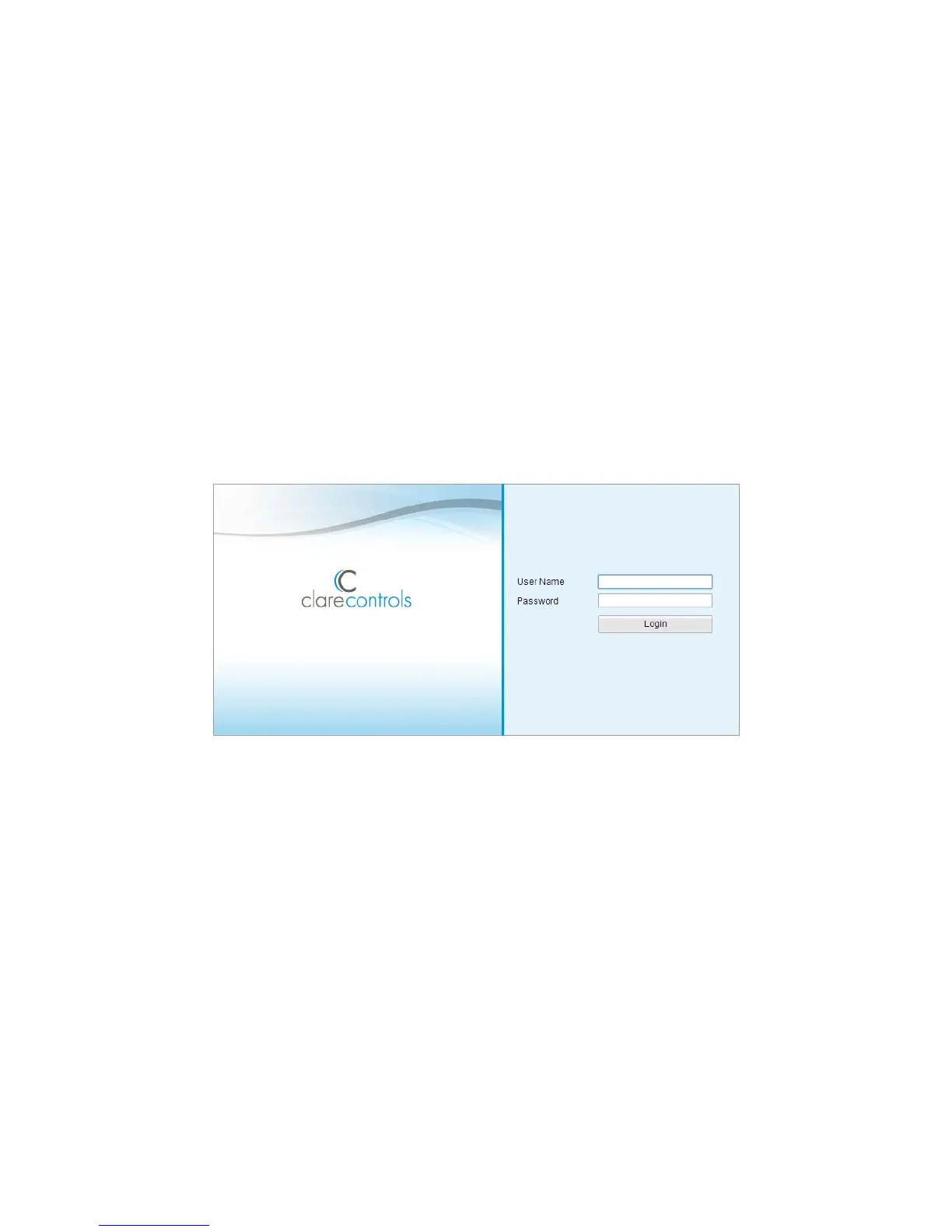
This brings you to the login interface.
3. Enter the user name and password, and then click Login.
Note: The default user name is clareadmin; the password is secure7



 To Next Page