Clare Controls IP Network Camera User Guide 73
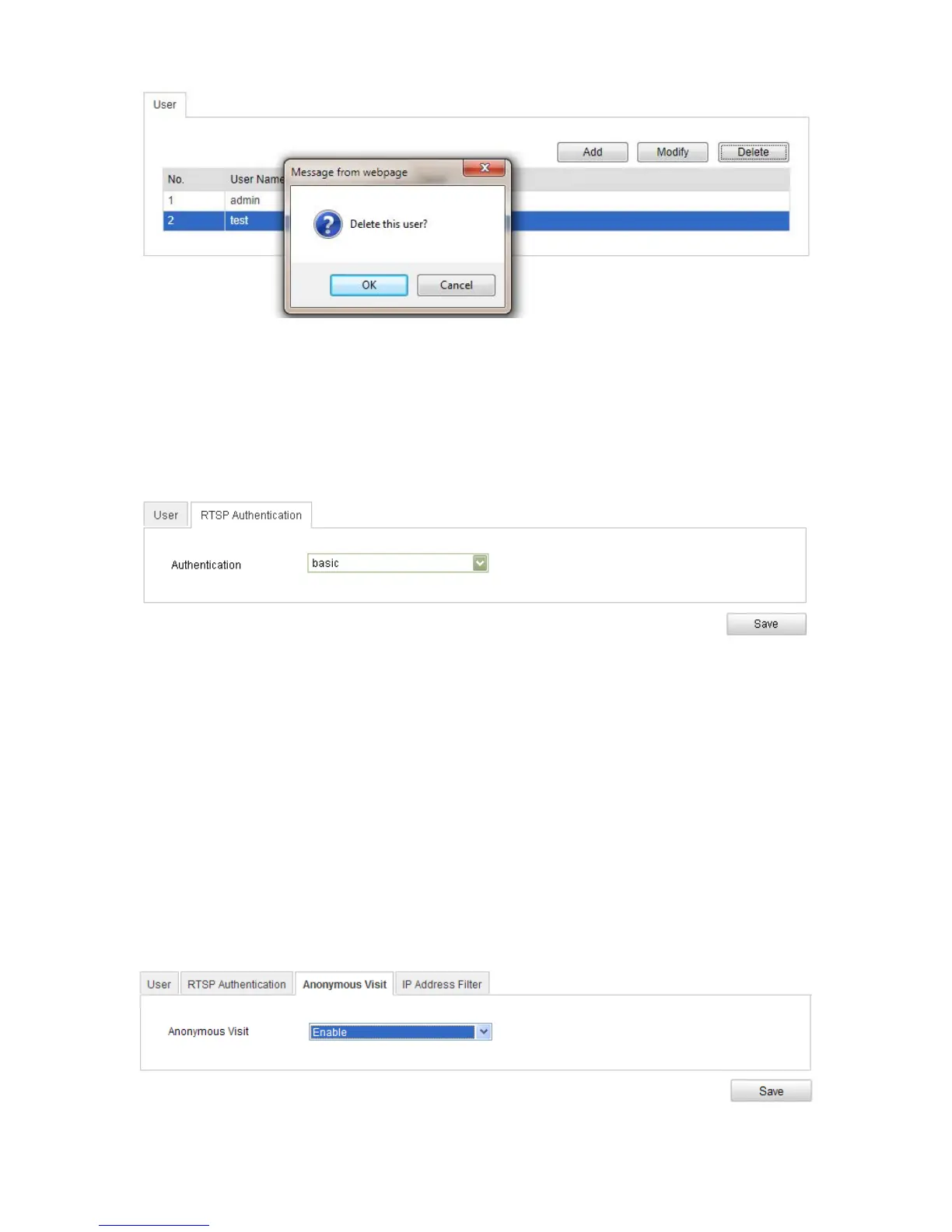
Configuring RTSP authentication
You can specifically secure the stream data of live view.
To configure RTSL authentication:
1. Enter the RTSP Authentication interface.
Configuration > Camera Configuration > Security > RTSP Authentication
2. Set the Authentication type to basic or disable it in the drop-down list.
Note: If you disable the RTSP authentication, anyone can access the video stream
by the RTSP protocol using the IP address.
3. Click Save.
Anonymous visit
Enabling this function allows users that do not have the user name and password of the
device to view it.
To set anonymous visit:
1. Enter the Anonymous Visit interface.
Configuration > Camera Configuration > Security > Anonymous Visit



 To Next Page