Clare Controls IP Network Camera User Guide 67
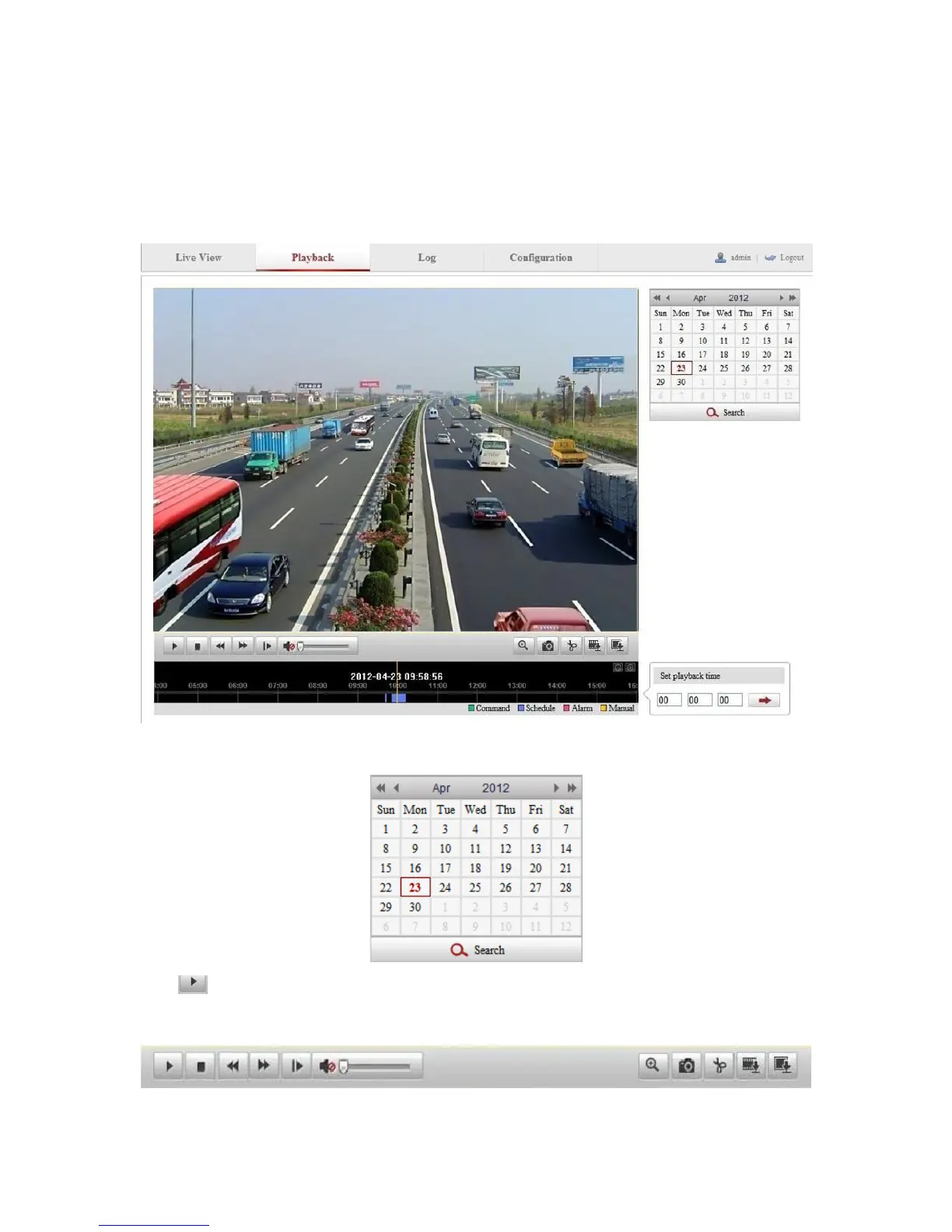
Playback
View the recorded video files stored in the network disks or SD cards.
To configure playback:
1. Click Playback on the menu bar to enter the playback interface.
2. Select the date and click Search.
3. Click to play the video files found on this date.
Use the toolbar on the bottom of Playback interface to control play.



 To Next Page