68 Clare Controls IP Network Camera User Guide
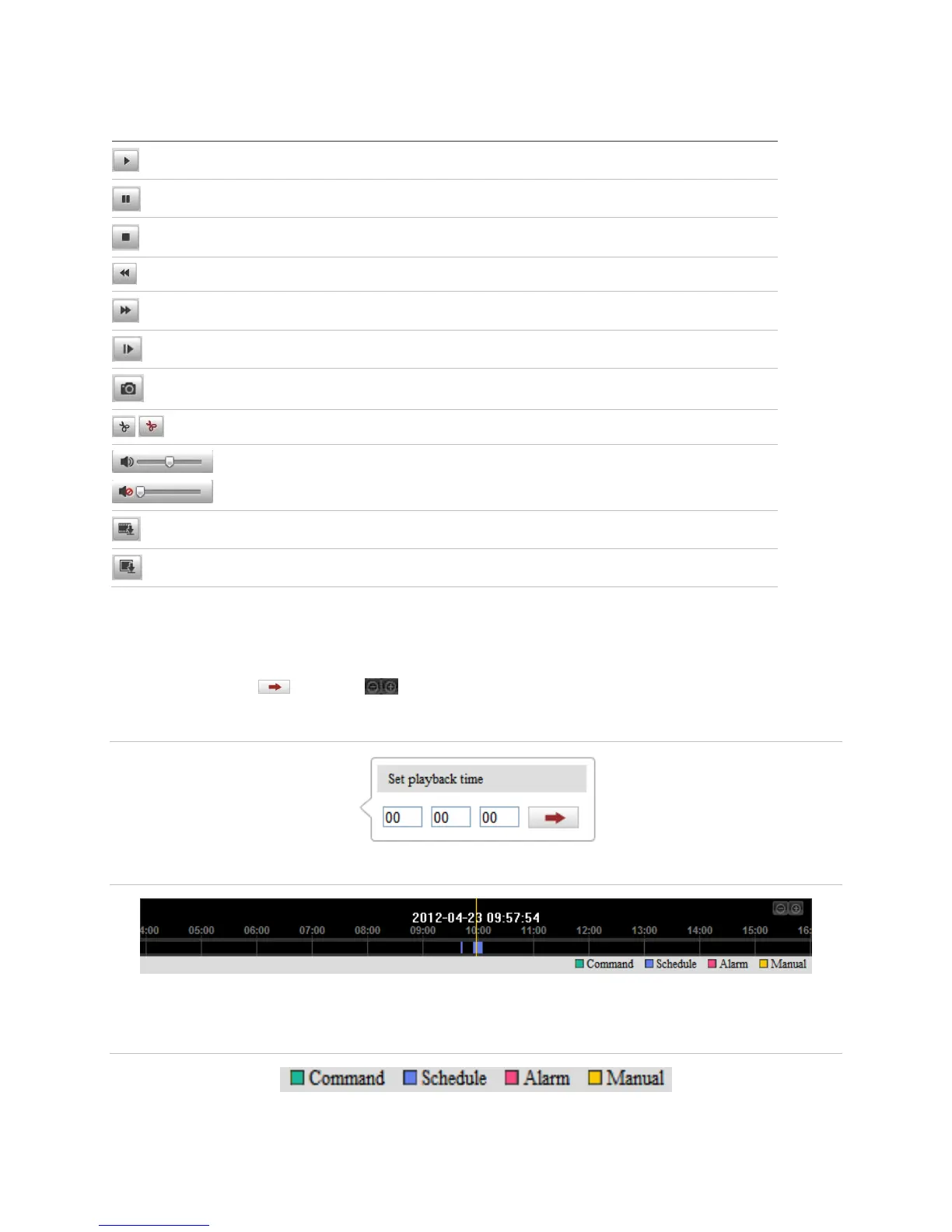
Table 3: Description of the Playback toolbar
Start/Stop clipping video files
Audio on and adjust volume/Mute
Download captured pictures
Note: You can choose the file path locally for downloaded playback video files and
pictures in Local Configuration interface.
To locate an exact playback point, you can drag the progress bar with the mouse, input
the time and click , or click to zoom out/in the progress bar.
Figure 19: Set time
Figure 20: Progress bar
The different colors of the video on the progress bar match different video types.
Figure 21: Video type



 To Next Page