80 Clare Controls IP Network Camera User Guide
Appendix 1
SADP software introduction
Description of SADP V 2.0
SADP (Search Active Devices Protocol) is a user-friendly, installation-free online device
search tool. It searches for the active online devices in your subnet and displays their
information. Using this software, you can modify the basic network information of the
devices.
Note: SADP is a Windows only product.
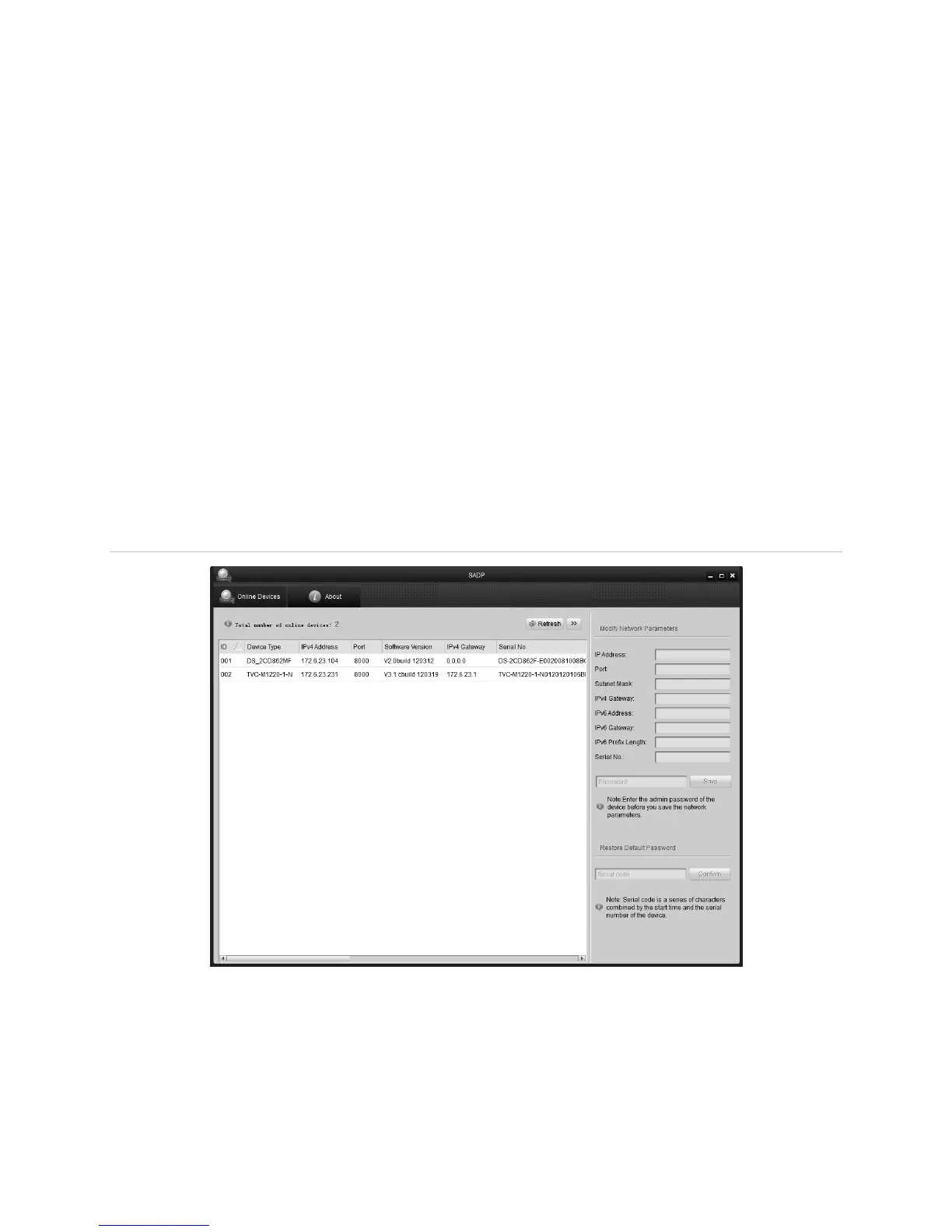
Search active devices online
After launching the SADP software, it automatically searches for online devices every
15 seconds from the subnet where your computer is located. It displays the number and
information of the searched devices in the Online Devices interface. Device information
including the device type, IP address, port number, and gateway will be displayed.
Figure 23: Searching online devices
Note: Devices can be searched for and displayed in the list 15 seconds after they go
online. They will be removed from the list in 45 seconds after they go offline.



 To Next Page