Clare Controls IP Network Camera User Guide 55
Configuring PTZ
This section explains the PTZ functions of the network camera. This enables the
pan/tilt/zoom control of the camera.
To realize PTZ control, the camera connected to the network must support the PTZ
function, or a pan/tilt unit must be installed on the camera. Properly set the PTZ
parameters in the Camera Configuration settings page.
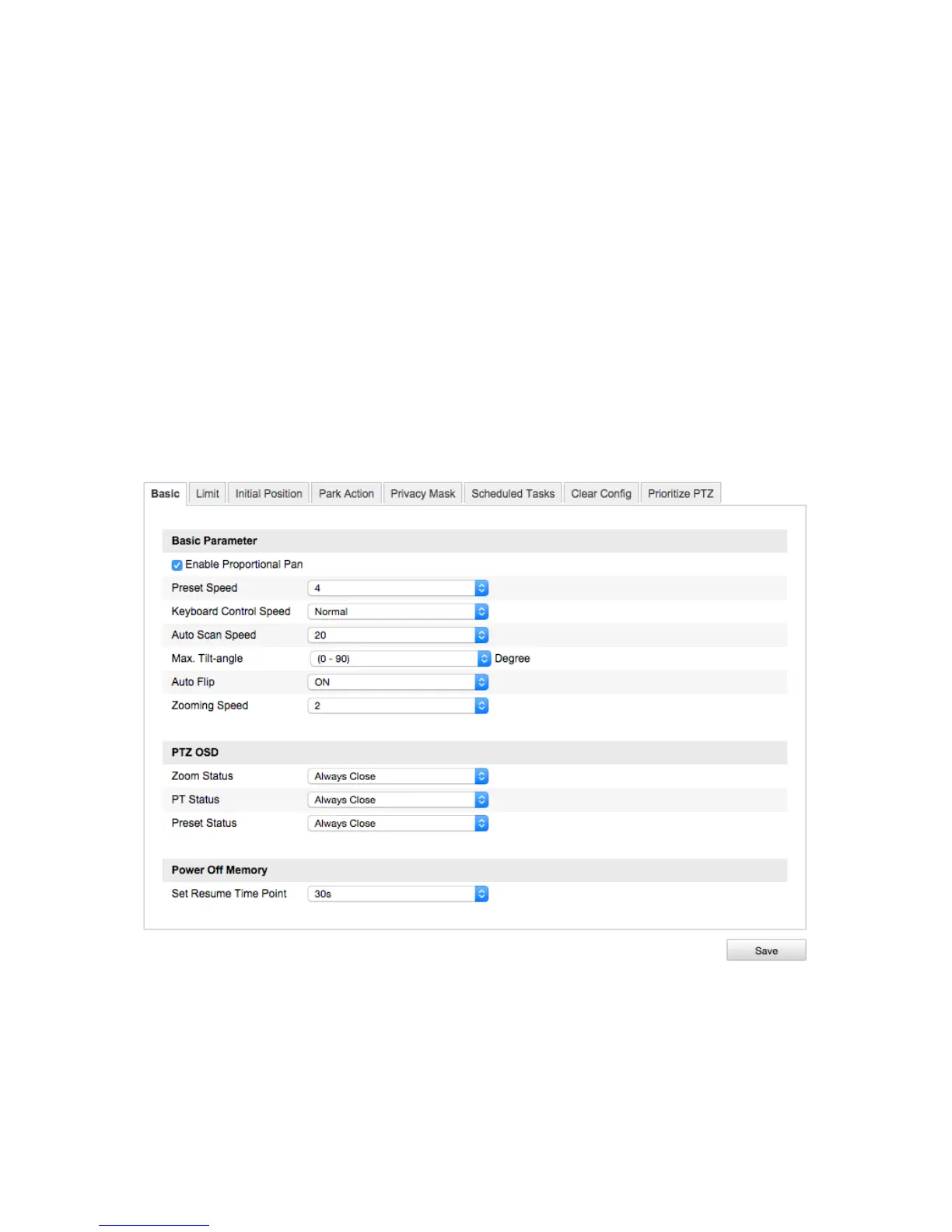
Configuring the basic PTZ settings
The Basic settings lets you change basic parameters, speeds, and OSD.
To configure the basic settings interface:
1. Enter the Basic settings interface.
Configuration > Camera Configuration > PTZ > Basic
2. Select the Enable Proportional Pan checkbox. This will enable customization of the
following parameters.
Preset Speed: Select an option 1 to 8.
Keyboard Control Speed: Select an option; Low, Normal, or High.



 To Next Page