Clare Controls IP Network Camera User Guide 77
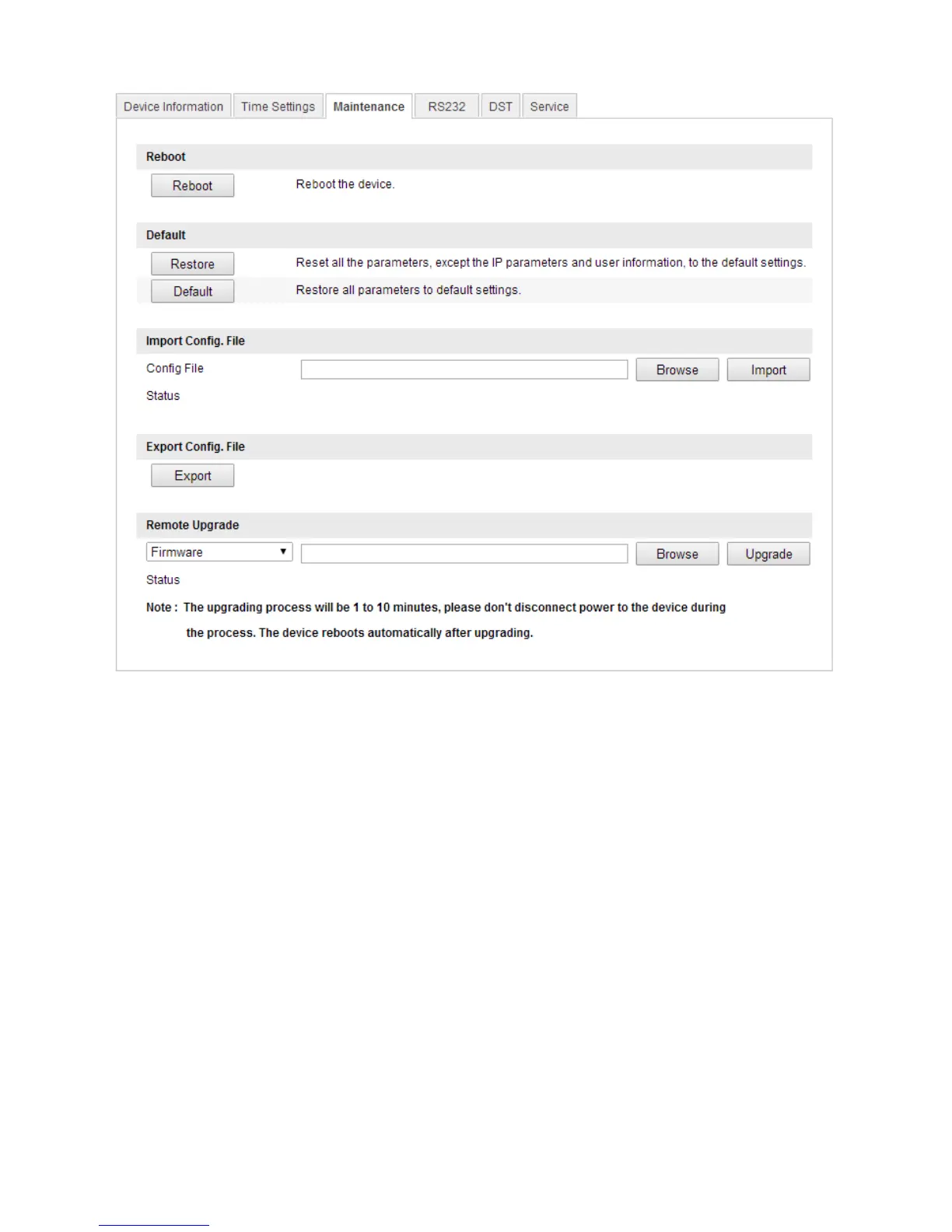
Restoring default settings
To restore default settings:
1. Enter the Maintenance interface.
Configuration > Camera Configuration > System > Maintenance
2. Click Restore or Default to restore the default settings.
Note: When restoring the default settings, the IP address returns to the default.
Importing/exporting configuration files
To import and export configuration files:
1. Enter the Maintenance interface.
Configuration > Camera Configuration > System > Maintenance



 To Next Page