76 Clare Controls IP Network Camera User Guide
Viewing device information
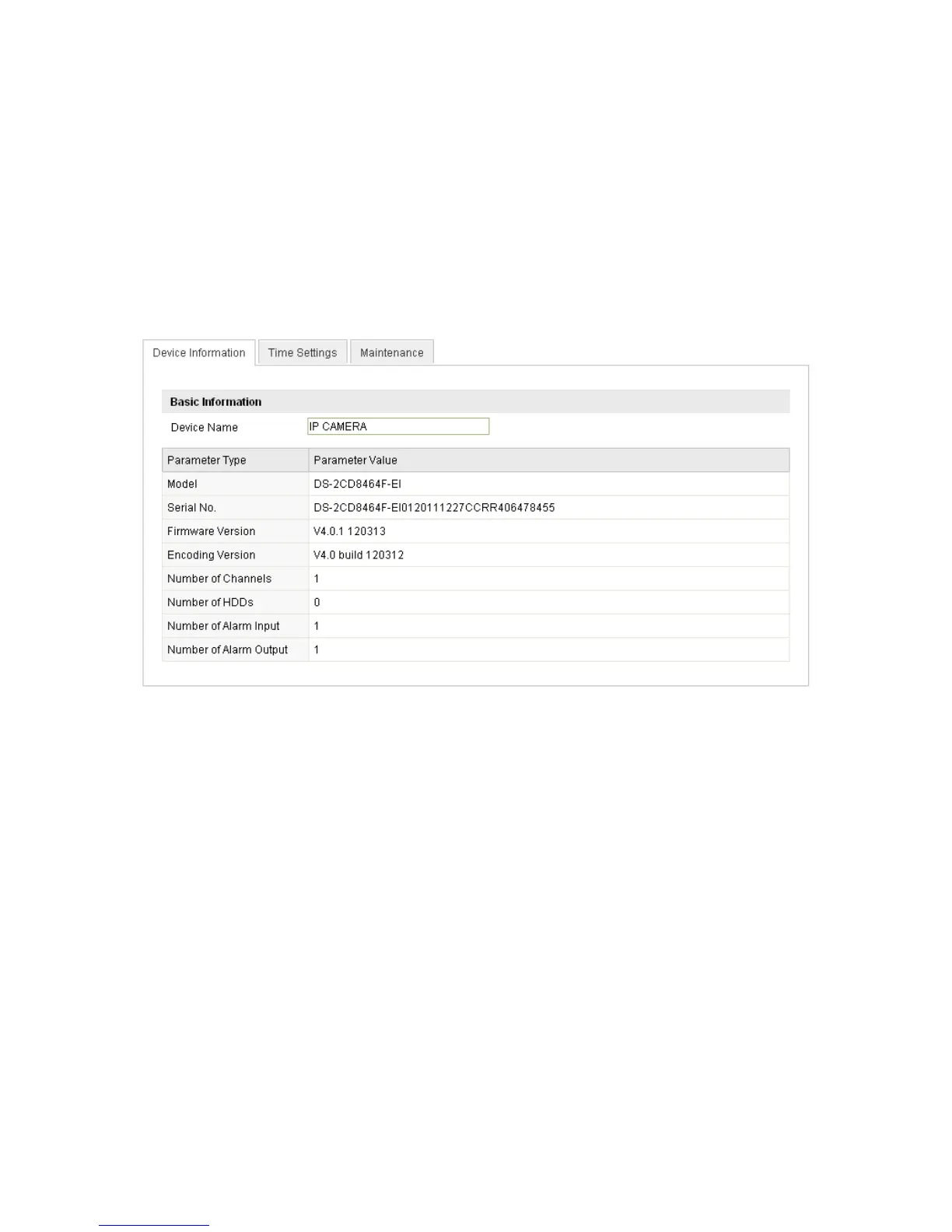
Enter the Device Information interface.
Configuration > Camera Configuration > System > Device Information
In the Device Information interface, you can edit the device name.
Other information of the network camera, such as Model, Serial No., Firmware Version,
Encoding Version, Number of Channels, Number of HDDs, Number of Alarm Input, and
Number of Alarm Output are displayed. The information cannot be changed in this
menu. It is for reference, maintenance, and modification in the future.
Maintenance
Rebooting the camera
To reboot the camera:
1. Enter the Maintenance interface.
Configuration > Camera Configuration > System > Maintenance
2. Click Reboot to reboot the network camera.



 To Next Page