Clare Controls IP Network Camera User Guide 75
4. Select either Forbidden or Allowed.
5. Set the IP Address Filter list.
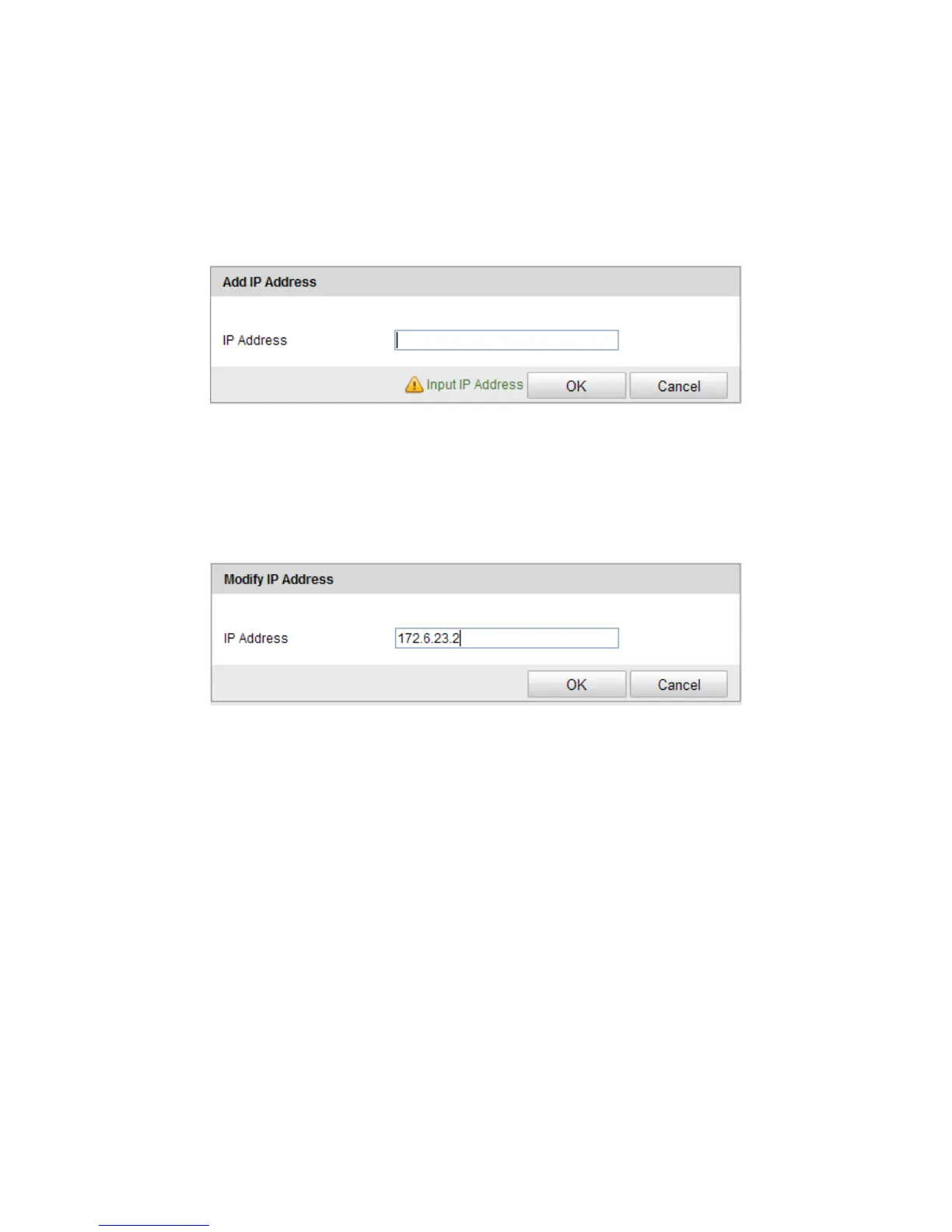
To add an IP address:
1. Click Add to add an IP.
2. Enter the IP Adreess.
3. Click OK to finish adding.
To modify an IP address:
1. Click an IP address from the filter list and click Modify.
2. Modify the IP address in the text filed.
3. Click OK to finish modifying.
To delete an IP address:
1. Click an IP address from the filter list and click Delete.
To delete all IP addresses:
1. Click Clear to delete all of the IP addrsses.
2. Click Save.



 To Next Page