46 Clare Controls IP Network Camera User Guide
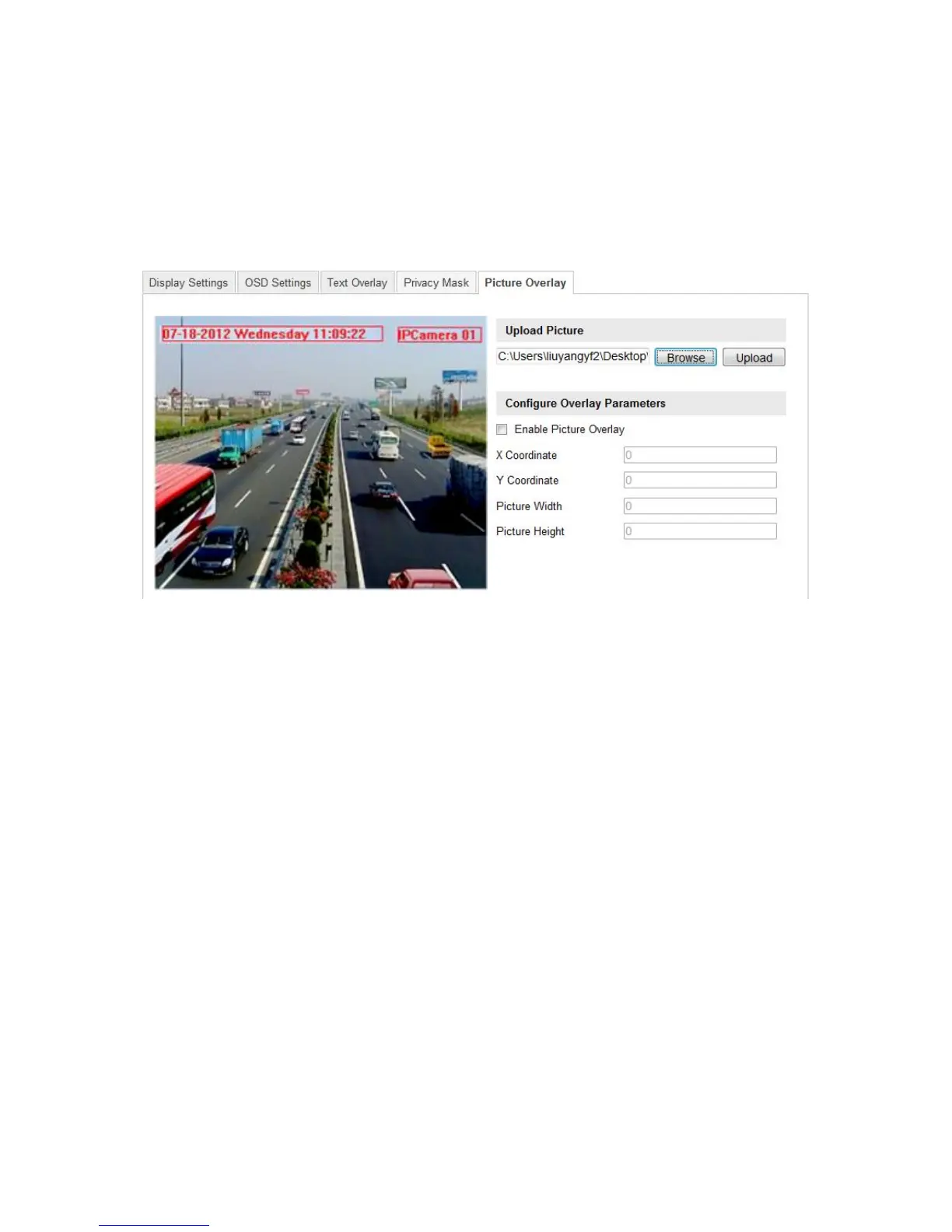
Configuring picture overlay
Picture overlay lets you overlay a picture on the image.
To configure picture overlay:
1. Enter the Picture Overlay Settings interface.
Configuration > Camera Configuration > Image > Picture Overlay
2. Click Browse to add a picture from your PC.
3. Click Upload to upload it.
4. Slect the checkbox Enable Picture Overlay to enable this function.
5. Set the X Coordinate and Y Coordinate values for the location of the picture on the
image.
6. Set the Picture Width and Picture Height to adjust the size of the picture.



 To Next Page