26 Clare Controls IP Network Camera User Guide
Network camera configuration
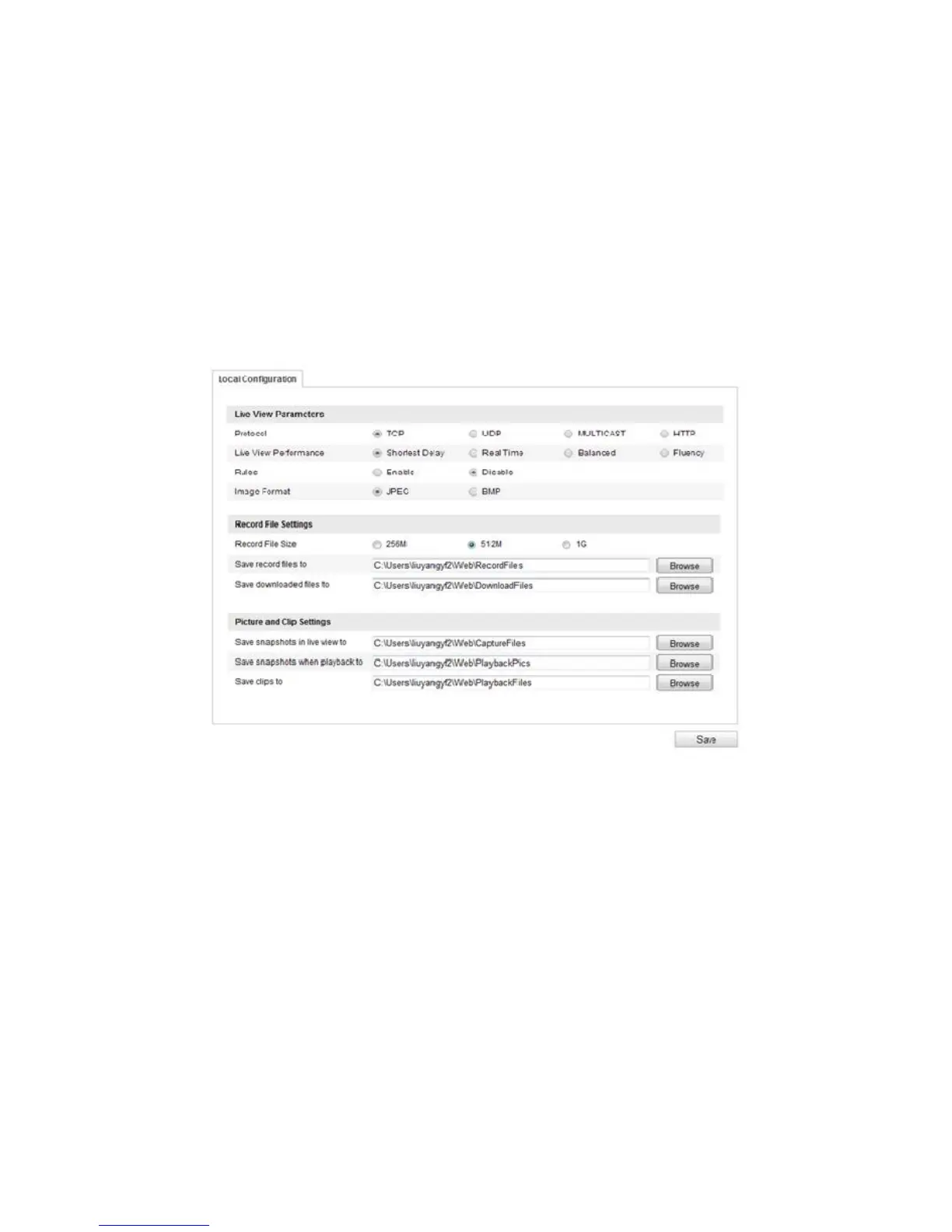
Configuring local parameters
The local configuration refers to the parameters of the live view, record files, and
captured pictures.
To configure local parameters:
1. Enter the Local Configuration interface.
Configuration > Local Configuration
2. Configure the following settings:
Live View parameters: Set the protocol type and live view performance.
o Protocol Type: TCP, UDP, MULTICAST, and HTTP are selectable.
TCP: Ensures the complete delivery of streaming data and better video
quality, the real-time transmission will be affected.
UDP: Provides real-time audio and video streams.
MULTICAST: It is recommended when using the Multicast function.
HTTP: Allows the same quality as TCP without setting specific ports for
streaming under some network environments.
o Live View performance: Set the live view performance to Least Delay,
Balanced, or Best Fluency.



 To Next Page