50 Clare Controls IP Network Camera User Guide
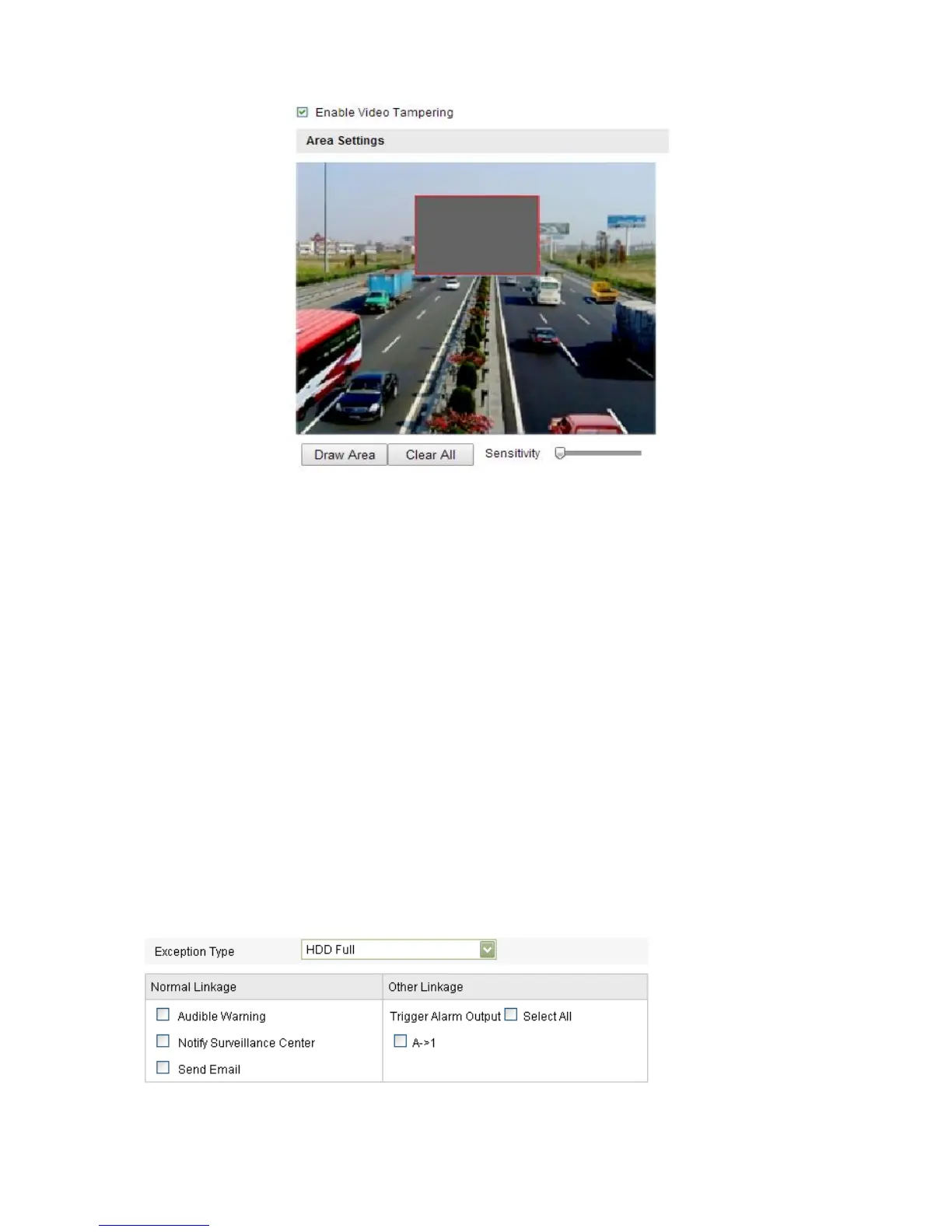
2. Select the Enable Video Tampering checkbox to enable the tamper-proof
detection.
3. Set the tamper-proof area.
4. Click Edit.
5. Select the checkbox to select the linkage method taken for video tampering. Audible
warning, notify surveillance center, and send email are selectable.
6. Click Save.
Handling exception
The exception type can be HDD full, HDD error, network disconnected, IP address
conflicted, or illegal login to the cameras.
To configure handling exceptions:
1. Enter the Exception Settings interface.
Configuration > Camera Configuration > Events > Exception
Select the checkbox to set the actions taken for the Exception alarm.
2. Click Save.



 To Next Page