48 Clare Controls IP Network Camera User Guide
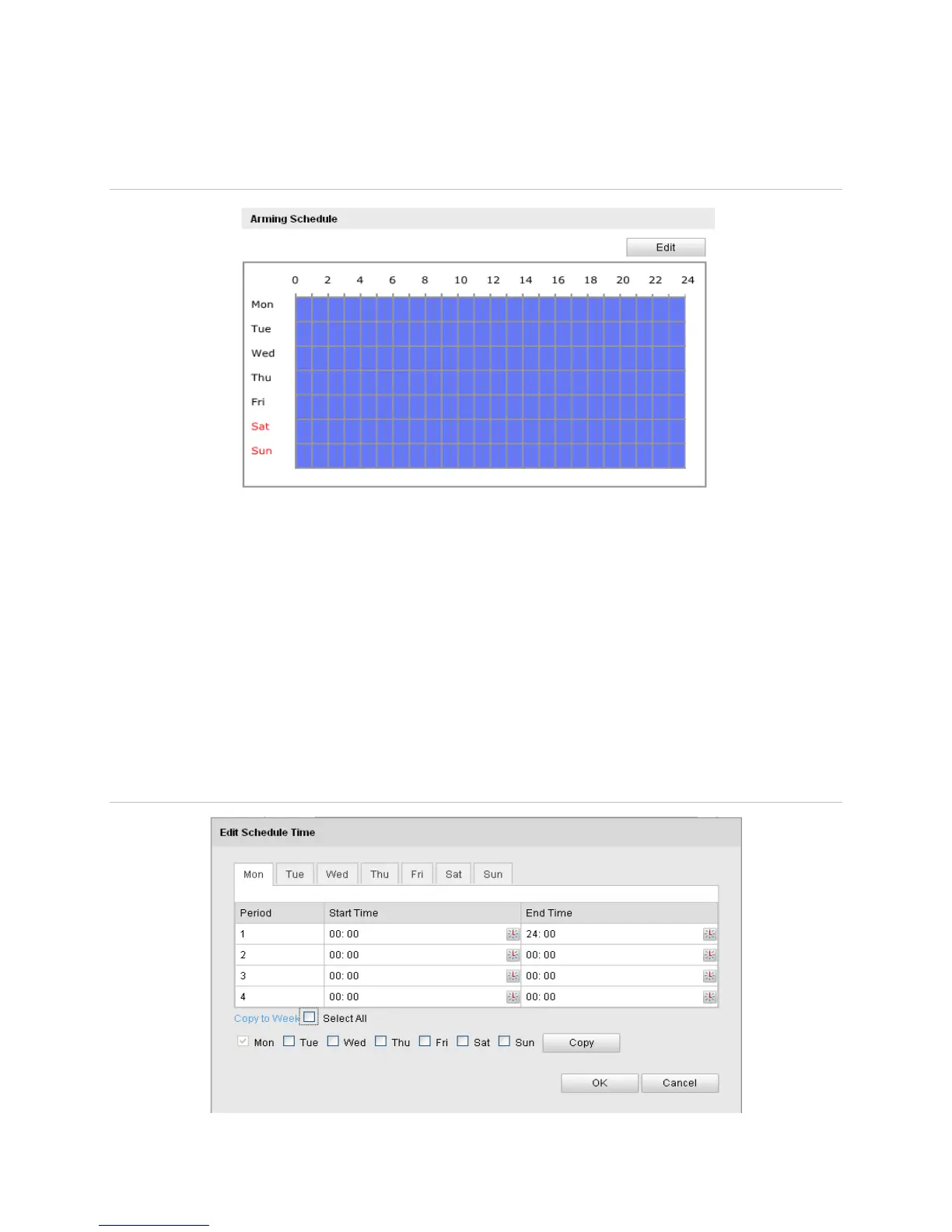
Arming schedule for motion detection
You can set the arming schedule for motion detection.
Figure 16: Arming schedule screen
To set the arming schedule for motion detection:
1. Click Edit.
2. Choose the day.
3. Set the time.
4. After you set the arming schedule, you can copy the schedule to other days.
5. Click OK to save the settings.
Note: The time of each period cannot be overlapped. Four periods can be configured
each day.
Figure 17: Edit table for the arming schedule



 To Next Page