72 Clare Controls IP Network Camera User Guide
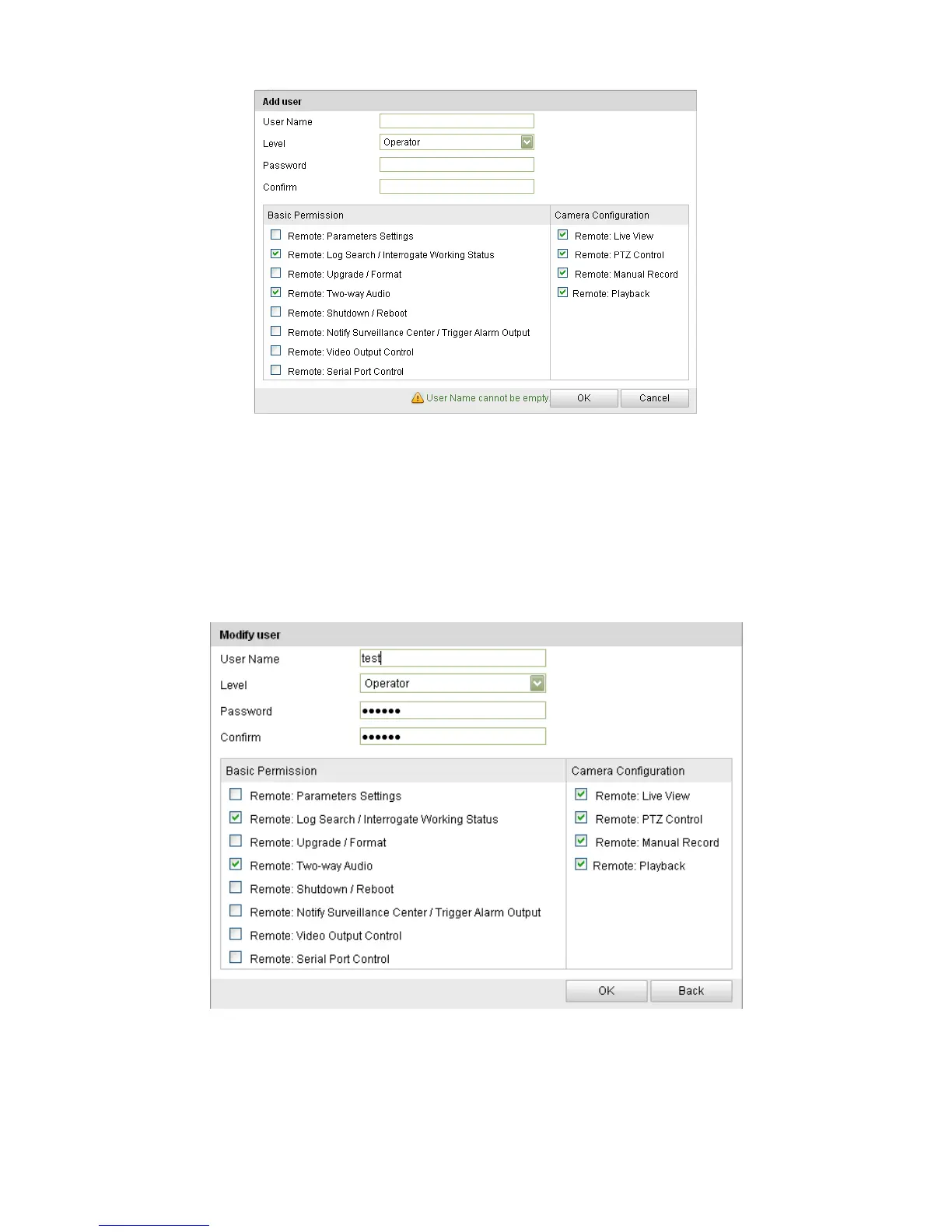
To modify a user:
1. Click to select the user from the list and click Modify.
2. Modify the User Name, Level, or Password.
3. In the Basic Permission field and Camera Configuration field, you can select or
clear the permissions.
4. Click OK to finish the user modification.
To delete a user:
1. Click the user name you want to delete and click Delete.
2. Click OK on the pop-up dialogue box to delete the user.



 To Next Page