Chapter 1: Introduction to EXPLORER 540
98-148232-E Optional: To use a cellular network (dual mode) 7
Optional: To use a cellular network (dual mode)
The EXPLORER 540 is a BGAN terminal by default. However, if you are within coverage of a
cellular network, you may want to acquire an EXPLORER 540 LTE Modem and use the cellular
network as your primary connection. Note that you need a separate SIM card for the
EXPLORER 540 LTE Modem to access the cellular network, the EXPLORER 540 SIM card can
only be used for the BGAN network.
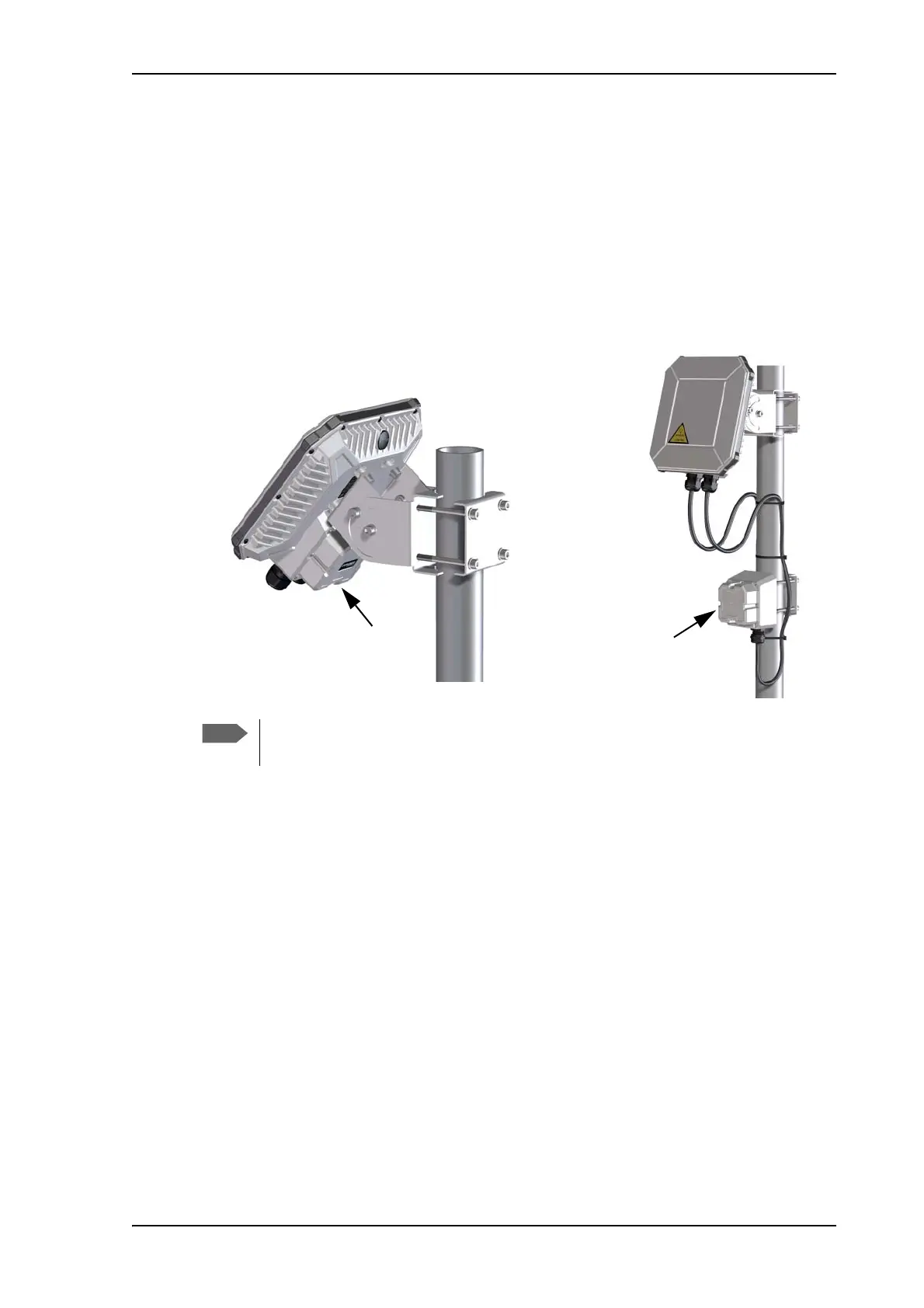
You can install the EXPLORER 540 LTE Modem as an integrated part of the EXPLORER 540, or
you can install it as a separate unit connected to the EXPLORER 540 with a USB cable
(standalone).
For installation of the EXPLORER 540 LTE Modem, see the Installation guide that comes with
the EXPLORER 540 LTE Modem.
For configuration, see Optional: To set up cellular network for data on page 93.
Some LTE Bands require that the LTE modem is installed in an external housing. See
specifications in Optional EXPLORER 540 LTE Modem on page 121
EXPLORER 540
LTE Modem
(standalone)
EXPLORER 540
LTE Modem
(integrated)



 To Next Page