Chapter 2: To get started
98-148232-E Fixed installation of the EXPLORER 540 13
Fixed installation of the EXPLORER 540
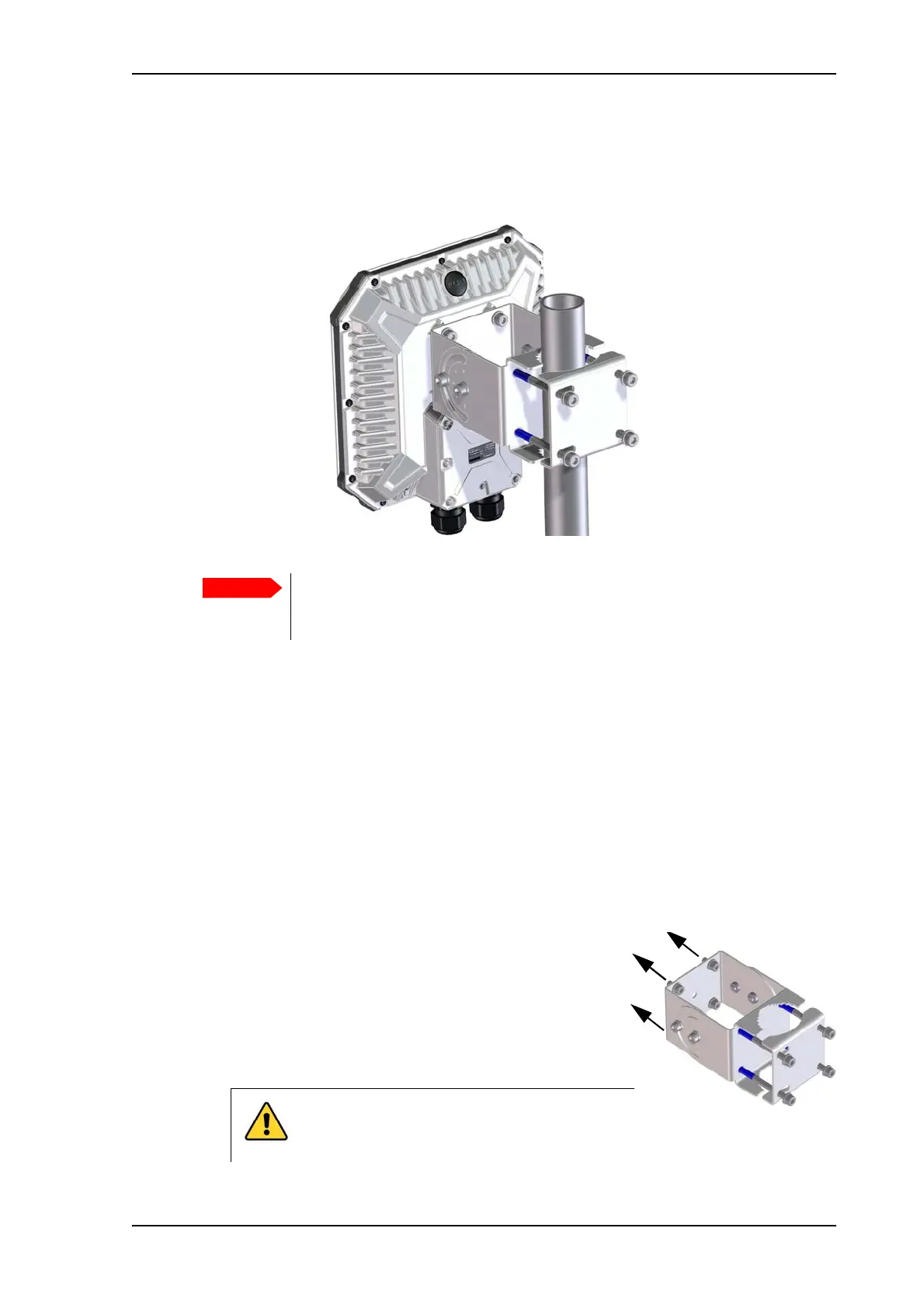
To install the EXPLORER 540 in a fixed installation, use the pole mount kit included in the
delivery.
For details on how to install the EXPLORER 540, see the included installation guide.
To power the EXPLORER 540
The EXPLORER 540 has no power switch, but is automatically switched on when power is
applied to the DC input or the LAN interface (PoE).
For details how to connect power, see Instructions for power input on page 11.
Installation process
Physical installation
See also the supplied Installation guide.
A pole mount kit is included in the delivery. To mount the
EXPLORER 540 on a pole, do as follows:
1. Attach the base of the pole mount bracket to the
EXPLORER 540 using the included Hex L key on the 4
screws.
Make sure all cables are connected and the Installation process for satellite
operation is completed before you fasten the EXPLORER 540 in your fixed
installation.
CAUTION! Max. length of the screws is 9
mm! Longer screws can damage the
EXPLORER 540.



 To Next Page