Chapter 1: Introduction to EXPLORER 540
98-148232-E System overview 8
System overview
Power supply and additional equipment
There is one LAN interface and one DC power input on the EXPLORER 540.
Depending on your configuration, you may have to use a PoE switch or a PoE injector
connected to the LAN interface or a battery connected to the DC input in order to provide
power to the EXPLORER 540. For examples, see M2M application examples on page 18. You
may also need to provide a switch to be able to accommodate more than one LAN connection,
e.g. for local access to the web interface during installation or service.
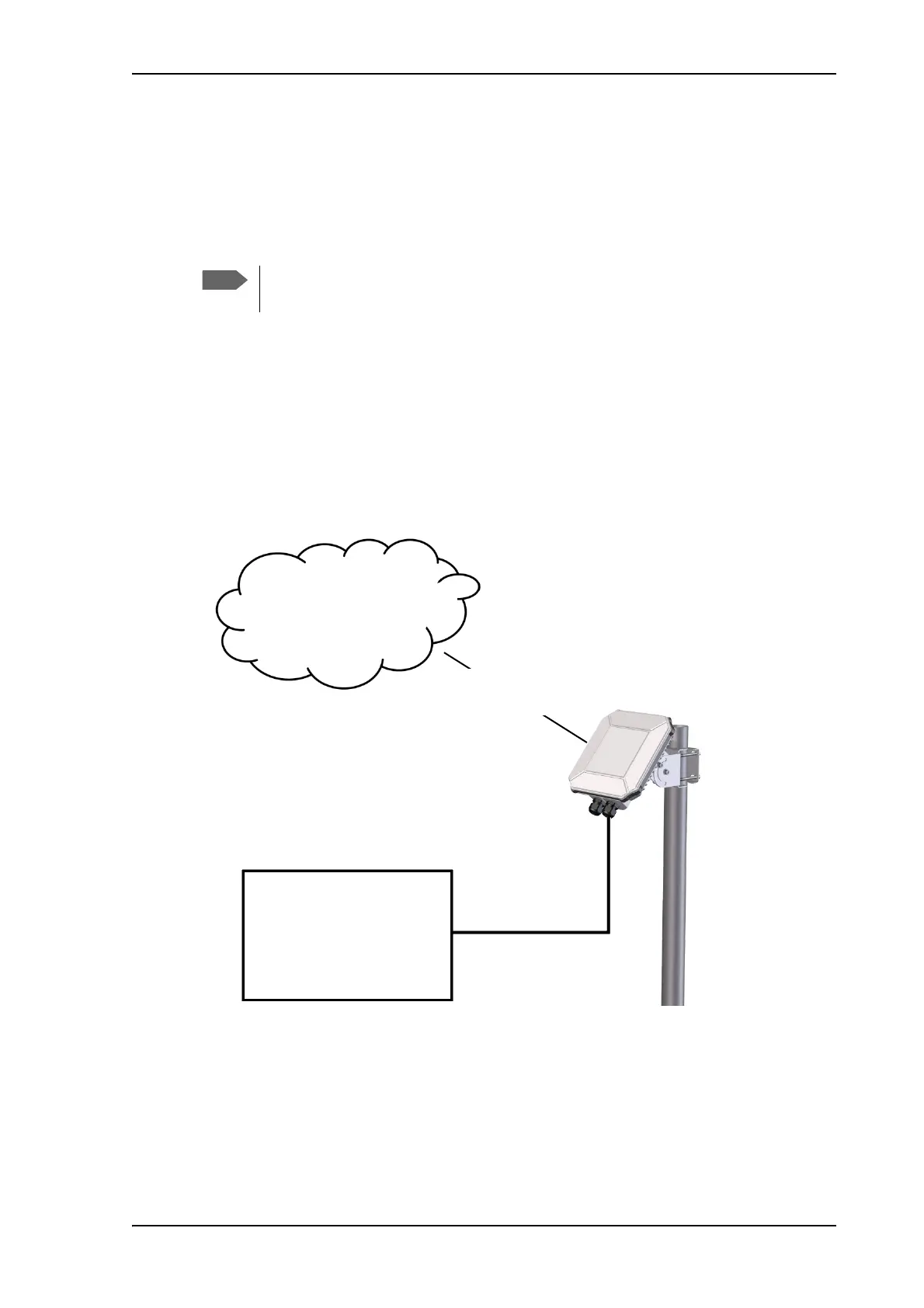
M2M overview, example
In the example below, the M2M system has a built-in PoE switch, providing the power to the
EXPLORER 540 together with the M2M communication through the LAN interface.
The EXPLORER 540 works as a Powered Device (PD). This means it may be powered
by PoE, but it does not supply PoE.
M2M equipment
(including PoE source)
Internet
BGAN M2M service
via satellite
LAN with PoE



 To Next Page