Chapter 1: Introduction to EXPLORER 540
98-148232-E Your EXPLORER 540 terminal 4
Your EXPLORER 540 terminal
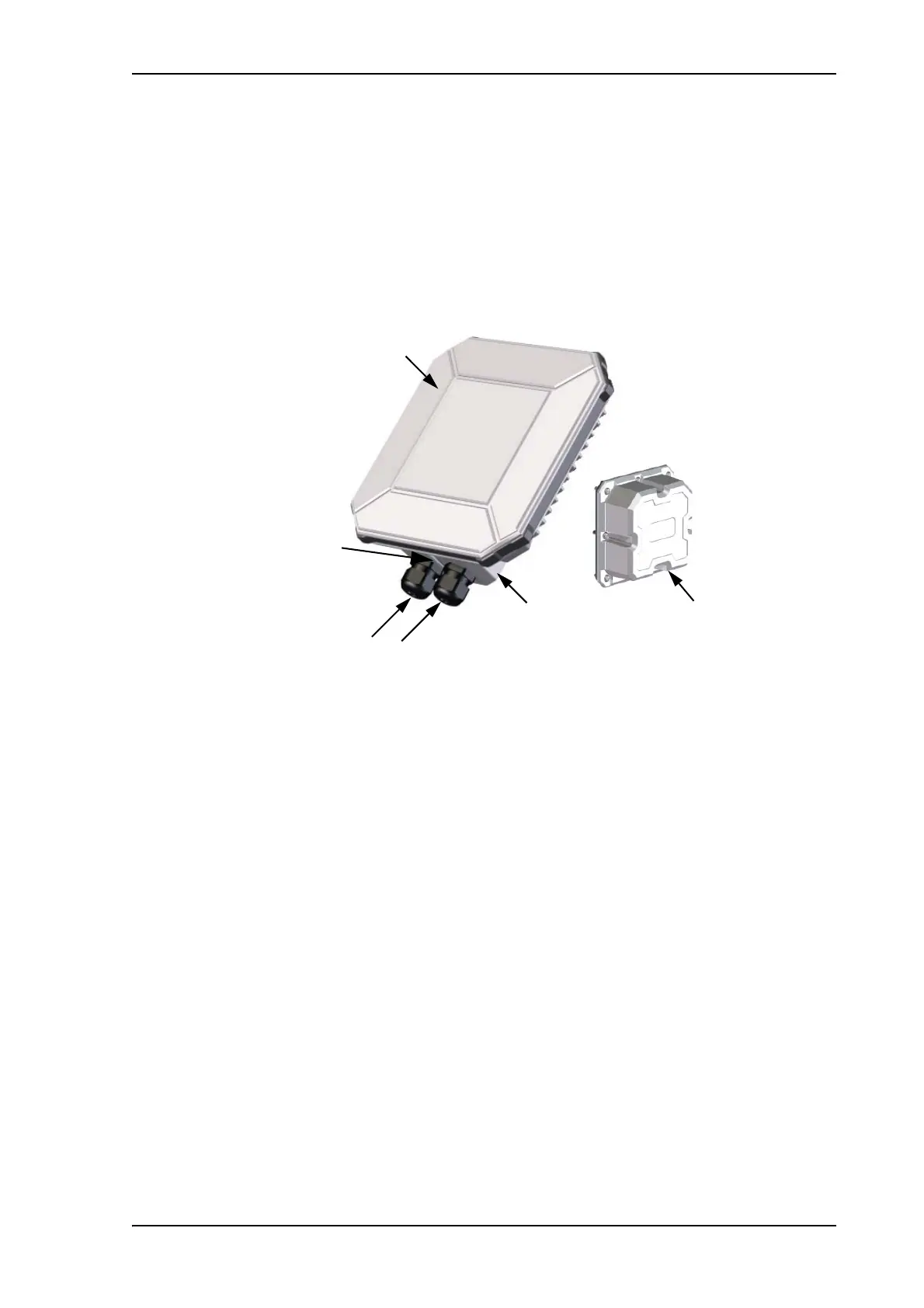
EXPLORER 540 overview
The EXPLORER 540 is a small, compact unit comprising transceiver and antenna in one unit.
User interfaces
The web interface is a built-in web interface for easy configuration. The web interface is
accessed from a computer connected to the EXPLORER 540, using an Internet browser. No
installation of software is needed on the computer. For further information on the web
interface, see The web interface on page 48.
With AT commands you can configure and control the EXPLORER 540 from a computer
using a Telnet session, or from connected equipment, e.g. in M2M applications. For further
details see To access the terminal using AT commands on page 24.
With SMS commands you can configure and control the EXPLORER 540 remotely. For
details, see Remote access with SMS on page 25.
The distributors may have their own Graphical User Interface, which could be built on e.g.
Inmarsat's M2M API (M2MAP) or similar. Contact your distributor for information.
Antenna
The light-colored front of the EXPLORER 540 holds the antenna part comprising:
• GNSS (Global Navigation Satellite System) antenna supporting GPS, GLONASS and BeiDou.
Antenna for
BGAN and GNSS
LAN
Optional: USB cable for external
EXPLORER 540 LTE Modem
BGAN SIM card
Status LED
DC power
Cable glands for:
Optional:
EXPLORER 540 LTE Modem



 To Next Page