Chapter 4: Configuration with web interface
98-148232-E The Control panel 58
The Control panel
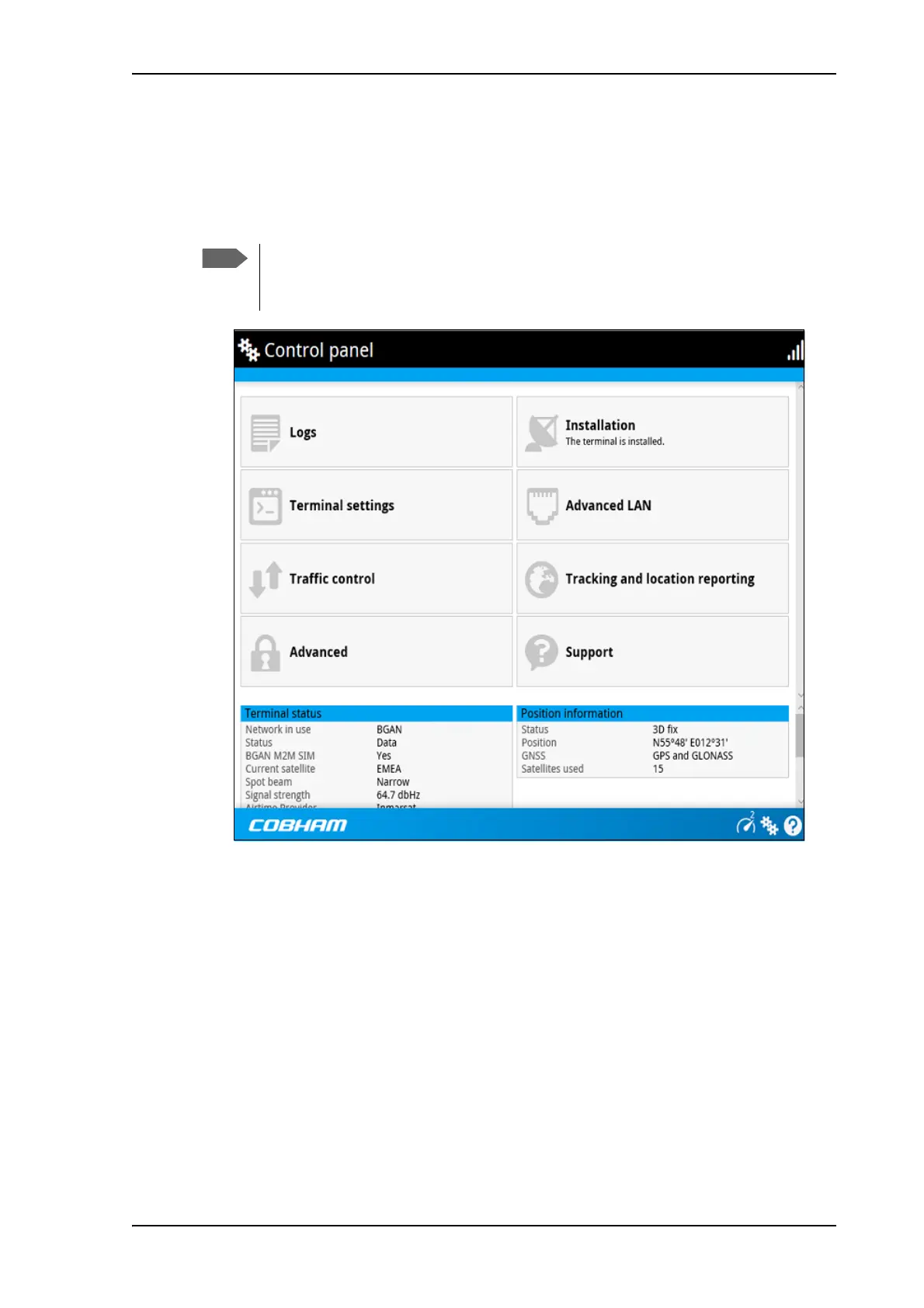
The Control panel is used for accessing the settings and functions of your EXPLORER 540.
To open the Control panel, click
from the bottom right corner of the web interface.
To restart the installation process (BGAN)
If you need to restart the installation process, e.g. because the EXPLORER 540 has been moved
to another location, click the Installation tile in the Control panel. This will reboot the
terminal and restart the installation process. For details about the installation process, see
Installation process on page 13.
To start the installation process from the web interface, do as follows:
1. Select
(Control panel) and then Installation.
2. Select OK to reboot the terminal and start the installation process. Note that you must log
into the web interface with user name and password after reboot.
The BGAN signal strength is shown on the screen during the pointing process.
IP handsets: The M2M subscription does not support Voice over IP (VoIP). For details
on VoIP and voice calls with BGAN class 2 subscription, see Appendix C, BGAN non-
M2M functions.



 To Next Page