98-148232-E 143
Appendix C
BGAN non-M2M functions
C
This appendix includes the features and functions in the EXPLORER 540 that are not available with an
M2M subscription, but only with a BGAN Class 2 subscription.
These functions are:
•Streaming
•VoIP
To control data connections from web interface (BGAN)
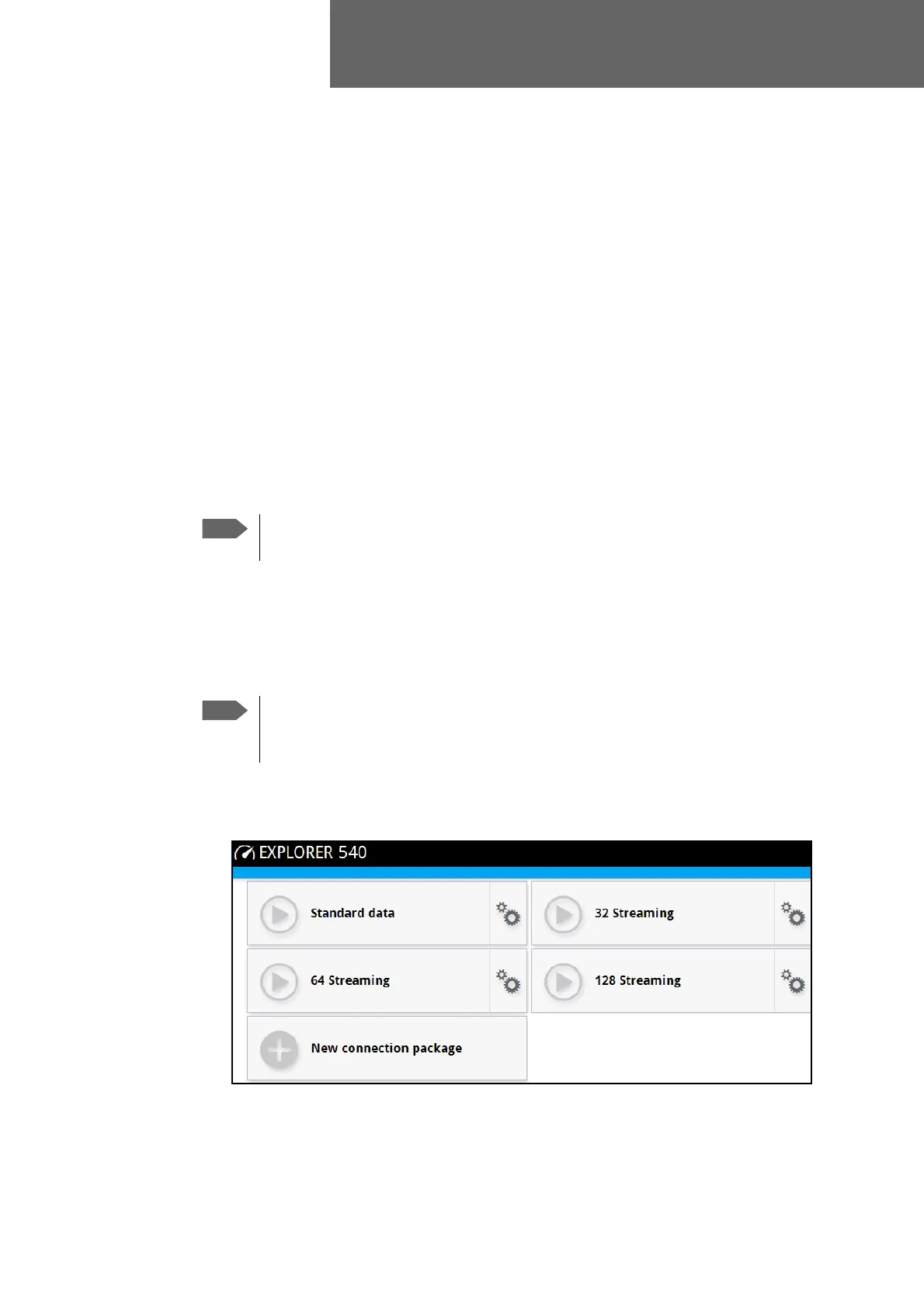
The startup page of the web interface is used to start and stop data connections and to set up
the data connections.
The difference from the M2M version is, that Streaming connections are supported and can be
configured.
To start and stop data connections
To start and stop data connections on your EXPLORER 540, do as follows:
1. In the opening page, locate the connection package you want to start.
If you are using the EXPLORER 540 LTE Modem you cannot start and stop data
connections.
The icons for starting and stopping connections are only displayed if the
terminal is ready and registered on the BGAN network. Otherwise you cannot start
data connections.



 To Next Page