Chapter 3: Operation
98-148232-E To control data connections (PDP contexts) 38
PPPoE (Point-to-Point Protocol over Ethernet), BGAN only
Overview
By using PPPoE, users can virtually “dial” from one machine to another over an Ethernet
network, establish a point to point connection between them and then transport data packets
over the connection. You can establish a PPPoE connection to the BGAN network using the
EXPLORER 540 system.
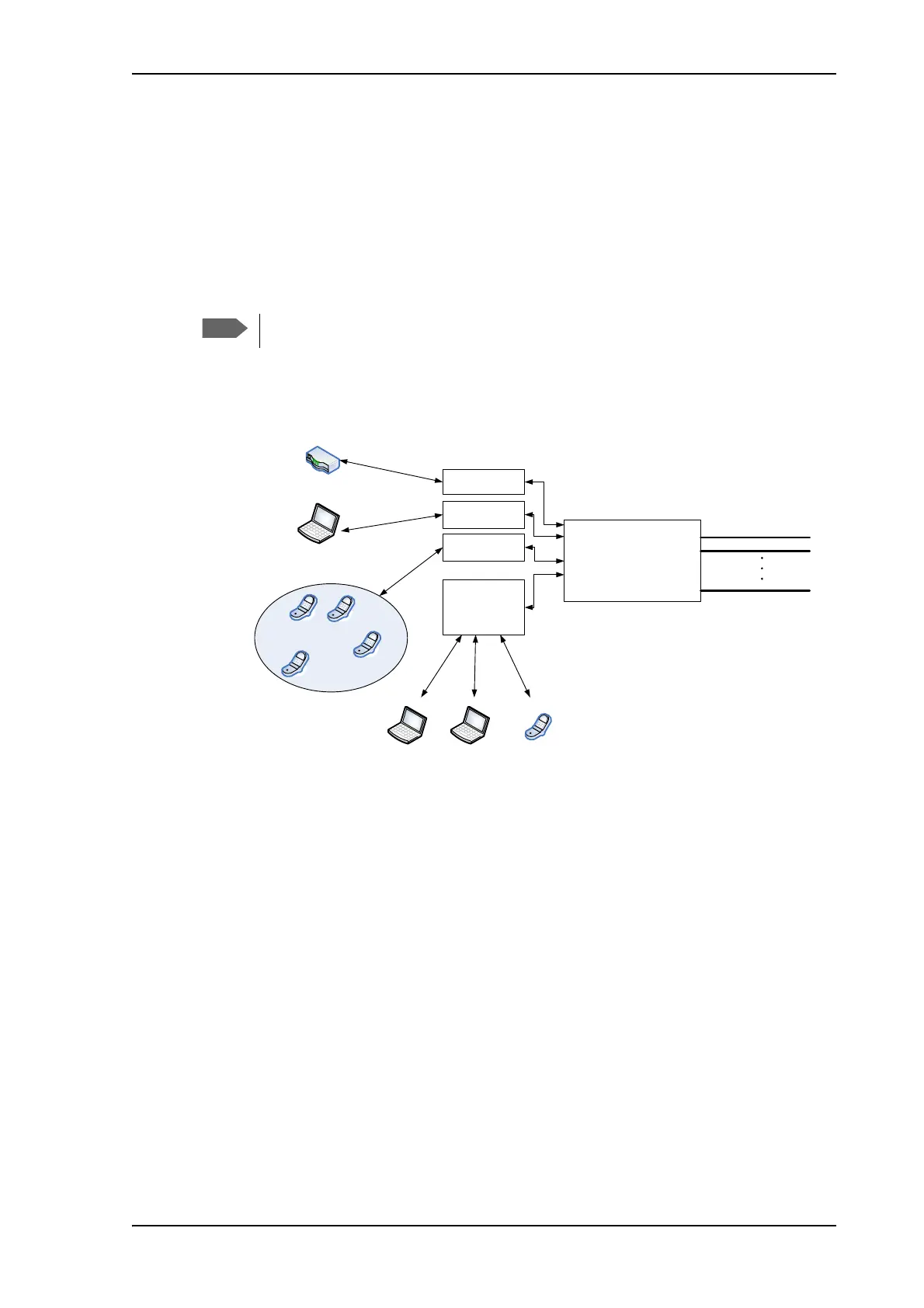
The following drawing shows connections managed through PPPoE and web interface
respectively.
To configure the connected equipment for PPPoE
On the equipment connected to the EXPLORER 540 you must enter a few settings for your
PPPoE connection. For example you need to set up which service to use (e.g. 64 kbps
Streaming) and a user name and password. How to configure your equipment depends on the
type of equipment. Refer to the user documentation of the equipment.
The user name and password can be left blank (or insert user name: void and password: void).
Then the registration on the Access Point is most commonly done in such a way that the data
connection is established with a dynamic IP address from the airtime provider.
Note for MAC OS: User name and password are required. For some service providers you can
use user name void and password void. Contact your airtime provider for further information.
To request a static IP (if subscribed to) from the Access Point you must type in the user name
and password from your airtime subscription.
On the EXPLORER 540 you must set up the APN to use before you can establish a PPPoE
connection. See To change the APN for PPPoE (BGAN only) on page 68.
You can not use PPPoE to control a cellular connection.
BGAN terminal
PDP Context, up to 11
BGAN
nework
Built-in
web
interface
PPPoE
connection
PC and/or broadcast equipment
User PC 1
Applications
for PPPoE
Handling connection
to the BGAN terminal
Assigning connection
(PDP context) to go out
on the BGAN network
Router
Pico cell
PPPoE
connection
User PC 2
PPPoE
connection
IP Handset



 To Next Page