Chapter 3: To use the EXPLORER 710
98-140012-H To access the terminal from a remote location (BGAN only) 38
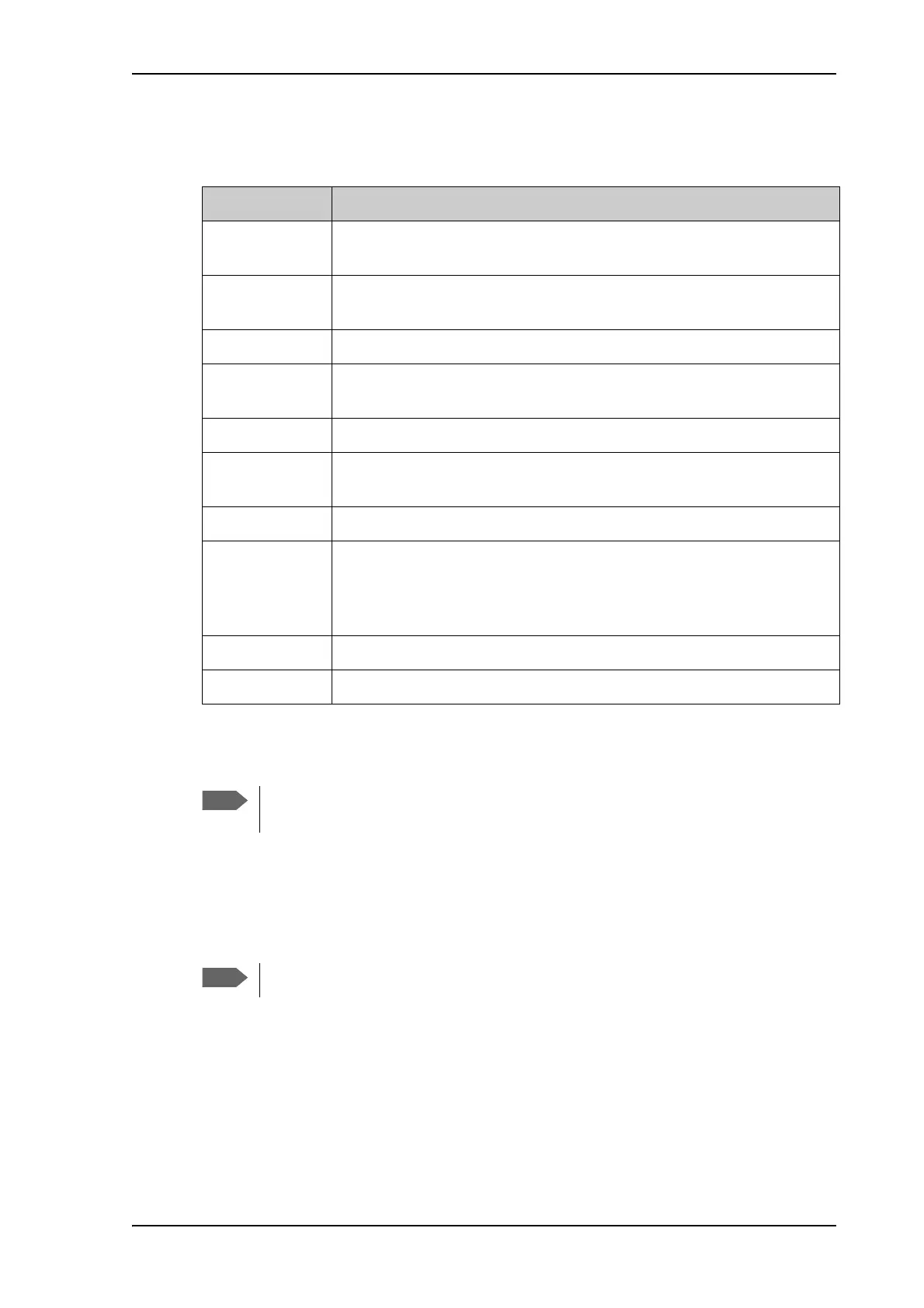
The following SMS commands are supported.
For an explanation of syntax and parameters, see SMS remote commands on page 145.
Remote access with the web interface
There are two methods of getting remote access to the web interface:
• Using the AT command _IREMWEB, e.g. sent in an SMS (ATCO command).
• Accessing an EXPLORER 710 that is pre-configured with trusted IP addresses.
The following sections describe these two methods.
SMS command Function
ACTIVATE Activates BGAN data connections for the device(s) connected to the
EXPLORER 710.
DEACTIVATE Deactivates some or all the BGAN data connections for devices
connected to the EXPLORER 710.
CLEAR Deletes SMS messages in the EXPLORER 710.
GETINFO Gets information from the EXPLORER 710 such as call time, data usage,
GPS position and global IP address.
RESTART Restarts the EXPLORER 710.
WATCHDOG Gets or allows you to set the Connection watchdog parameters (Link
monitoring).
ADVWATCHDOG Gets or allows you to set the Terminal watchdog parameters.
ATCO Allows you to send AT commands in an SMS to the EXPLORER 710 which
returns the response in an SMS.
Note: The ATCO command only supports a subset of the AT commands,
see ATCO commands on page 151.
ADPWRST Resets the EXPLORER 710 administrator password to admin.
WANMODE Gets or allows you to set the WAN connection mode (BGAN or Cellular)
When using remote access, the web interface may take a long time to load the pages,
because the Internet connection may be slow.
Only one PDP context at a time can be used for remote web interface access.



 To Next Page