Chapter 4: To use the web interface
98-140012-H Terminal settings 77
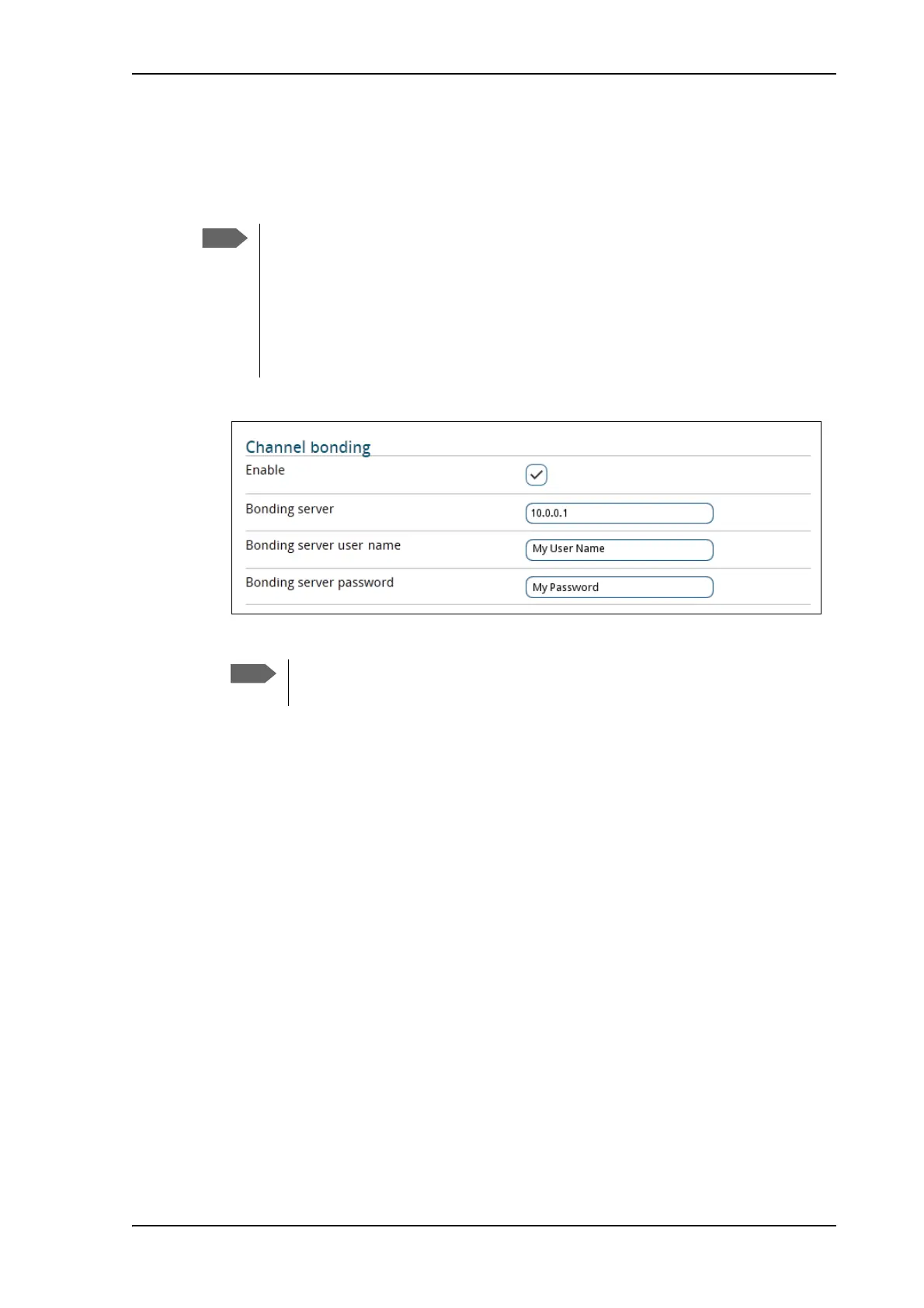
To set up channel bonding
You can connect two EXPLORER 710 terminals to obtain a higher bandwidth for UDP traffic.
First set up each of the two terminals as described below.
1. In the Terminal settings page, locate the Channel bonding section.
2. Select Enable to enable channel bonding.
3. At Bonding server, enter the name of the server used for the bonding function. You can
type either the name or the IP address of the server.
4. Enter the user name and password for the server.
5. Click Save.
6. Connect and start up the two EXPLORER 710 terminals as described in Bonding of
terminals on page 33.
To enable or disable Network Service Device (NSD)
If you have an Inmarsat GX system together with your EXPLORER 710 and you want to use the
EXPLORER 710 as backup when the GX service is not available, you can acquire a Network
Service Device from Inmarsat. The NSD will use a PPPoE connection to allow your system to
use the BGAN service when your system is out of GX spot beam coverage. To enable NSD, do
as follows:
1. In the Terminal settings page, locate the NSD section.
2. Select Enable if you want to use an NSD with your EXPLORER 710.
For information on PPPoE, see To change the APN for PPPoE on page 91.
A bonding server must first be set up, in order to receive and reassemble the two
signals into one at the receiving end. You must know the server name, user name and
password in order to set up the EXPLORER 710 terminals used for bonding.
You find the Bonding server application in the Cobham SYNC Partner Portal at
www.cobhamsatcom.com, select Cobham SYNC Partner Portal at the top and log
in. Then select Downloads > Product Software. Under Products, select Land
Mobile > Satcom > L-Band and locate the Bonding Server.
NSD must be disabled for the Bonding function to work (NSD is disabled by
default). See To enable or disable Network Service Device (NSD) on page 77.



 To Next Page