Chapter 4: To use the web interface
98-140012-H To set up your data connection packages 84
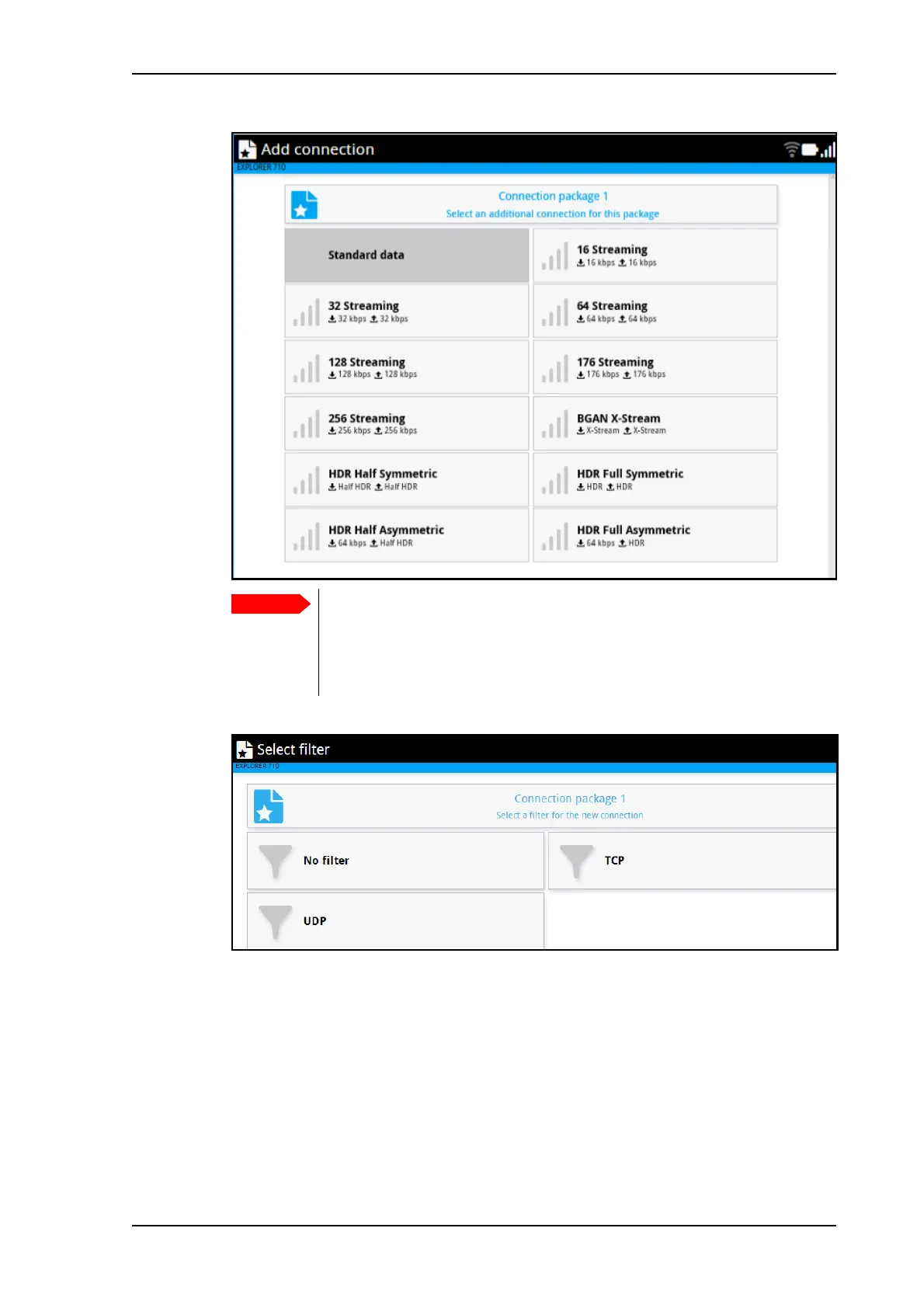
7. Select a predefined filter for your new connection.
The predefined filters are:
• UDP: Filters traffic using UDP protocol (such as video streaming or Voice over IP).
• TCP: Filters Traffic using TCP protocol (such as web browsing)
• No filter: All data pass through. Use only for the last connection you add to your
package.
The filters are applied in the order in which they were defined. This means that if you have
a connection with no filter as the last connection, all traffic that does not match the first
filters in the list will be passed through on this last connection. For this reason we
recommend a Standard data connection for the “No filter” connection.
You must select a filter for each connection. The filters are applied in the
order they are added. This means that if you want to have a connection with
no filter, it must be the last connection you add to your connection package.
If not, the next filters are ignored, because “No filter” means all data passes
through without filtering.



 To Next Page