Chapter 4: To use the web interface
98-140012-H To set up your data connection packages 85
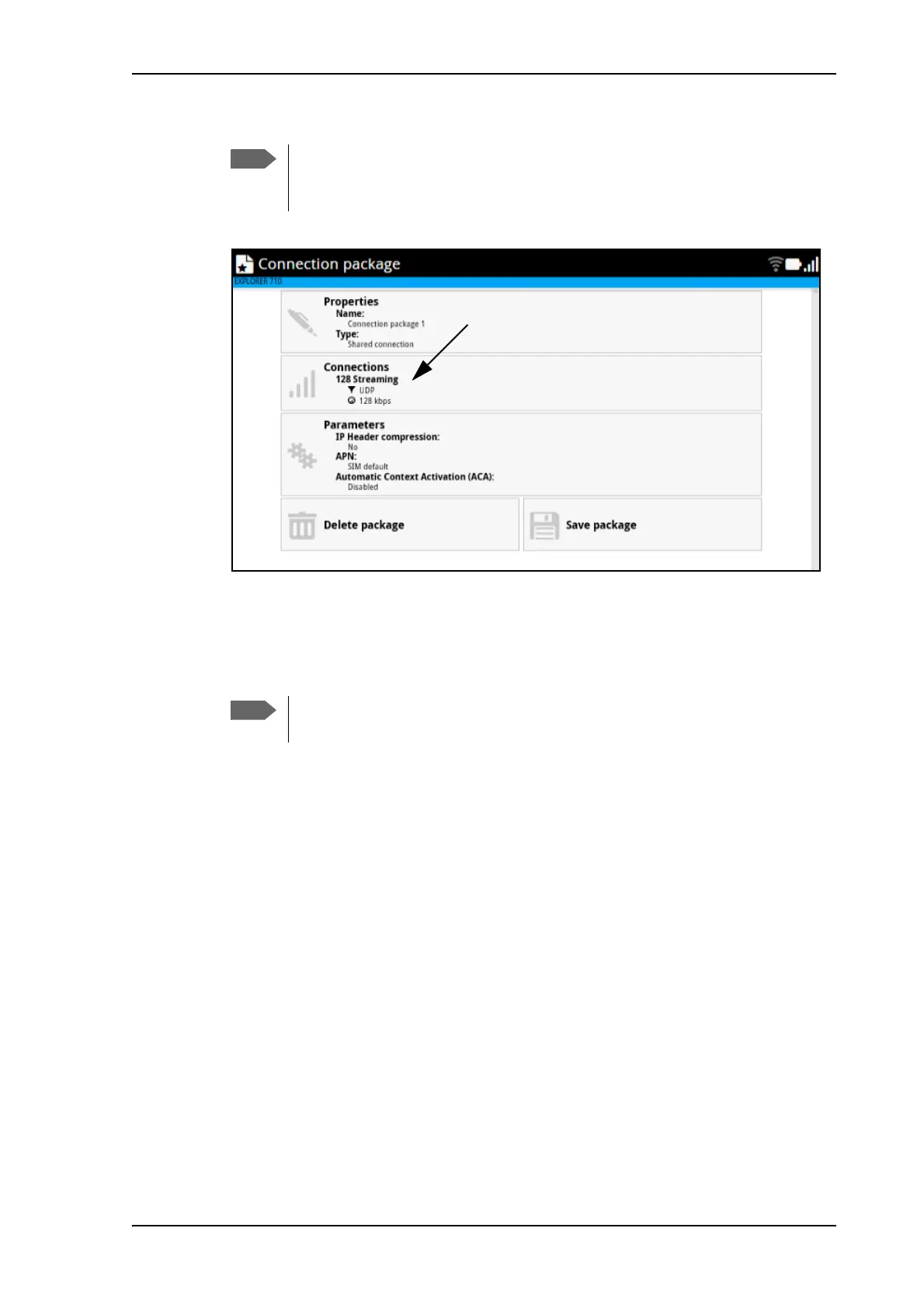
The connection package now shows your first connection.
8. If you only want one connection in your package, click Save package and exit.
9. To add another connection to the same package, click the Connections tile.again and
click Add connection.
10. Select a connection type for your second connection.
11. Select a filter for the connection.
If this is the last connection in your connection package, you may select No filter, in order
to let all remaining traffic use this connection
The connection package now contains the two connection types.
If you need a different filter than the ones available, you can log in as
administrator and add new filters to the list. See Traffic flow filter templates on
page 105.
You may not have all connection types available if you have selected a streaming
type for your first connection, because your total bandwidth will be “filled up”.



 To Next Page