USER MANUAL
5.7.2.1 Changing Password
To change the password for the administrator or user accounts, click the User Edit icon .
The password has to be a minimum of 8 characters and can contain a mixture of numbers
and letters. Enter your new password again to confirm, and then click
Save
to save your new
password. You will be required to input your old password to authenticate.
Password Enable:
It’s strongly recommended to enable the password to protect your
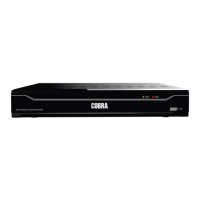
privacy. If you want to disable the password protection, please ensure your NVR is placed in
a secure place.


 To Next Page