CBR2 CGA4332COM- User Guide
10 of 51
1.2
Getting to know the Gateway
This section introduces you to the different components of the Gateway:
Section Page
1.2.1 Front Panel 10
1.2.2 Top Panel 11
1.2.3 Back Panel 13
1.2.4 Bottom Panel 15
1.2.1
Front panel
Introduction
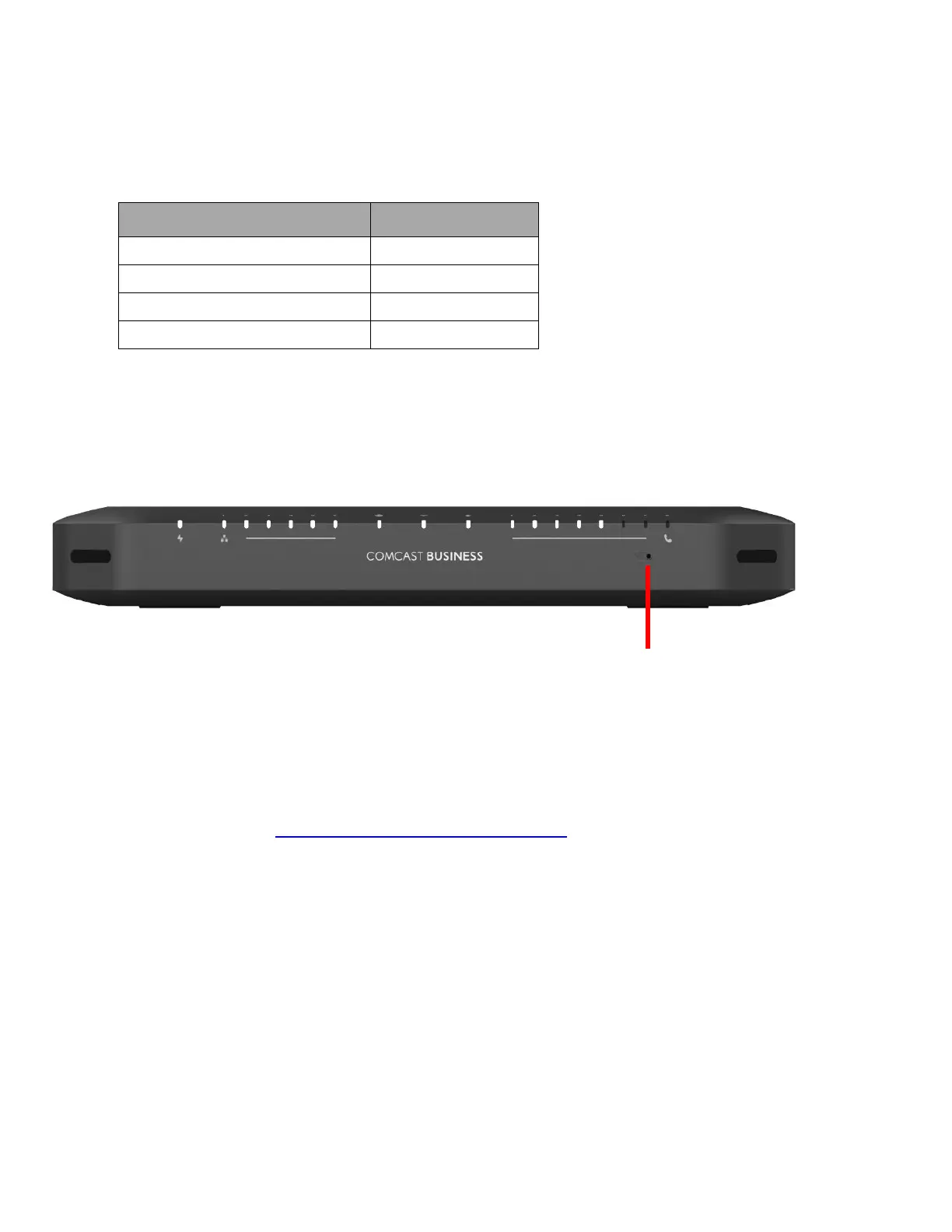
On the front panel of your Gateway is a series of LEDs that allow you to check the state of the services
offered by the Gateway.
A
A: Reset button
The Reset button allows you to:
• Restart the Gateway.
• Restore the factory defaults of the Gateway.
For more information, see "8.3 Gateway_reset_and_restore_options"



 To Next Page