CBR2 CGA4332COM- User Guide
17 of 51
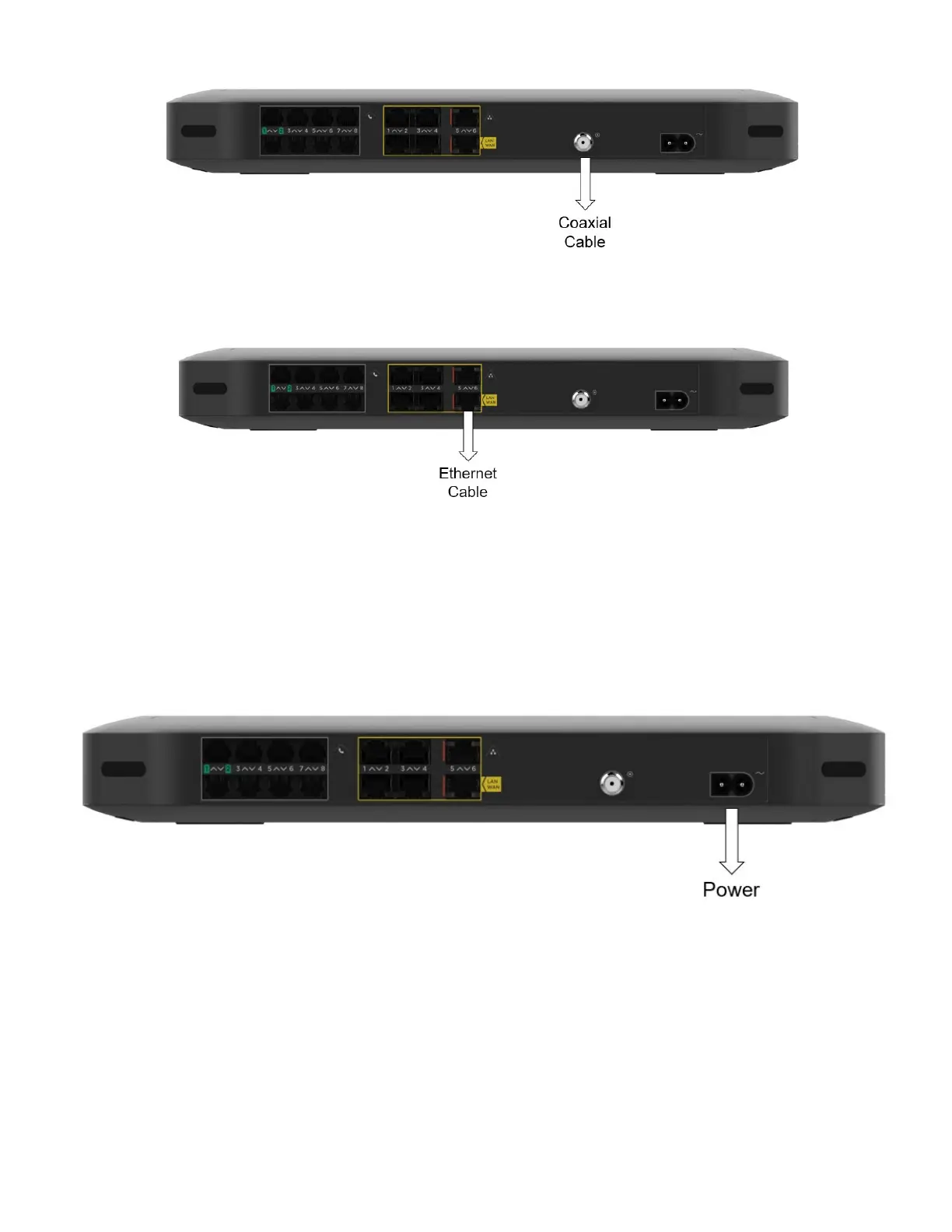
To connect Gateway to an EPON device proceed as follows:
1. Take one end of the Ethernet cable and connect it to your EPON device.
2. Connect the other end of the Ethernet cable to Port 6 of the Gateway.
3.2
Power on the Gateway
To turn on the Gateway power:
1. Use the power cord that is included with your Gateway.
2. Connect the small end of the power cord to the Power port on the back of the Gateway.
3. Plug the other end of the power cord into an electrical outlet.
4. Wait at least two minutes to allow the Gateway to complete its startup phase.



 To Next Page