CBR2 CGA4332COM- User Guide
50 of 51
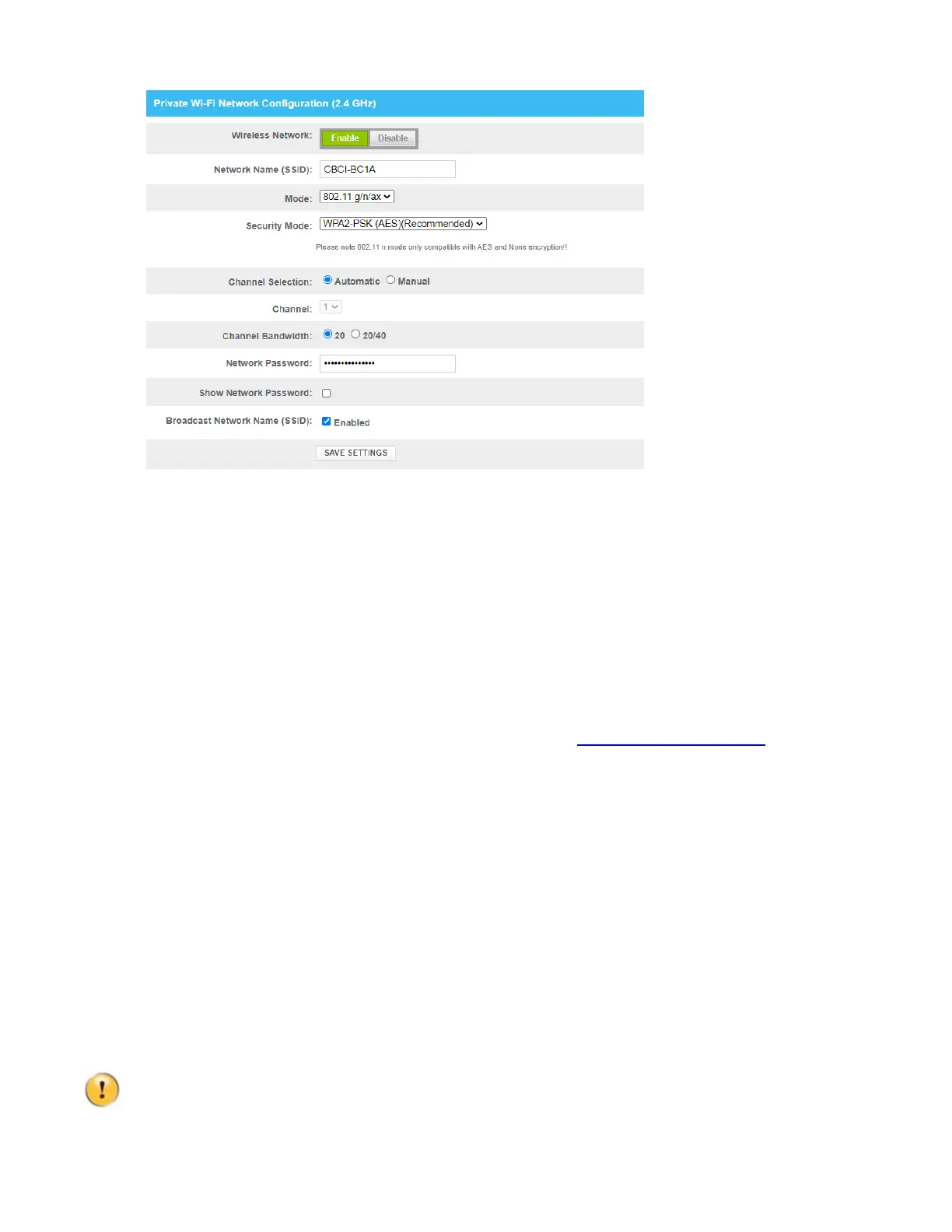
5. In the Wireless Network list, click Enabled.
6. Click SAVE SETTINGS.
For further assistance please contact Comcast Business support at 800-391-3000 or at https://business.comcast.com/.
8.2
Network diagnostic tools
The Admin Tool offers a number of diagnostic tools to test your network connectivity.
How to access the network diagnostic tools
1. Go to the Admin Tool (http://10.1.10.1), using a computer or device that is currently connected to your
Gateway (either wired or wirelessly). For more information, see “Accessing the Admin Tool”
.
2. On the Troubleshooting menu, click Diagnostic Tools.
3. The Network Diagnostic Tools page appears. The following tools are available:
Test Connectivity Results
Check for IPv4 Address Results
Check for IPv6 Address Results
Initiate traceroute for IPv4 Address
Initiate traceroute for IPv6 Address
8.3
Gateway reset and restore options
Reset
By performing a reset, you restart a specific set of services (or the complete Gateway).
Restore
By performing a restore you reset a specific set of services (or the complete Gateway) and reapply their
factory default settings.
A reset to factory default settings deletes all configuration changes you made. Therefore, after the reset a



 To Next Page