CBR2 CGA4332COM- User Guide
33 of 51
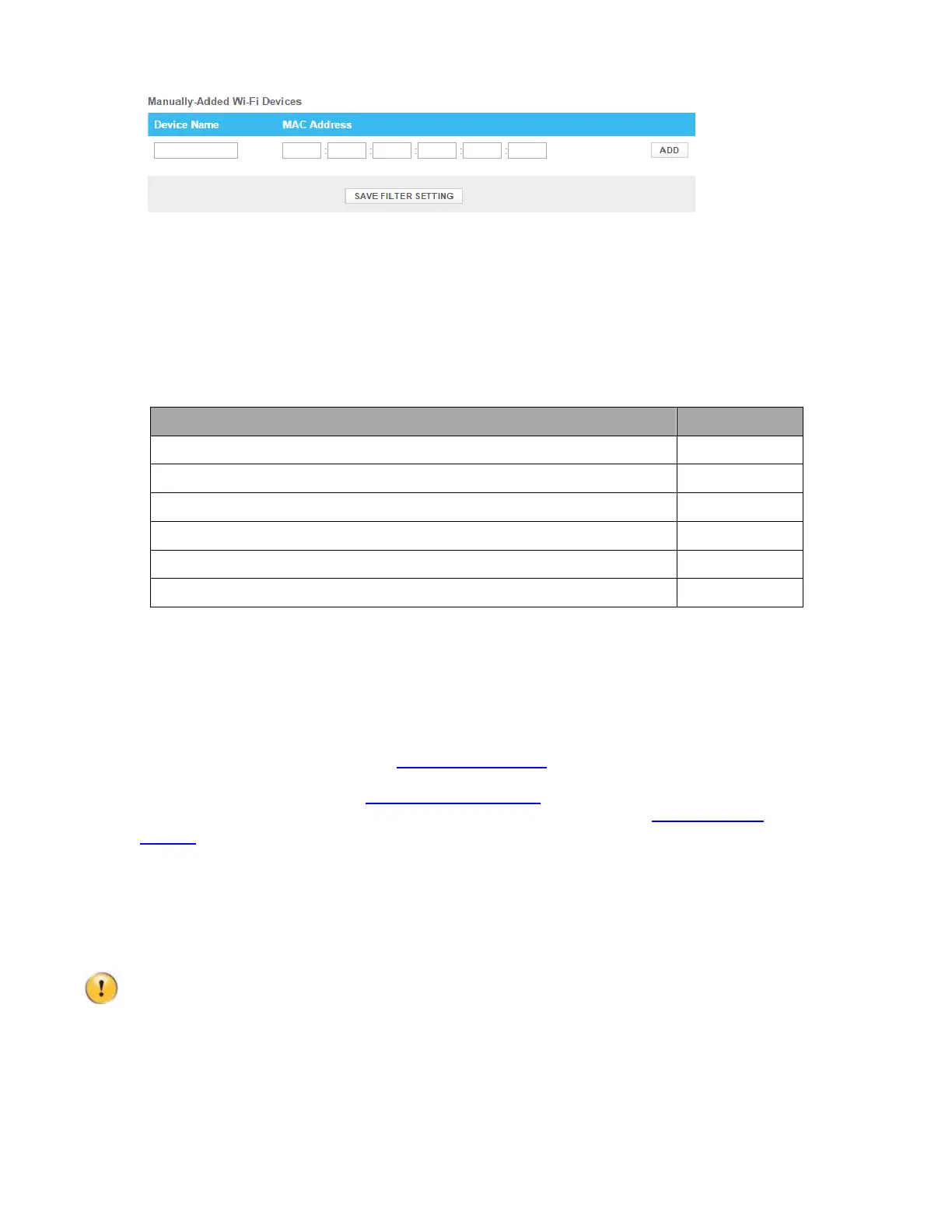
Repeat this step for each exception that you want to add.
6. Click SAVE FILTER SETTING.
6
Internet Security
The Gateway offers various options to secure your Internet connection:
Topic Page
6.1 Content Filtering 33
6.1.1 Managed Sites 33
6.1.2 Managed Services 35
6.1.3 Managed Devices 36
6.1.4 Reports 37
6.2 Firewall 38
6.1
Content Filtering
The Content Filtering function:
Prevents access to specific website based on the URL or
keywords. For more information, see “6.1.1 Managed sites”
.
Prevents access to specific application or services (for example,
FTP). For more information, see “6.1.2 Managed services”
.
Prevents devices from accessing your network. For more information, see “6.1.3 Managed
devices”.
6.1.1 Managed sites
The Managed Sites page allows you to:
Block specific websites (permanently or for a specific time frame).
The Gateway does not block websites that use HTTPS.
Block keywords (always or for a specific time frame).
Mark devices as trusted.
When a device is marked as trusted, all Managed Sites rules will be ignored.



 To Next Page