CBR2 CGA4332COM- User Guide
19 of 51
3.5
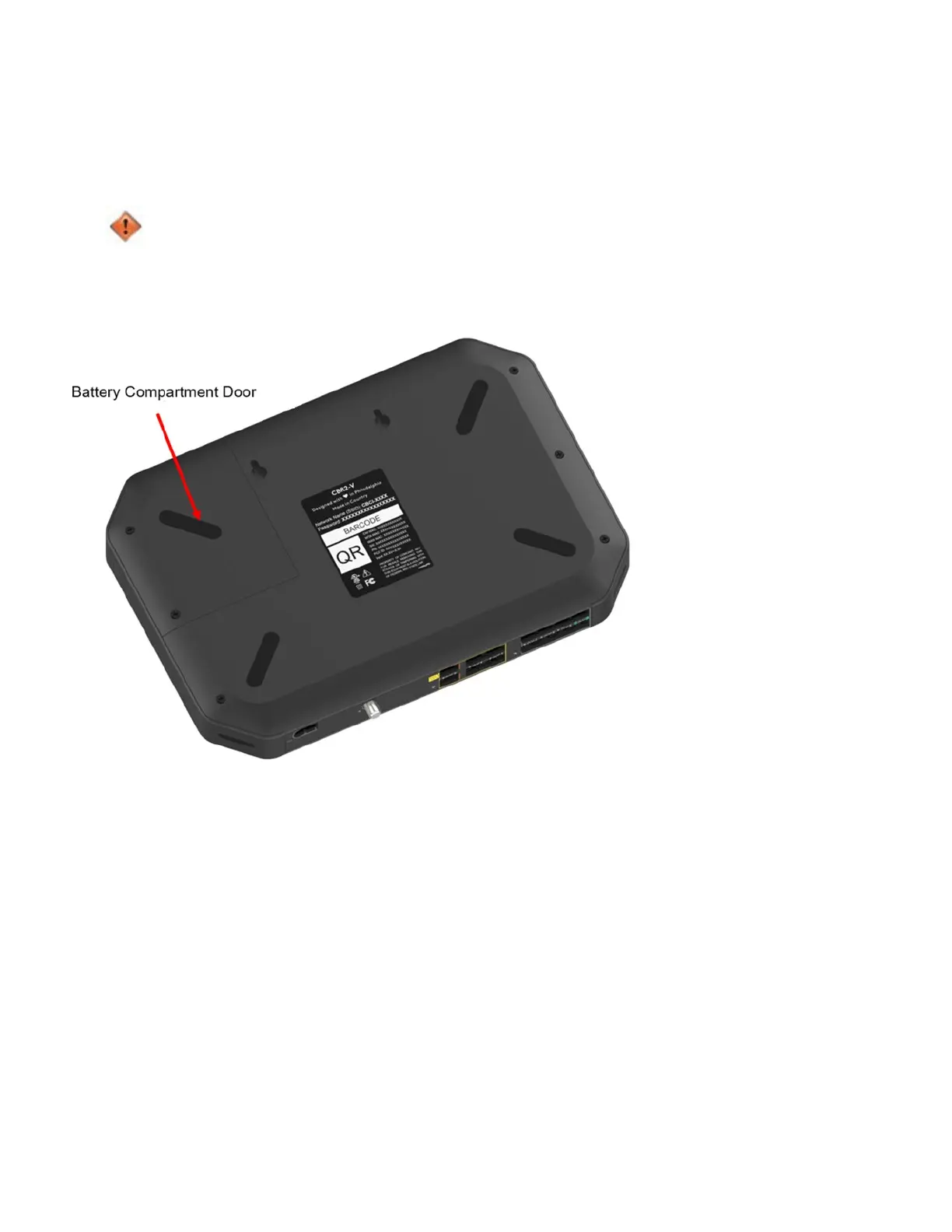
How to Install the Battery
This section describes how to install the battery in the gateway. By default, CBR2 CGA4332COM does not
come with the battery installed. To install or replace the battery, follow the below procedure.
Improperly inserting the battery may damage the battery connector in the Gateway. Carefully follow the
below instructions.
1. Unplug the power cord from the device.
2. The battery is attached to the compartment door. To open the battery compartment, remove the two screws
on the battery compartment door located on the bottom panel of the gateway, tilt the battery/compartment door
at an angle, and pull out.



 To Next Page