CBR2 CGA4332COM- User Guide
20 of 51
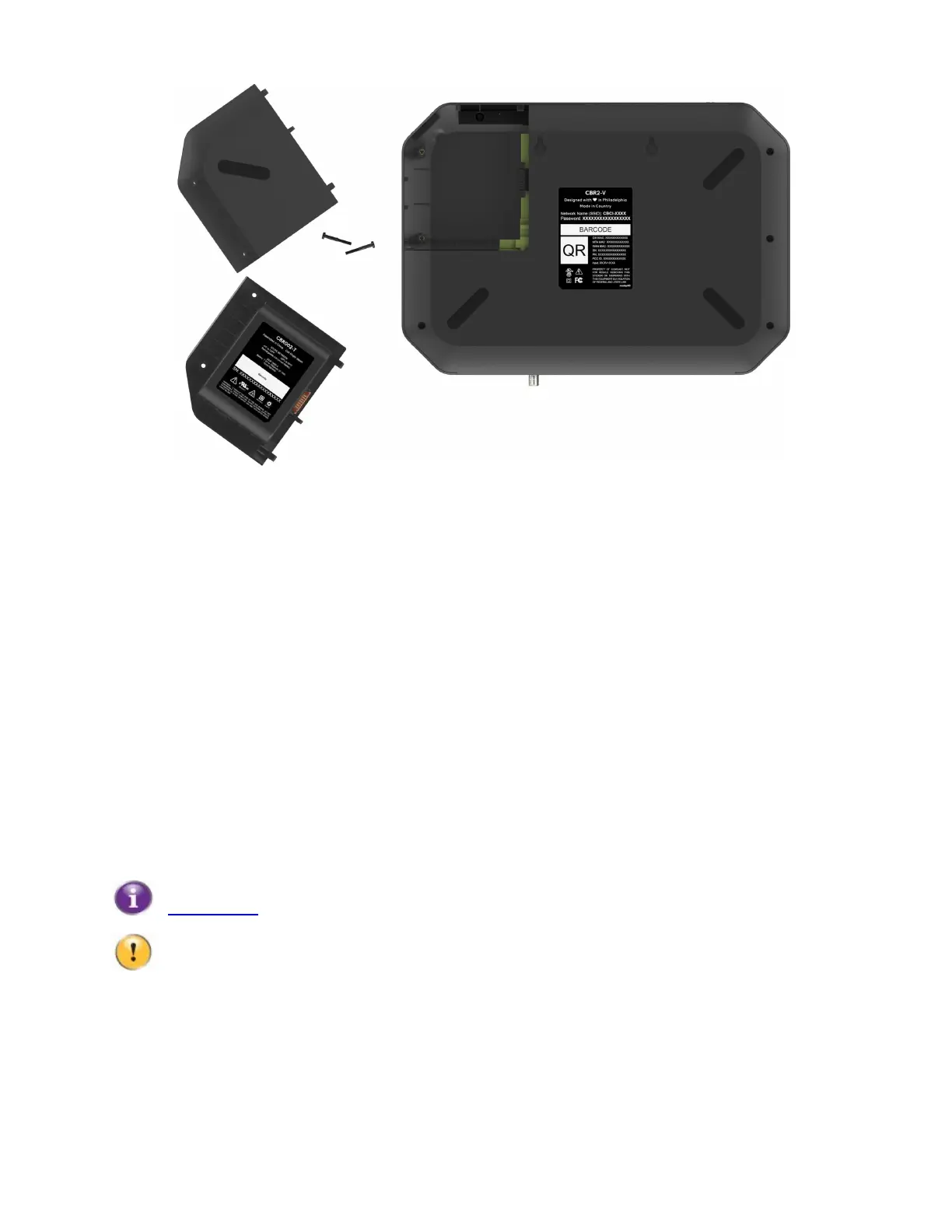
3. Angle the new battery/compartment door such that the guides in the bay and aligns with the slots on the battery
and insert the battery into the compartment.
4. Insert and tighten the screw above the battery compartment door.
4
Admin Tool
The Admin Tool allows you to configure the settings of your Gateway via your web browser, using a computer or
other device that is currently connected to your Gateway (either wired or wirelessly).
Note: The admin tool is only available when the device is connected to AC power.
Accessing the Admin Tool
1. Open your web browser and go to http://10.1.10.1, using a computer or other device that is currently
connected to your Gateway (either wired or wirelessly).
On Windows, it is also possible to access the Admin Tool using UPnP. For more information, see
“7.1.1 UPnP”
.
10.1.10.1 is the default IP address of the Gateway. If, at some point, you changed the IP address
of the Gateway, use that IP address instead.
2. The Gateway prompts you to enter a username and password. Enter your username (default:
cusadmin) and password (default: highspeed) and click OK.



 To Next Page