CBR2 CGA4332COM- User Guide
40 of 51
Solutions
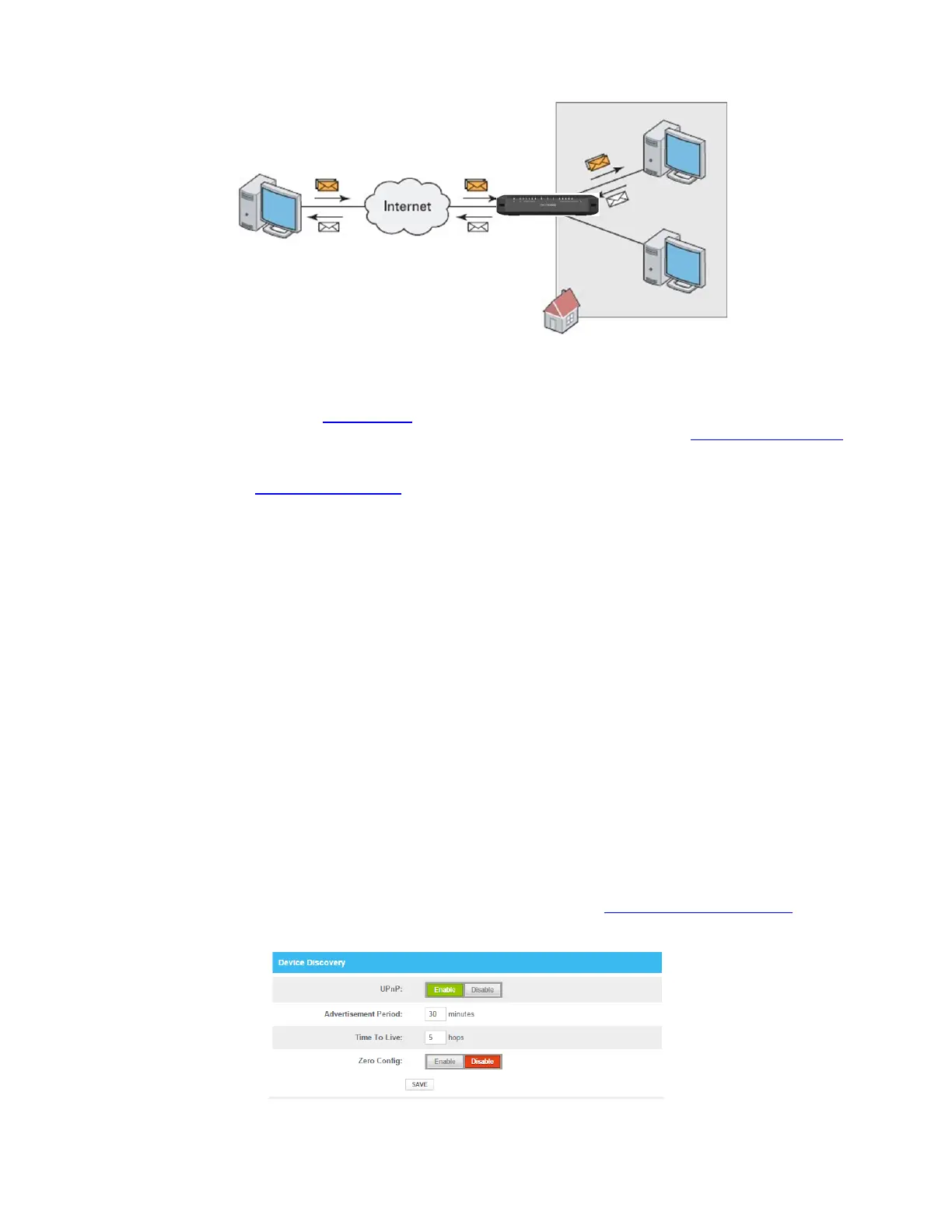
To avoid this problem, the Gateway offers the following solutions:
The Gateway supports automatic device discovery and port configuration for UPnP-enabled devices.
For more information, see “7.1.1 UPnP”
.
The Gateway allows you to assign a port to a device. For more information, see “7.1.2 Port forwarding”.
The Gateway allows you to define a number of trigger ports. When a device sends data over one of
these ports, the Gateway will automatically assign a number of related ports to the device. For more
information, see “7.1.3 Port triggering”
.
7.1.1. UPnP
UPnP is designed to automate the installation and configuration of a (small) network as much as possible. This
means that UPnP-capable devices can join and leave a network without any effort from a network
administrator.
Supported operating systems
Windows 10
Windows 8
UPnP and the Gateway
UPnP offers you the following functions:
You do not have to manually create port mappings to run services on a computer. The automatic port
configuration mechanism for UPnP-enabled applications will do this for you. If the application is UPnP-
enabled, UPnP will create these entries automatically.
You can access the Admin Tool without having to remember the address of the Gateway.
Enabling UPnP on the Gateway
1. Go to the Admin Tool (http://10.1.10.1), using a computer or other device that is currently connected to
your Gateway (either wired or wirelessly). For more information, see “Accessing the Admin Tool”
.
2. On the Advanced menu, select Device Discovery.
3. The Device Discovery page appears.



 To Next Page