CBR2 CGA4332COM- User Guide
12 of 51
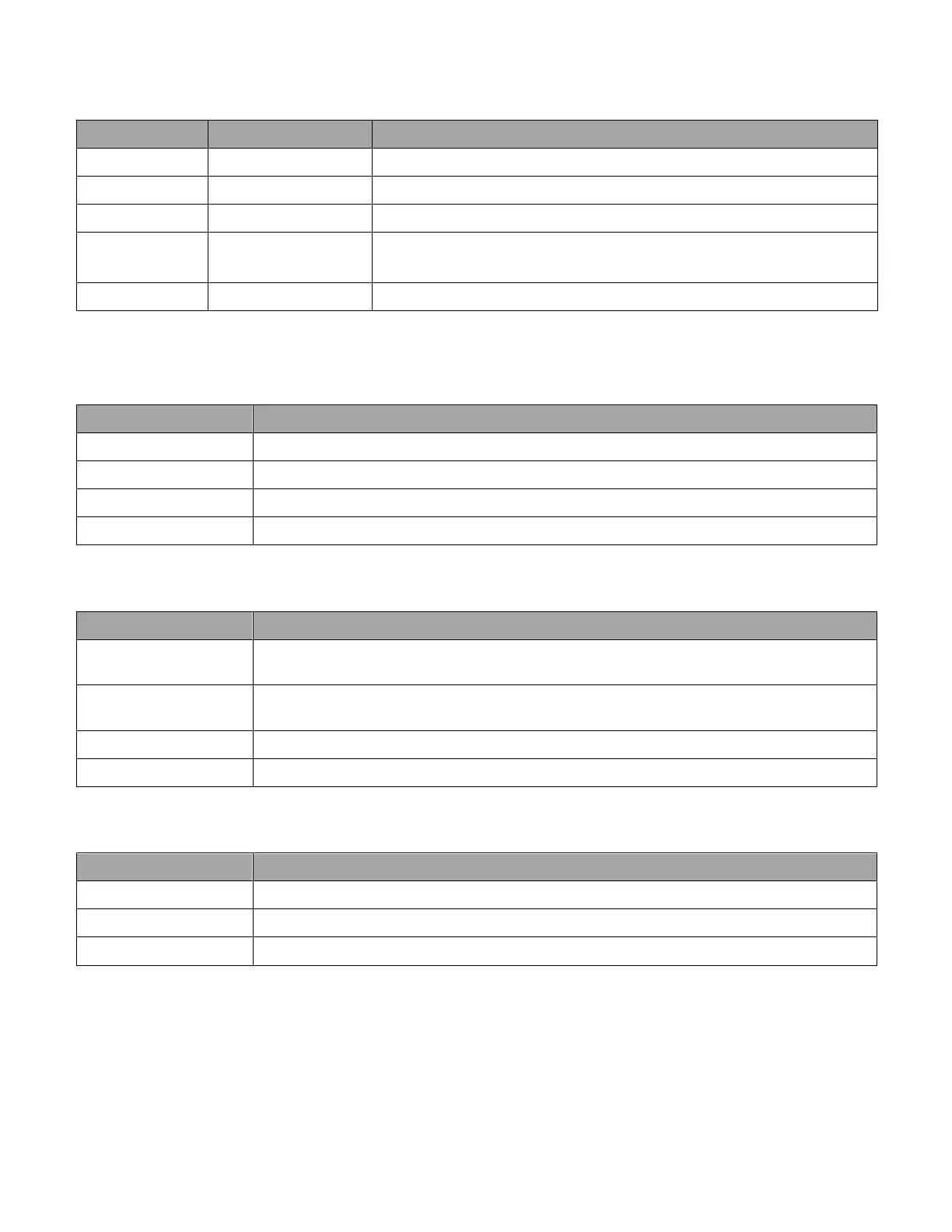
A: Power/Battery Status LED
LED LED Status Description
White Solid on On AC Power
Amber Solid on On Battery Power
Amber Blinking (1X/second) Battery at <=20% (Overrides AC / Battery Power States)
White and
Amber
Blinking (5X/second) Battery needs Replacement (Overrides AC/ Battery Power &
Battery <=20% States)
Off Off Device is off or on AC Power or Battery not installed
B: 1 Gbps - Ethernet 1 to Ethernet 6 LEDs – White
State Description
Solid on Active 1Gbps Ethernet link
Blink (1X/second) Active Traffic
Fast Blink (5X/second) Port Error: physical connection error preventing traffic/activity
Off No active Ethernet link
C: 2.5 Gbps - Ethernet 5 and Ethernet 6 LEDs – Blue or White
State Description
Solid on Blue: Active 2.5Gbps Ethernet link
White: Active 1Gbps Ethernet link
Blink (1X/second) Blue: 2.5 Gbps Active Traffic
White: 1 Gbps Active Traffic
Fast Blink (5X/second) Port Error: physical connection error preventing traffic/activity
Off No active Ethernet link
D: Online LED - White
State Description
Solid on Connection OK
Fast Blink (5X/second) No internet connectivity (has block sync)
Off No connection



 To Next Page