25
MAINTENANCE
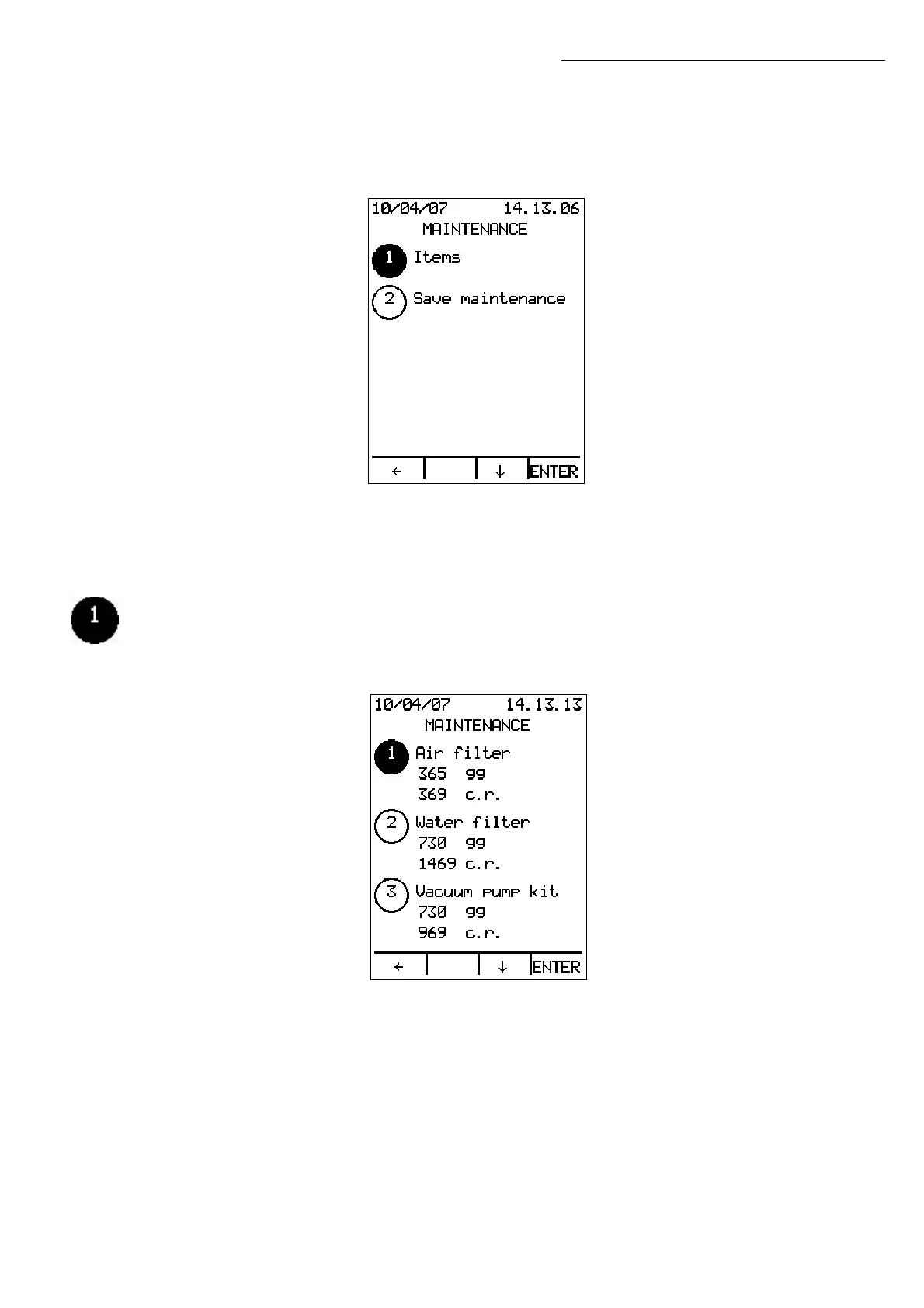
In STAND BY, press MENU and use ↓ to select the Maintenance Menu (option 5). Press
ENTER to display the following screen:
This menu contains only two options:
1. Items
2. Save maintenance
Items
Press ENTER to display the list of items subject to scheduled maintenance:
The remaining days and cycles and the last three replacements are shown for each
item with the date of intervention and the total number of cycles when the
replacement was performed.
Use the ↑↓ arrows to scroll the list of items.
Maintenance


 To Next Page