56
Printer installation
If the set up of the printer 26 (optional) takes place following the purchase of the steriliser,
a specific kit is provided. To install the components follow the procedure described below.
Note: This procedure is flexible. For this reason, keep track of the removal sequence for re-
establishing the correct operating conditions.
• Pull out the steriliser (if built-in), place it in an appropriate position and remove the
cover.
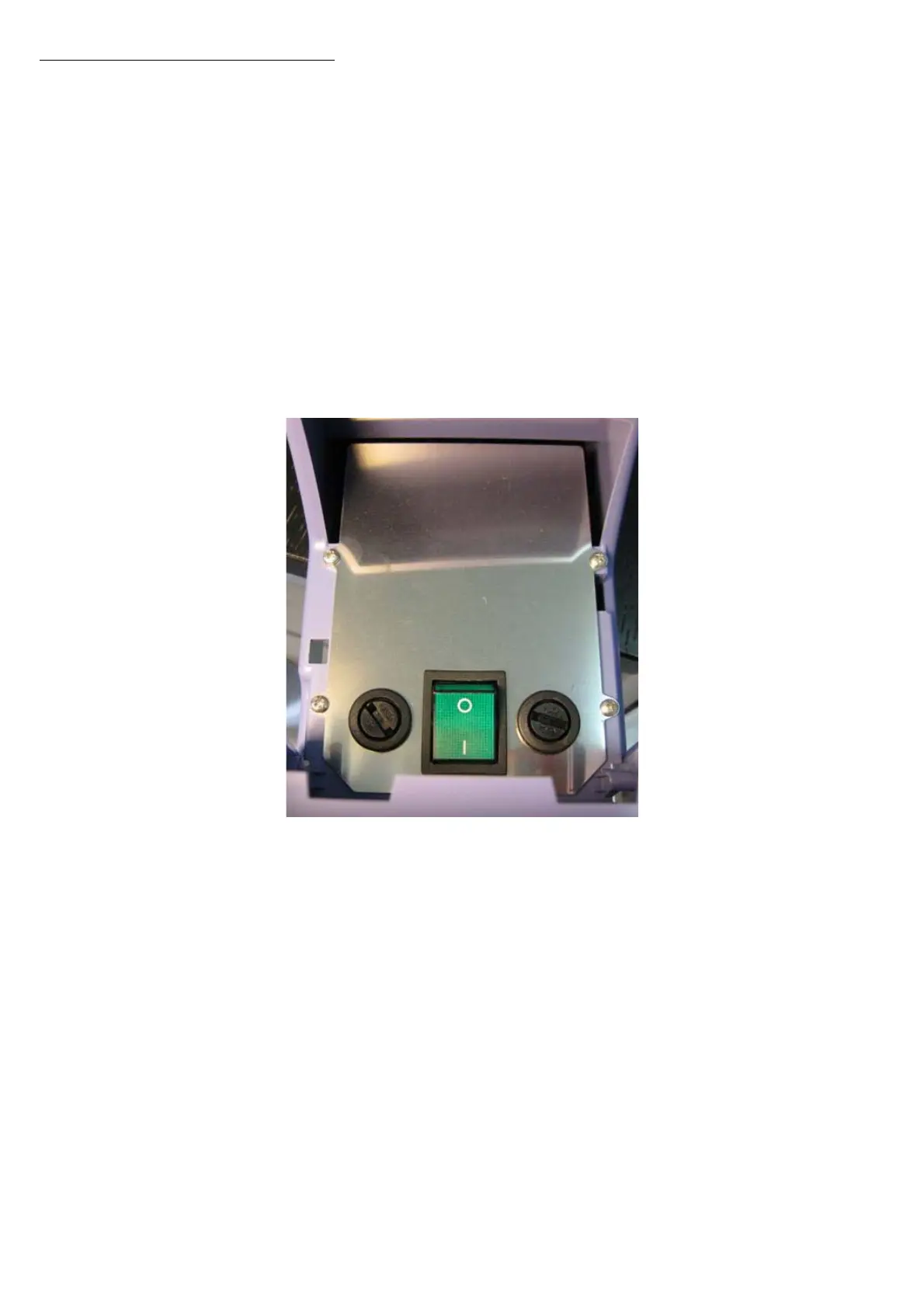
• Remove the lid (R) and keep the four fastening screws as they will be needed to fit
the printer support frame.
Printer


 To Next Page