55
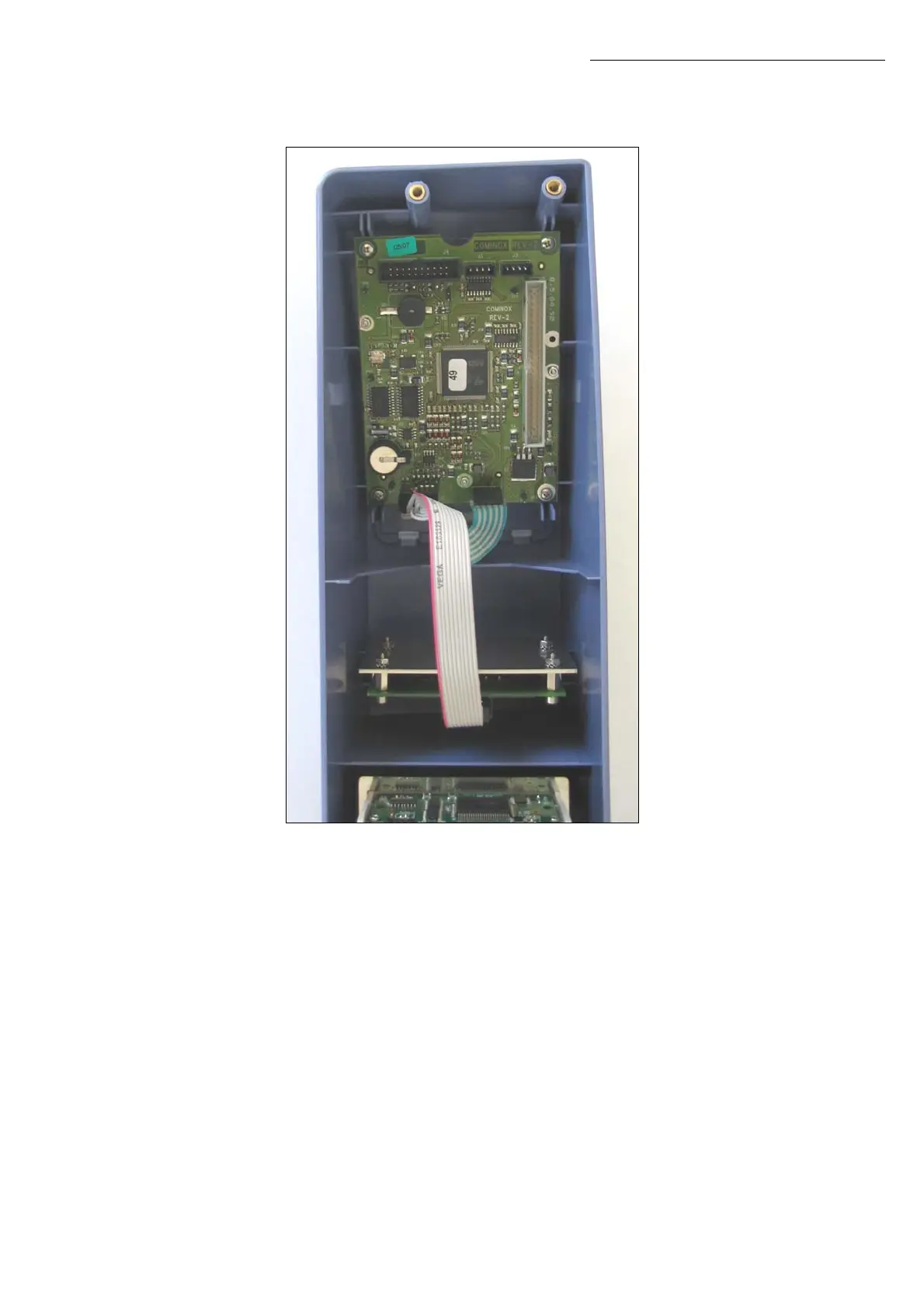
2. Mount the assembly in the control panel with the 4 self-tapping screws as shown in the
picture.
Note: The assembly must be placed as high as possible, so that the opening of the control
panel is aligned with the one of the SterilCard reader.
3. Connect end A of the cable to the SterilCard reader and connect end B to the J5
connector of the logic board. Reassemble the control panel on SterilClave.
4. Turn on the sterilizer and insert the Technician SterilCard. In the Technician Menu, scroll
to Accessories (option 16) and set CARD Reader on ON. Check that the card reader
works correctly.
5. Turn off the steriliser using the main switch and remove the Technician SterilCard. Turn
on the steriliser and insert the Administrator SterilCard.
SterilCard reader


 To Next Page