LOAD
"BLANKET"
PF~ESS
PLAY
ON
TAPE
#1
••
--
Press
PLAY
key;
tape begins moving.
Of:::
SEARCHING FOR
BLANKET
FOl/ND BLAt·jKET
LOADIHG
F.~EAIIY
....
-----------Tape
stops.
)i;~
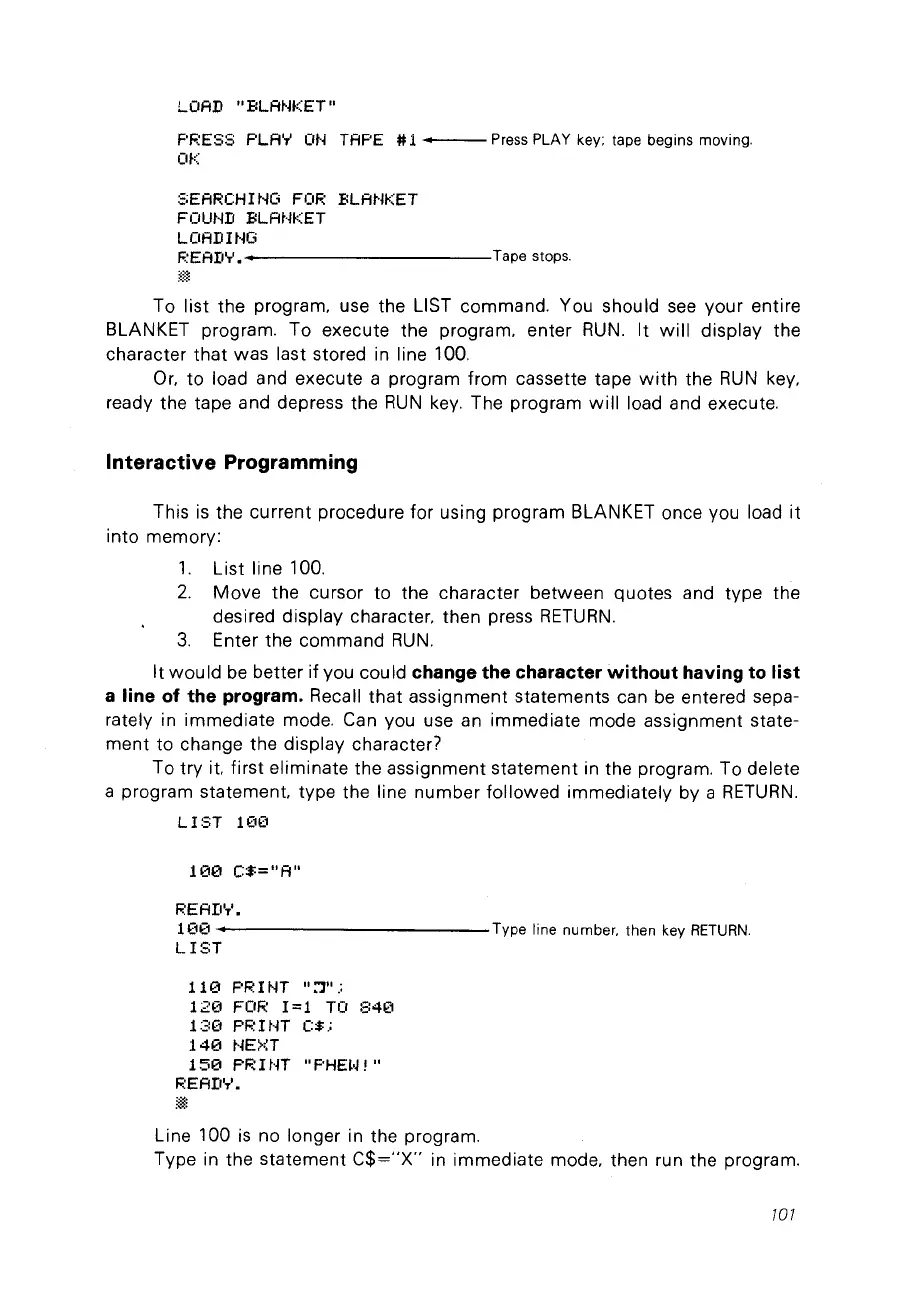
To list the program, use the LIST commando You should
see
your entire
BLANKET program. To execute the program, enter
RUN.
It
will
display the
character
that
was last stored in line 100.
Or,
to
load and execute a program from cassette tape
with
the
RUN
key,
ready the tape and depress the
RUN
key.
The program
will
load and execute.
Interactive Programming
This
is
the current procedure for using program BLANKET once
Vou
load
it
into memory:
1.
List line 100.
2.
Move
the cursor to the character between quotes and type the
desired display character, then press
RETURN.
3.
Enter the command
RUN.
It
would
be
better if vou could change the character
without
having to list
a line of the program.
Recall
that
assignment statements can
be
entered sepa-
rately in immediate mode. Can vou use an immediate mode assignment state-
ment
to
change the display character?
To try it. first eliminate the assignment statement in the program. To delete
a program statement. type the line number followed immediately by a
RETURN.
LIST
10(1
10(1
C$="A"
REAII'T'.
10€1
••
------------Type
line
number. then
key
RETURN.
LIST
11
(1
PR 1NT
":']".;
12(1 FOR
1=1
TO
840
130
PRINT
C$.:
140
NE>?T
150
PR 1NT
"PHE~·J!"
READ'T'.
Line 100
is
no longer in the program.
Type in the statement
C$="X"
in immediate mode, then run the program.
101



 To Next Page